Bonsai 2.5 on Mac: Model Size Is Not Your RAM Budget
Summary
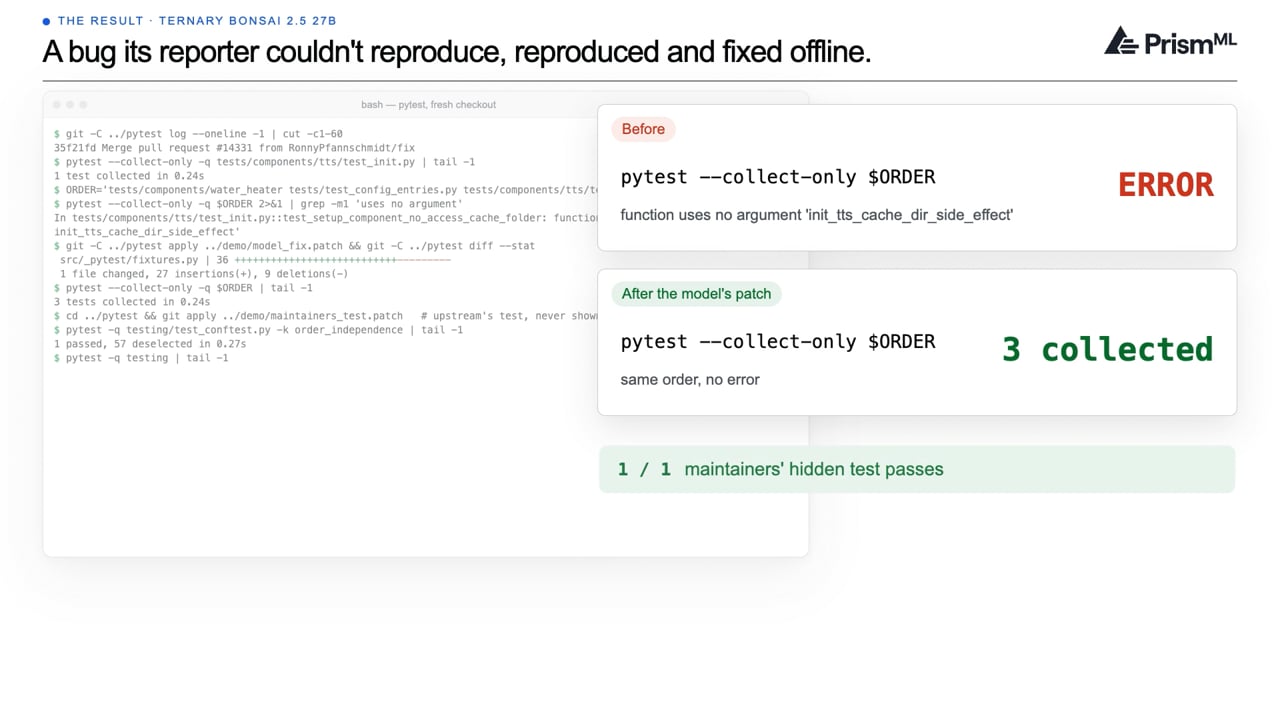
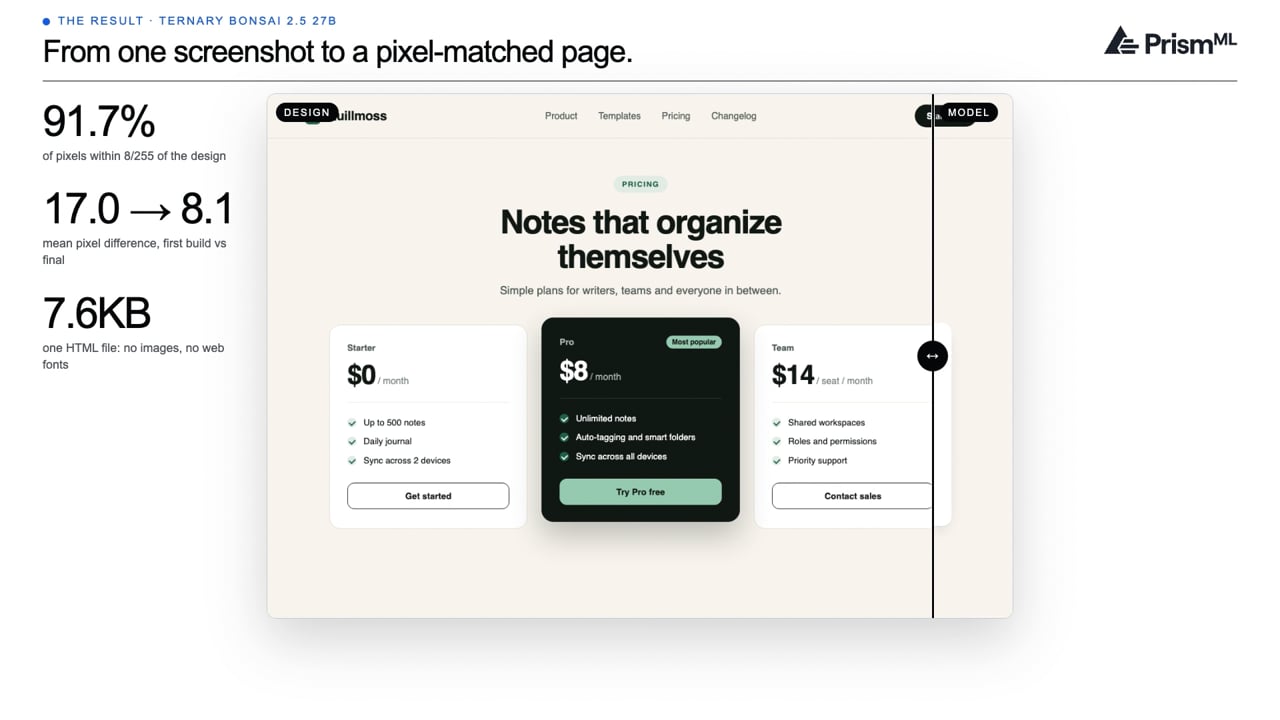
Featured image: PrismML official demonstration thumbnail; vendor-selected result, not an iDigitalNews test.
Bonsai 2.5 promises stronger coding and tool use without increasing the compact model footprint. For Mac developers, the important question is not simply whether a 27-billion-parameter model can fit on a device. It is whether the complete application can run reliably alongside the files, tools and other software it needs.
PrismML’s release announcement, available on November 25, 2026, describes Ternary Bonsai 2.5 27B as an upgrade based on Qwen3.8 27B. Its benchmark results are vendor-reported, not independent tests by iDigitalNews.
Bonsai 2.5: distinguish footprint from working memory
PrismML advertises a 5.9 GB compact model footprint. However, the Apple silicon model card describes a package containing a 2-bit, group-128 language model and an FP16 vision tower, plus an optional multi-token prediction head. These are different components, not interchangeable descriptions of total application memory.
The practical budget must also leave room for the runtime, context cache and operating system. A downloaded weights size is therefore not a minimum-RAM guarantee. Likewise, a compact language model does not mean every supported image or long-context workload has the same memory requirement. Measure the actual workload rather than buying hardware around the headline number.
What the reported benchmarks do and do not show
PrismML reports SWE-bench Verified improving from 60.8 to 75.6, and AppWorld from 51.2 to 90.5 compared with Bonsai 2. Terminal-Bench rises from 52.8 to 60.1. Those results support the company’s emphasis on multi-step execution, but they do not establish a success rate for an arbitrary private repository.
There is also a regression: LiveCodeBench v6 moves from 83.8 to 83.0. Different evaluation tasks exercise different capabilities. A single average or selected improvement can hide that distinction, especially when an application depends on a narrow kind of code generation.
Speed claims need the same care. The announcement reports 291 generated tokens per second on an NVIDIA H100 with multi-token prediction, and 204 on an RTX 4090. Neither number is a Mac benchmark. The MLX model card explicitly says throughput for its optional draft-head example has yet to be measured.
A bounded evaluation before granting tool access
A useful first trial is a disposable copy of a small repository with one known failing test. Record the starting revision, the prompt, the model package, the runtime version and the resulting patch. Ask the assistant to explain the failure, propose a fix and run the relevant test through your chosen harness. This is a proposed evaluation method, not a test we have performed.
Then inspect what changed. Did it modify unrelated files? Did a passing test actually cover the bug? Did it recover correctly after a command failed, or merely repeat the command? These observations are more directly useful for your deployment than assuming that a published benchmark transfers unchanged.
Keep shell, network and file permissions narrow. A model that runs locally can still be attached to tools that send data elsewhere. Local inference describes where model computation happens; it does not by itself prove that the complete agent is offline or private.
Use the supported loader, then measure
The model card specifies Python 3 on an Apple silicon Mac and a bundled loader that applies signed Hadamard transforms required by the language weights. Its documented route downloads the repository, installs the runtime requirements and runs the included quickstart. Follow that package’s instructions rather than assuming a generic loader will interpret every compressed artifact correctly.
For an initial trial, start with a short text-only request. Add image input and longer tasks separately while recording memory and response behavior. The weights are released under Apache 2.0; the card also points to upstream attribution and the bundled loader’s license.
Developers comparing local and hosted approaches can use our API cost and workflow comparison as a separate budgeting framework. A local model changes where costs and constraints sit, rather than eliminating them. The decision should turn on your measured hardware fit, task quality and permission boundaries—not the smallest advertised file size.