November 2026 Google System Updates: Versions, Features and Rollout Checks

Summary
The November 2026 Google System Updates include Google Play services 26.44 and Play Store 54.0, both listed on November 9. Earlier entries cover Play services 26.43 and Play Store 53.9. These are separate component updates: a new feature in the release notes does not mean every Android device receives it immediately, or that its Android version changes.
Primary reference: Google System Services Release Notes. Availability and documentation checked November 10, 2026.
Which November versions are documented
As of November 10, Google’s official system-services release notes list two weekly sets of November updates. The November 9 entries cover Play services 26.44 and Play Store 54.0. The November 2 entries cover Play services 26.43 and Play Store 53.9. Treat this as a dated snapshot, because the monthly notes can gain additional entries.
| Component | Version and listed date | Selected changes |
|---|---|---|
| Google Play services | 26.44 — November 9 | Wallet capabilities, developer APIs and system-management changes. |
| Google Play Store | 54.0 — November 9 | Contextual suggestion chips, game sign-in state updates and selected subscription promotions. |
| Google Play services | 26.43 — November 2 | Family management, credential-import choices and connectivity changes. |
| Google Play Store | 53.9 — November 2 | Play Protect reminders and game-detail highlights. |
Google labels entries by device type, including Phone, PC, Auto, TV and Wear. A phone-specific feature is not automatically a new watch feature. Likewise, a developer API entry describes something applications can use; it does not necessarily add a visible setting for every owner.
Wallet and Play Store changes to look for
For Play services 26.44, Google lists Traveler QR in Wallet and support for adding Matter Aliro-compatible single-family residential keys through Google Home. Those descriptions should not be read as support for every payment location or every smart lock. Check the specific service, hardware and regional requirements before expecting the feature to work.
Play Store 54.0 lists contextual AI suggestion chips on single-event LiveOp event-detail pages. It also includes real-time updates of Play Games sign-in/sign-out state to the Store and subscription-related Play Points promotions for selected users. The selected-user wording matters: installing a version is not a promise of receiving a promotion.
The November 2 notes also describe manually choosing which credentials to keep when importing conflicting passwords and passkeys in Google Password Manager. Family management gains an Android Family Hub entry in Settings. These are documented changes, not features tested on our own device.
Why the Android version and Play system date differ

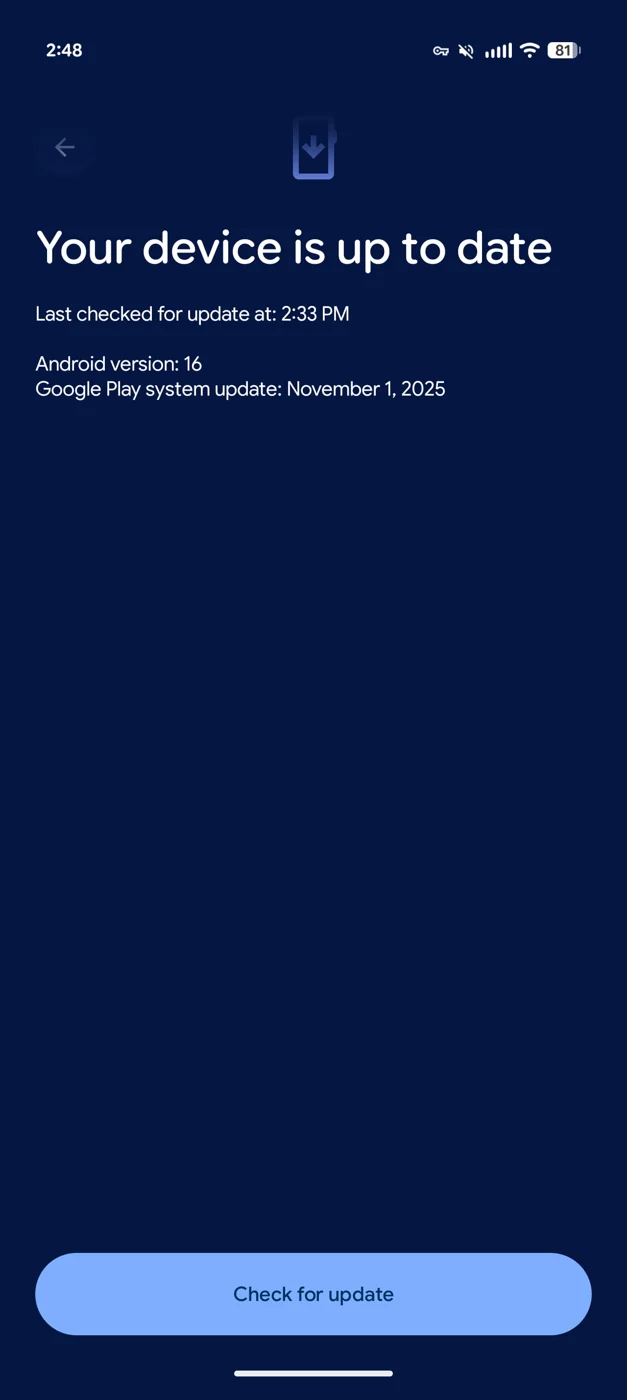
Archival screenshot via 9to5Google showing a November 2025 Play system date. Included to explain the separate date field, not to demonstrate the November 2026 rollout. Image context/source.
Google’s Android update guidance lists the Android version, Android security update, Google Play system update and build number as separate fields. Google Play services and the Play Store additionally have their own app versions. A single “my phone is up to date” message cannot establish that every component or feature is on the same release schedule.
This distinction prevents a common diagnostic mistake. Seeing an older Google Play system date is not, by itself, proof that Play services 26.44 failed to install. Equally, seeing the latest Store version does not prove the phone received a newer operating-system security patch. Record the relevant field for the problem you are investigating.
The archival screenshot below illustrates where a Play system date can appear. Its November 2025 date is historical interface context, not a claimed November 2026 installation result. Menu labels and layouts vary by manufacturer and software version.
How to check your device without confusing the layers
Open Settings and look under About phone or About tablet, then Android version. Google’s guidance says this area shows the Android version, security update, Google Play system update and build number. Note those values separately rather than combining them into a single “November update” label.
For operating-system update status, Google documents Settings → System → Software updates, followed by the on-screen instructions. It recommends Wi-Fi and at least 75 percent charge before updating. Manufacturer menus may differ; use the equivalent documented path for your device. The official update instructions also explain that older devices cannot always run newer Android releases.
Play services and Store versions must be checked as the respective components, not inferred from the Android version field. On Pixel, 9to5Google documents a Google-services route through Settings, the All services tab, Privacy & security and System services. Follow your device’s current menus rather than assuming a Pixel path exists unchanged on every Android phone.
If the version is present but the feature is missing
First, confirm the release-note device label and any account, region or hardware dependency. Next, distinguish an app-version update from a feature rollout. A changelog can describe a capability before all eligible users see it. The public notes do not provide an individual activation deadline for every device.
If a software download itself fails, Google says the device can retry automatically over the following days and notify the owner. That is different from a successfully installed component whose new feature has not appeared. Avoid a factory reset simply to chase a suggestion chip or a targeted promotion.
For a separate operating-system example, see our Android 17 QPR1 beta bug-fix coverage. A beta release and these Google system-service entries are different update tracks; this article does not recommend joining a beta to obtain the November services changes.
What this November guide does and does not establish
The official notes establish the listed component versions, dates and described changes. 9to5Google’s roundup adds useful context about rollout delays and component checks. Neither establishes universal availability on a particular reader’s phone.
The useful approach is to match a feature to its component, verify the appropriate version or setting, then check eligibility. Do not mistake a release-note entry for a guaranteed device upgrade, a new Android security patch or proof that every announced feature is already active.
Featured image:
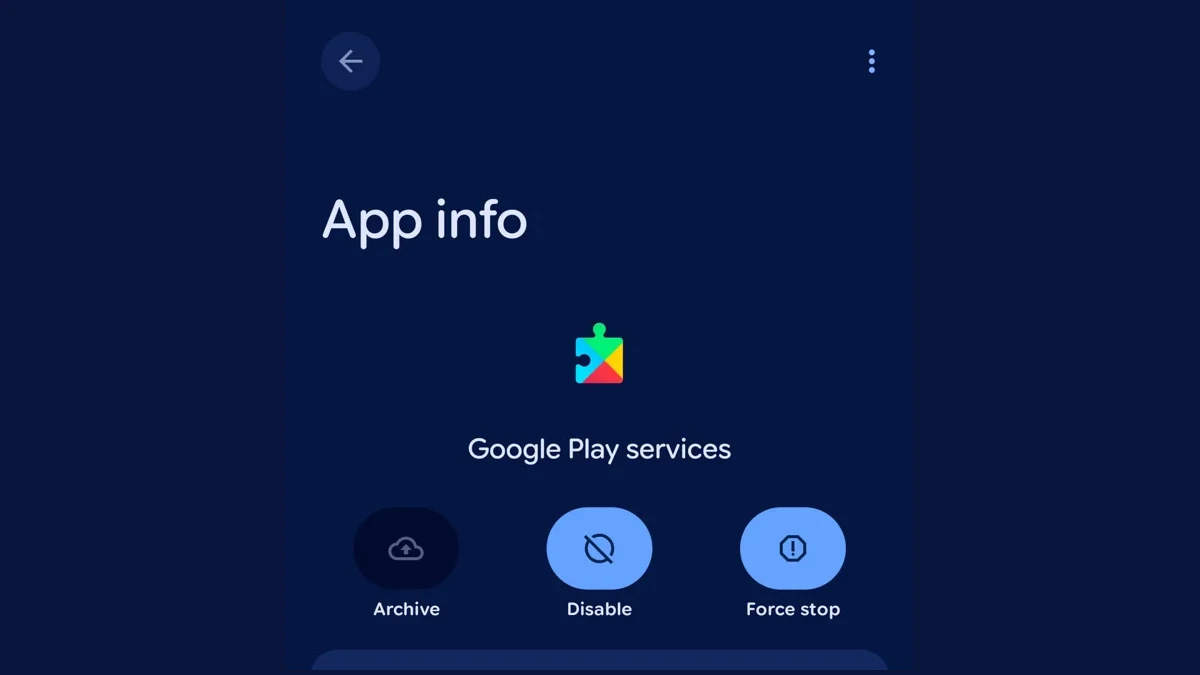
Archival Google Play services interface screenshot via 9to5Google, cropped for a wide preview. It is not evidence of a November 2026 installation. Image context/source.