Gemini 4 Neon Pricing: Budget the Output, Not Just Input

Summary
Featured image: Original iDigitalNews explanatory illustration, not a product screenshot.
Gemini 4 Neon pricing starts at $3 per million input tokens and $15 per million output tokens, according to Google’s November 18 announcement. The practical question is not simply whether Neon is cheaper than another flagship model. It is whether your actual task produces enough useful work, with enough verification, to justify its total token bill.
What Gemini 4 Neon changes
In its official announcement, Google positions Neon between Hydrogen for everyday execution and Carbon for the hardest long-horizon work. Neon targets coding, analytical reasoning and complex enterprise workflows. It supports a one-million-token context window and four thinking levels. These are announced product capabilities, not results from an iDigitalNews hands-on test.
Google says rollout began on November 18 through the paid Gemini API in AI Studio, Gemini for business, and the Gemini app and Antigravity for eligible AI Pro and Ultra subscribers. As of November 19, treat this as a rollout: account eligibility and the product surface still matter. A consumer subscription and an API usage bill are different purchasing arrangements.
Gemini 4 Neon pricing: a worked budget
For standard uncached input, the announced rates imply a simple estimate: input tokens divided by one million, multiplied by $3, plus output tokens divided by one million, multiplied by $15. Cached input is listed separately at $0.15 per million tokens. Do not assume all repeated text automatically qualifies for that discount; check the billing behavior of your integration.
Consider a hypothetical document-analysis request with 100,000 input tokens and 5,000 output tokens. Input would cost $0.30 and output $0.075, giving $0.375 for those token quantities. One hundred identical requests would be $37.50. This is arithmetic using the announced rates, not an observed invoice or a complete estimate including every possible service charge.
If the same task instead produces 20,000 output tokens, output costs $0.30 and the total becomes $0.60 per request. The document did not change; the answer length did. This is why demanding exhaustive prose for every task can undermine a model’s apparent price advantage. Thinking settings, retries, tool interactions and billable token accounting must also be checked against the actual usage report.
Compare a completed task, not a leaderboard row
Google reports strong coding, scientific and agentic benchmark performance. It also reports a 32% lower cost per task than Carbon at Neon’s default high thinking level on its cited comparison. Those are attributed evaluation claims, not a guarantee that every codebase or financial workflow will see the same savings.
A useful local evaluation starts with a bounded set of representative tasks: one document summary with citations, one spreadsheet consistency check and one repository change with existing tests. Keep the inputs, acceptance criteria and tool permissions comparable. Record failures and retries as well as the first answer’s token bill. A cheaper response that needs multiple repair attempts can be a more expensive completed task.
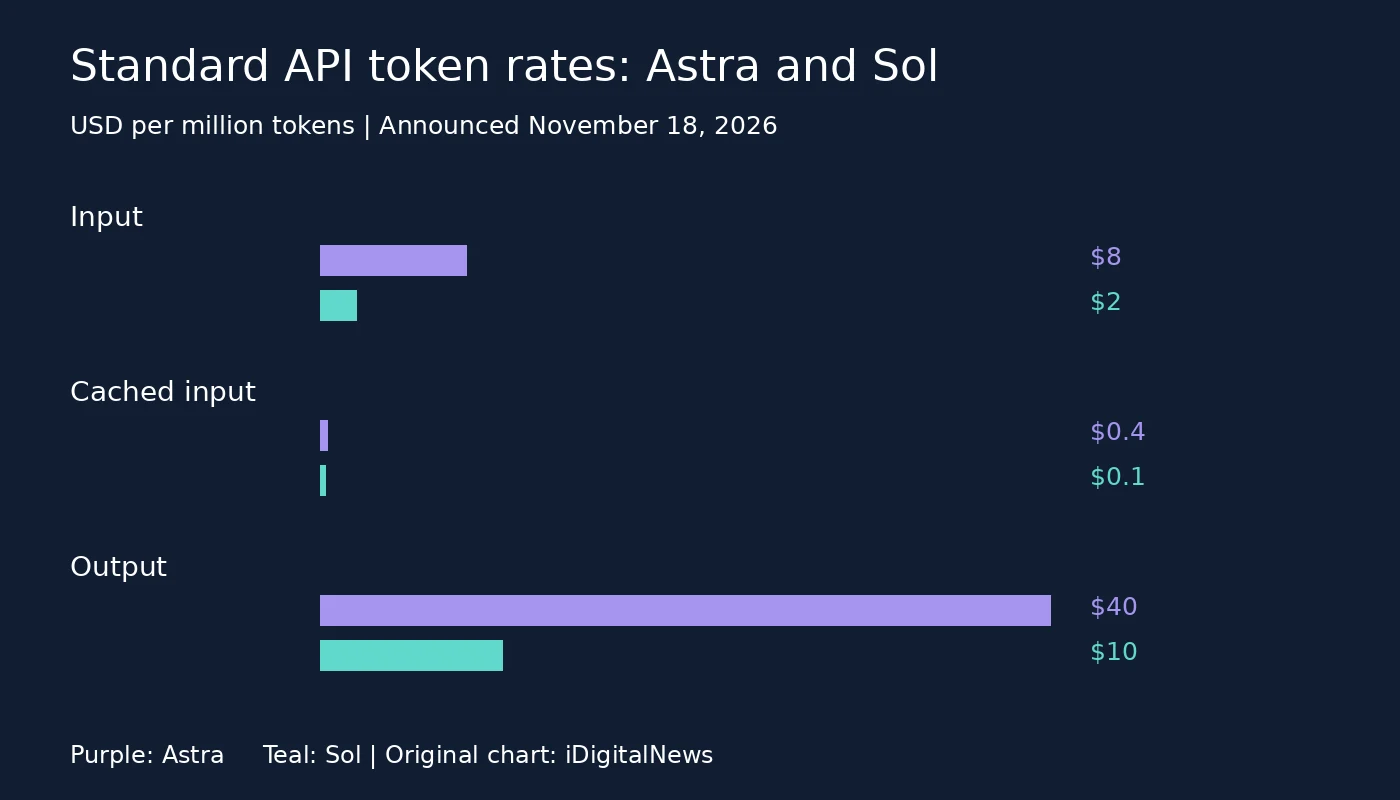
Our GPT-6.2 Astra and Sol cost comparison addresses the same budgeting distinction across another model family. It is not evidence that the models have been independently benchmarked against Neon here.
A large context window is not a verification guarantee
One million tokens creates room for substantial documents, but it does not establish that every detail will be retrieved correctly. For consequential analysis, ask the model to identify the supporting passage or spreadsheet cell and check that reference yourself. Separate extracted facts from recommendations, especially where contracts, tax rules or security findings are involved.
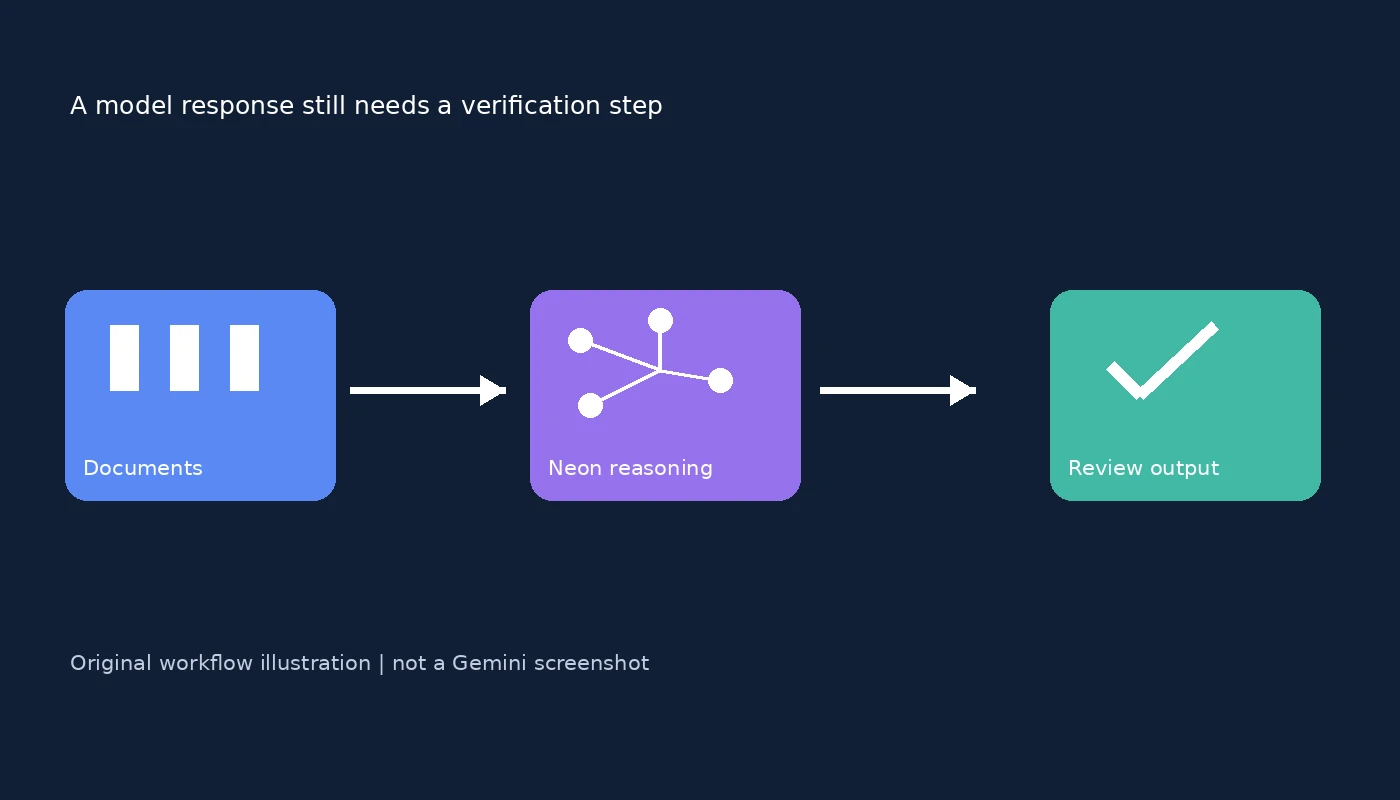
Google describes improved fabrication resistance and prompt-injection defenses. Neither removes the need to restrict an agent’s authority. A document-reading task should not automatically gain permission to send messages, modify production files or approve payments. Use a review boundary between analysis and action, as the original workflow illustration shows.
When to try Neon first
Neon is a reasonable candidate to evaluate when routine reasoning is too demanding for a lightweight model but the workload repeats often enough for output cost and latency to matter. Keep Carbon or another model in the comparison for the hardest cases rather than migrating everything based on a launch-day claim.
Before switching, confirm access in the actual app or API, inspect a small run’s usage records, and compare accepted outputs against the same rubric. That produces a defensible decision without confusing a subscription perk, a benchmark score and an operational cost estimate.