Google Search Gemini Sidebar: What the Rollout Changes
Summary
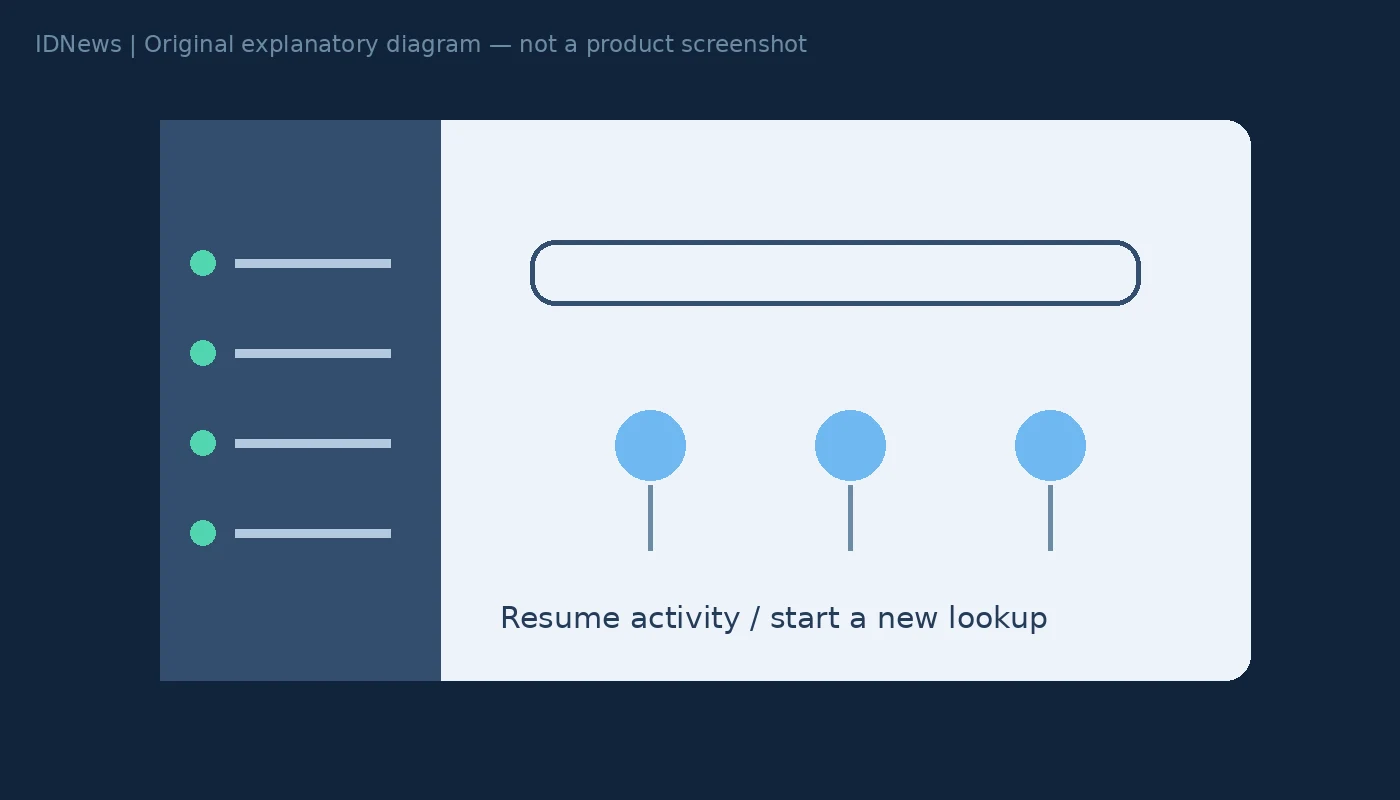
The Google Search Gemini sidebar brings AI activity closer to the desktop search homepage. Google executive Robby Stein has announced a global rollout of a collapsible sidebar for returning to recent AI searches. Reporting also describes Gemini chat history and task shortcuts. As of November 20, 2026, a rollout announcement should not be read as proof that every account already has the same interface.
What is confirmed about the Google Search Gemini sidebar
In the publicly accessible title of Stein’s announcement, Google describes a collapsible sidebar on the desktop homepage and a way to jump back into recent AI searches. The full post required a login in our retrieval, so the accessible announcement does not independently verify every interface detail. 9to5Google’s report describes a broader Gemini-oriented redesign: shortcuts for creating images, analysing files and brainstorming, plus a sidebar containing chat history, tasks and a new-chat option. Those details are attributed to the report, rather than presented as our own interface test.
A navigation change is not a new privacy policy
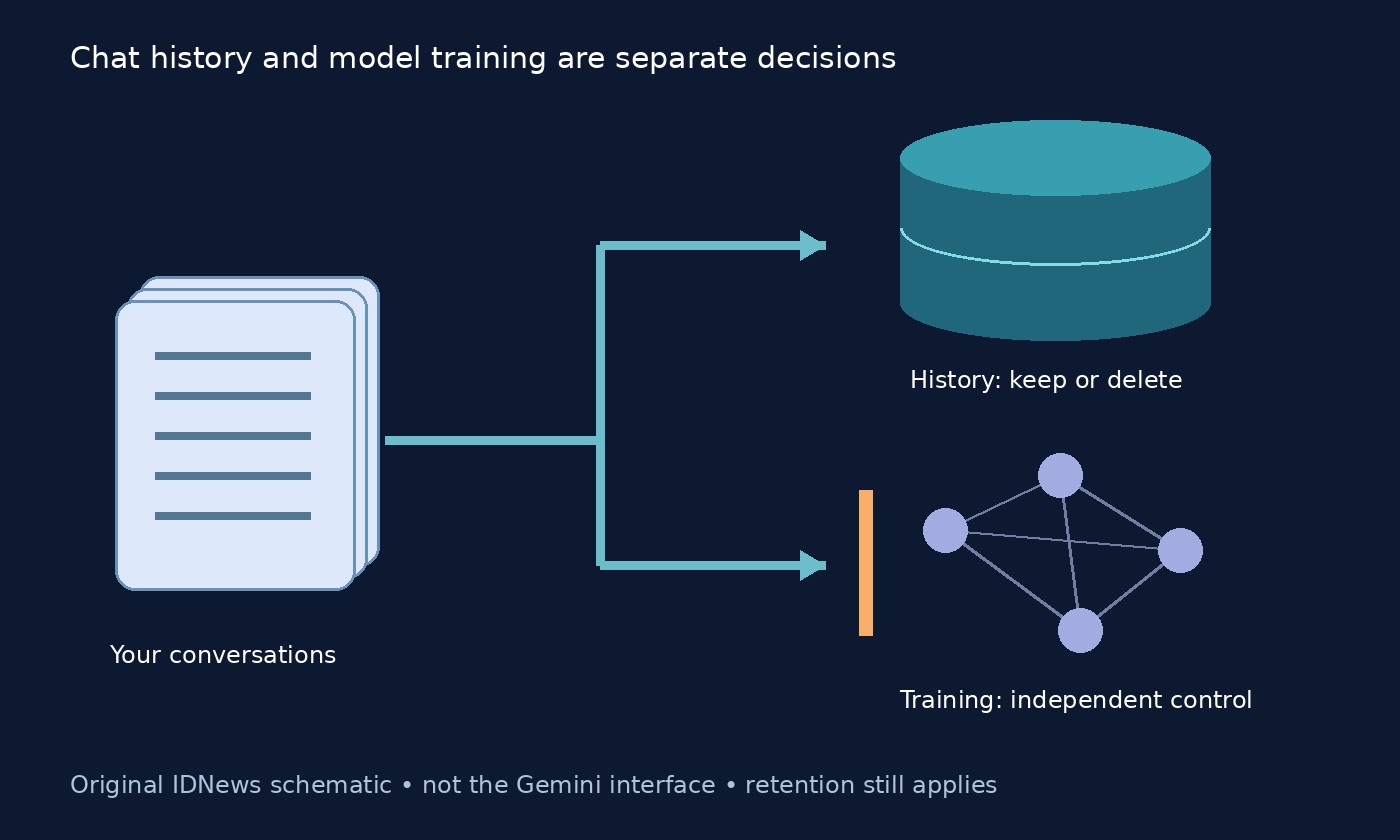
The immediate practical change is where users can resume an activity. A link to an existing conversation and a change to the underlying retention policy are different things. Neither the accessible announcement nor the reporting we reviewed establishes a new data-retention rule simply because a sidebar appears. If you share a computer, check the signed-in Google account before reopening a conversation. A visible history panel may make prior activity easier for someone at the screen to notice. That is a practical shared-screen consideration, not a claim that Google has made conversations public or shared them with other accounts.
Choose Search or an existing conversation deliberately
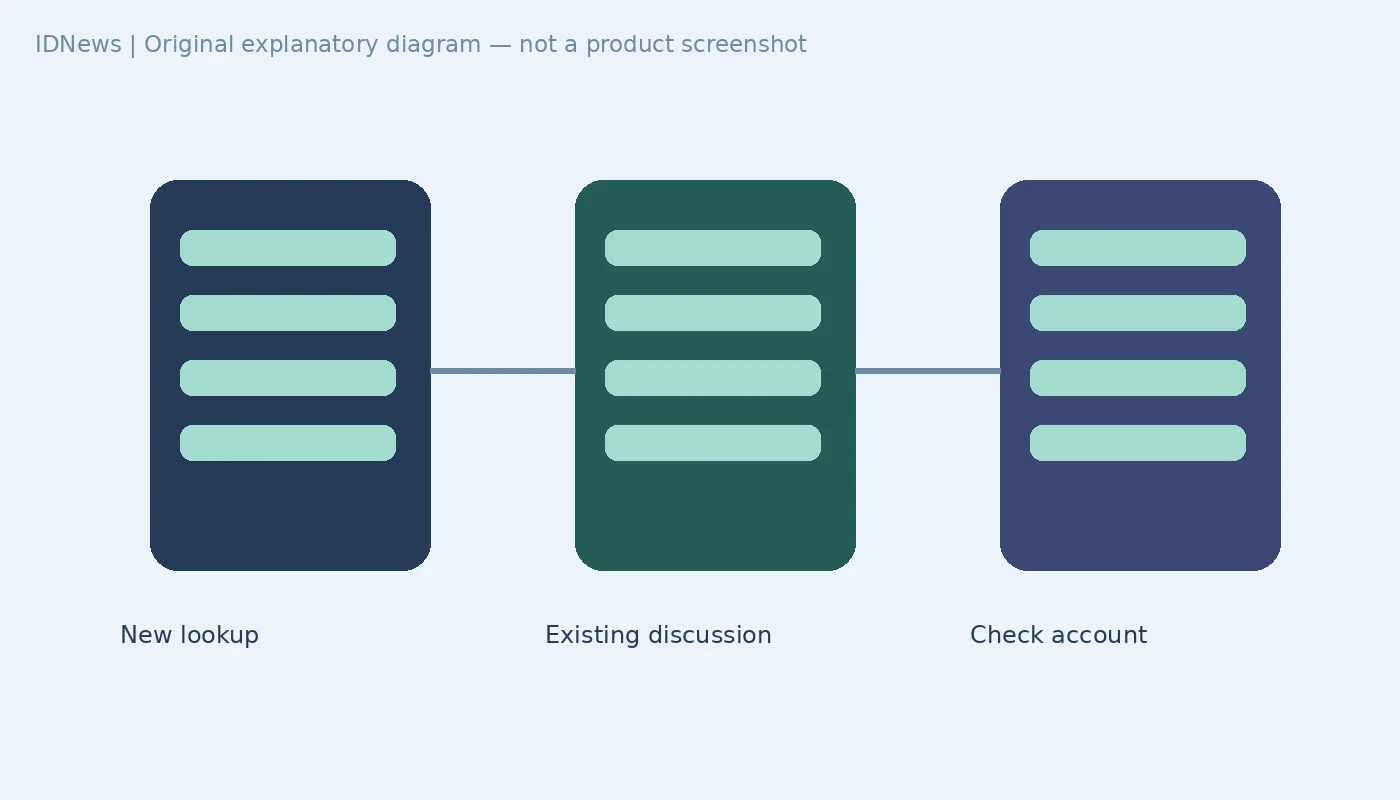
A useful way to approach the redesigned homepage is to distinguish two intentions. For a new web lookup, begin a new search and assess the results. For a continuing project, deliberately reopen the relevant conversation rather than assume a fresh query will carry the context you want. For example, someone researching a phone purchase might use an existing discussion to revisit preferences, but still check current specifications on the manufacturer’s site. This is an editorial workflow suggestion, not a test of context transfer between Search and Gemini. The source material does not justify assuming every Search mode and Gemini chat is interchangeable.
What to check if your homepage looks unchanged
9to5Google reports that the rollout is global while noting its own devices had not yet shown the new design when the story was written. That combination is a reminder that announcement scope and account-level availability differ. The evidence reviewed does not provide a universal completion date or a supported switch that forces the interface to appear. Avoid installing browser extensions that promise to unlock it merely because your account still has the old layout. Separately review the settings described in our Gemini history and AI-training controls guide; a navigation redesign is not evidence those controls have been reset. This article is based on the accessible announcement and attributed reporting, not a hands-on account rollout check.