Apple HomeView Security Update: What to Check on Day One
Summary
Apple’s first HomeView security update is available before many buyers have unpacked the device. Released on November 12, 2026, HomeView Software Version 27.2 addresses nine vulnerabilities, including issues affecting Bluetooth pairing and iMessage group privacy. For households receiving HomeView from November 13, checking the installed software should be part of setup, not something postponed until a problem appears.
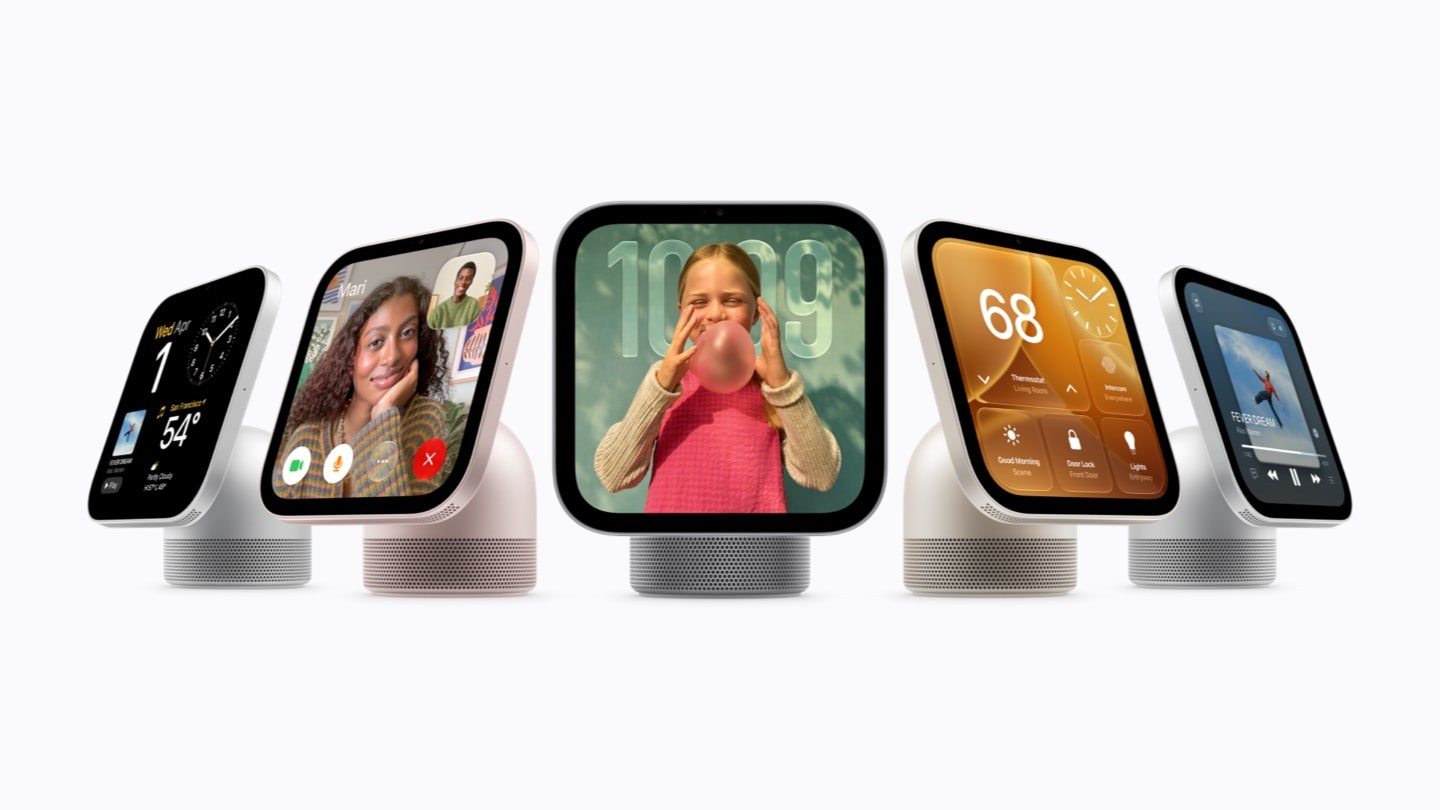
Featured image: Apple HomeView launch press photograph. Credit: Apple.
What the HomeView security update fixes

Apple HomeView launch press photograph. Credit: Apple. Context and source.
Apple’s security bulletin lists nine CVE entries. These are not nine identical ways to attack the device: they involve different components, proximity requirements and consequences. AirPlay and CoreUtils entries address weaknesses in pairing-code attempt limits. Another CoreUtils issue could allow a malicious Bluetooth device to pair without user interaction. A Bluetooth memory-safety flaw is listed separately. See the primary announcement for the documented details.
That distinction matters when deciding what a report means for your household. Several issues require an attacker within Bluetooth range, while the rapportd entry concerns an attacker on the same network. Those conditions differ from a vulnerability reachable by any remote internet user. Keeping an unfamiliar device away from your network is useful, but it is not a substitute for installing the fixes.
Messages privacy is a separate concern

Apple HomeView launch press photograph. Credit: Apple. Context and source.
Two Messages entries describe authorization problems. CVE-2026-113961 could allow a remote attacker to join an iMessage group and receive its messages. CVE-2026-113960 concerns a user added to a group accessing messages sent before joining. Apple says the first was addressed through improved validation and the second by removing vulnerable code.
The bulletin also covers an App Intents issue involving access to sensitive user data and a brotli memory-corruption issue triggered by crafted input. The descriptions establish potential impacts, not evidence that your own conversations have been accessed. The notice does not state that these particular issues were actively exploited. Treat claims of a confirmed mass breach as a different assertion requiring separate evidence.
A practical launch-day checklist
First, confirm the software version installed on the HomeView you receive. The relevant security release is version 27.2. If the device offers a newer supported release by the time you set it up, read its release information rather than assuming 27.2 must be installed manually first. Follow the device’s own software-update prompts; this article does not invent a menu path that we have not tested. For a separate but related development, see our coverage of the earlier macOS certificate security fix.
Complete any offered update before inviting the whole household to connect personal accounts and shared conversations. Keep the device powered and connected as instructed during installation. Afterward, confirm the displayed version again instead of assuming that downloading an update means it has finished installing. If setup or updating fails, use Apple’s official support route rather than third-party firmware downloads.
For a shared-room screen, also review which household members can access personalized content. That is an operational privacy check, not a claim that changing a household setting repairs a software vulnerability. Updating the device and choosing appropriate sharing settings address different parts of the risk.
Launch availability does not make every feature universal
Apple’s October announcement lists November 13 availability in launch markets including Singapore, the US, the UK, Australia, Canada, India and New Zealand, with South African availability through authorized resellers. US pricing starts at $299; that is not a Singapore-dollar price quote. Apple says Siri AI starts in English in the listed supported markets.
Setup and multiuser support require a compatible iPhone or iPad running current supported software. Some personalized Siri features also depend on a paired Apple Intelligence-capable device and supported language. A successful security update does not remove those hardware or regional requirements.
The useful day-one decision is therefore straightforward: verify software first, then decide which personal and smart-home functions to enable. This is a documentation-based guide, not a hands-on HomeView test, and it makes no claim that one update eliminates every future privacy or security risk.