Fitbit Watch Faces Change on November 28: What Owners Should Keep
Summary
Fitbit third-party watch faces and apps already installed on affected smartwatches will remain available after November 28, 2026. However, owners will no longer be able to install new third-party items or update them. Deleting an item or factory-resetting the watch will also remove the option to reinstall it, according to Google’s support guidance.
Primary reference: Google Fitbit support guidance. Availability and documentation checked November 10, 2026.
What changes on November 28
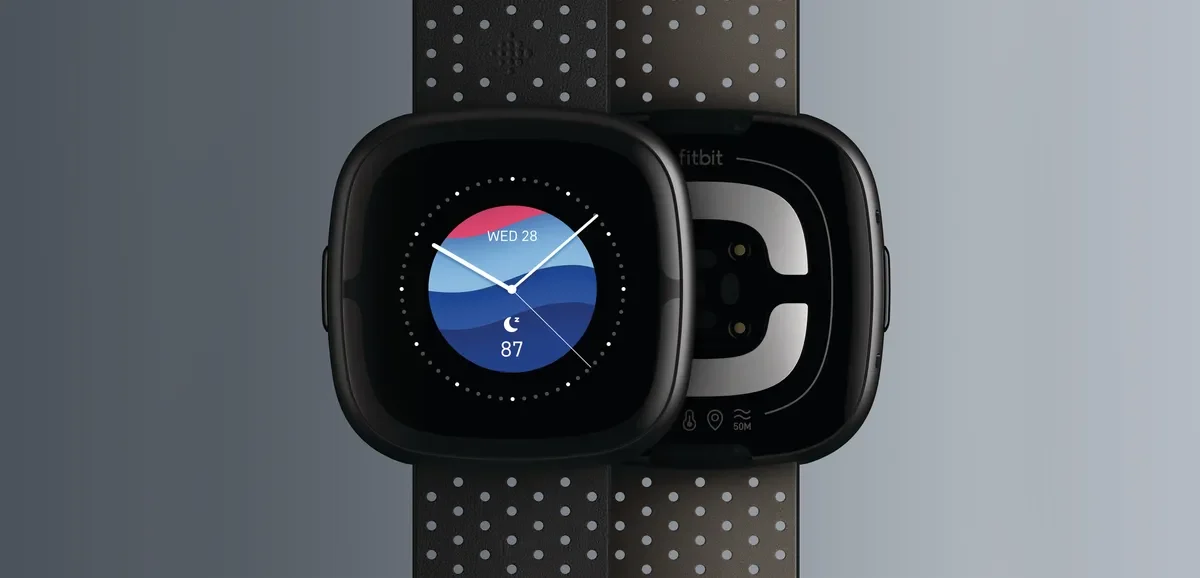
Sense 2, shown in an archival Google/Fitbit product image. Hardware appearance does not identify which gallery items remain downloadable. Image context/source.
As of November 10, Google’s official Fitbit app guidance sets a November 28, 2026 cutoff for installing and updating third-party apps and clocks. The gallery will continue to offer apps and clocks developed by Fitbit and Google. This is a change to software distribution, not an announcement that every affected watch stops working on that date.
The important distinction is between keeping something installed and being able to retrieve it later. Google says existing third-party installations will continue to work. That does not amount to a promise of indefinite developer support, future compatibility or continued operation of any external service an app might use.
Which Fitbit models are on Google’s list
Google names Fitbit Sense and Sense 2; Versa, Versa Lite, Versa 2, Versa 3 and Versa 4; and Fitbit Ionic. The list covers more devices than just the latest Sense and Versa models. It should not be read as evidence that every listed model has always supported the same third-party apps or features.
The same support page flags the Ionic’s voluntary recall. This gallery notice is not a reason to resume using a recalled Ionic. Owners of that model should follow the recall guidance linked by Google rather than treating app access as their main maintenance question.
Owners of a different Fitbit device should not assume it is affected merely because it uses the same companion app. Check the model-specific notice before changing settings. A restriction described for these smartwatch families is not automatically a restriction on every tracker or Google watch.
Keep, delete or reset: the practical difference
| Action | What Google’s notice means |
|---|---|
| Keep an installed third-party item | It remains usable after the cutoff, according to the notice. |
| Install or update a third-party item after November 28 | No longer supported. |
| Delete a third-party item after the cutoff | You cannot reinstall it through the gallery. |
| Factory-reset the watch after the cutoff | Previously installed third-party items cannot be restored through reinstallation. |
| Use Fitbit- or Google-developed offerings | These remain available in the gallery. |
A factory reset is therefore no longer a neutral troubleshooting step for someone who depends on a particular third-party clock. Before resetting, establish whether the problem actually requires it and whether an official replacement covers the same need. Do not assume account synchronization creates a restorable copy of a discontinued gallery item.
What to check before the deadline
First, identify the apps and clock faces you actually rely on. Note their names and developers, and check whether they are already installed on the watch. Keeping a record helps you evaluate alternatives later; it is not a backup or a guarantee that the software can be recovered.
Second, review any available updates while installation and updates are still supported. Google documents manual checks in the companion app: open Google Health with the watch nearby, choose Connections and the device, then open the Apps tab. An Update button appears for an app with a pending update. Follow the current official instructions if your interface differs.
Third, review permissions instead of granting access indiscriminately to preserve an app. Google advises installing only from trusted sources and being mindful of shared data. The deadline does not make unofficial recovery files or unknown app links safer.
What remains available, and what is not promised
Google’s notice says Fitbit- and Google-developed apps and clocks remain accessible. It also asks users to update to companion-app version 5.12 so those offerings continue to function as expected. Follow the current official app listing and support guidance rather than downgrading a newer installation to match a number quoted in a notice.
The announcement does not specify a purchase refund program, a third-party restoration tool or a migration path that recreates every discontinued clock on another watch. It also does not establish that a third-party replacement is necessary for every owner. Someone who uses only first-party clocks may have little to change.
A sensible decision for existing owners
Treat November 28 as a maintenance deadline, not an automatic upgrade deadline. If your watch still meets your needs, preserve the third-party items you use and understand what a reset would remove. If you are considering a replacement, compare support commitments and required features rather than choosing solely on the number of available watch faces.
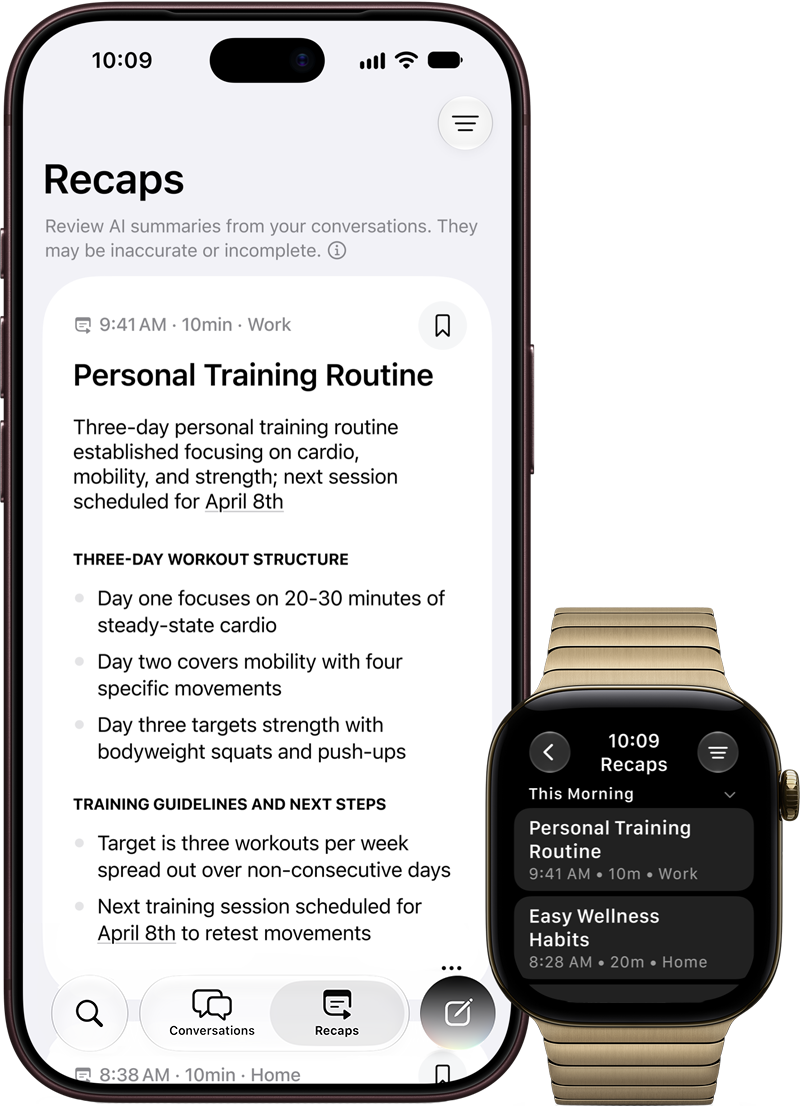
This article is based on Google’s documentation and 9to5Google’s reporting, not a hands-on test of every affected model. For a separate example of why smartwatch compatibility needs model-by-model checking, see our Apple Watch Siri Recap compatibility guide.
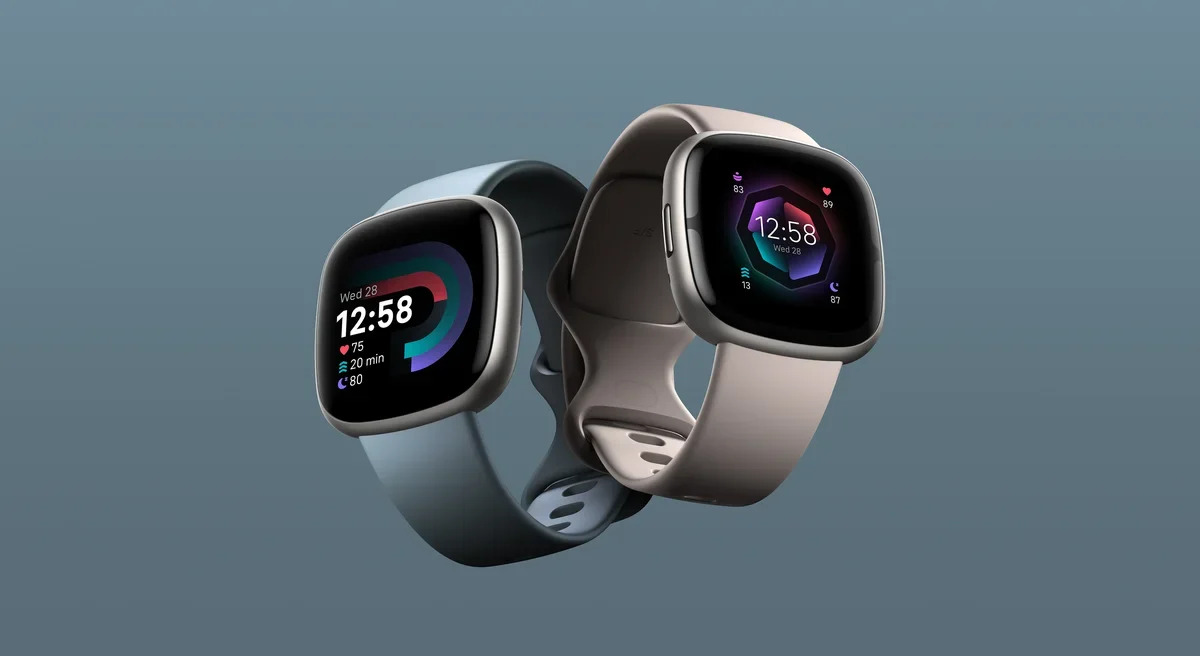
Featured image:
Fitbit Versa 4 and Sense 2. Archival 2022 product imagery; the pictured clocks do not indicate current third-party availability. Image: Google/Fitbit. Image context/source.