iPhone Handoff: One Number, Only One Active iPhone
Summary
iPhone Handoff lets two iPhones share a phone number, but it does not turn them into two simultaneously active cellular phones. Apple says unlocking the device you want to use moves the number to that iPhone. For someone alternating between two devices, that distinction matters more than the headline promise. As of November 21, 2026, eligibility also depends on your carrier, not simply installing iOS 27.
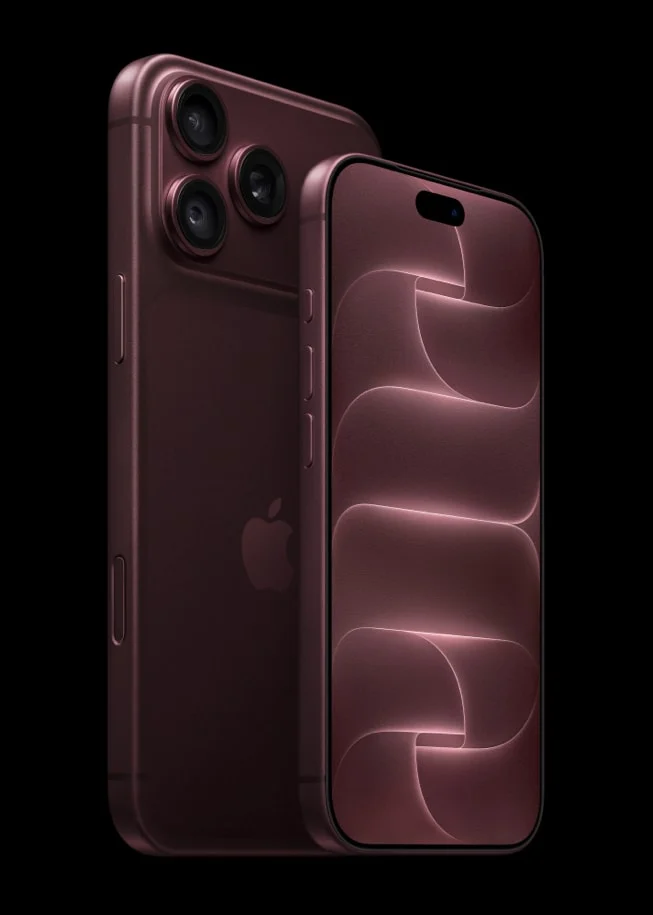
Product image: Apple; official product source. Hardware shown for identification, not a screenshot of the feature.
iPhone Handoff eligibility: start with the carrier
Apple’s setup documentation, published November 3, lists T-Mobile in the United States, Telekom in Germany and EE in the United Kingdom. That is the documented list reviewed for this guide, not a claim that other networks will never join. Both devices need iOS 27 or later, Wi-Fi and the same Apple Account. Apple also requires Messages in iCloud and matching Apple Account sign-ins for FaceTime and iMessage. The cellular service must use an eSIM from a supporting carrier. Ask the carrier about enrollment fees and your particular plan before purchasing a second device. Two compatible phones alone are not enough.
What moves when you unlock the other phone
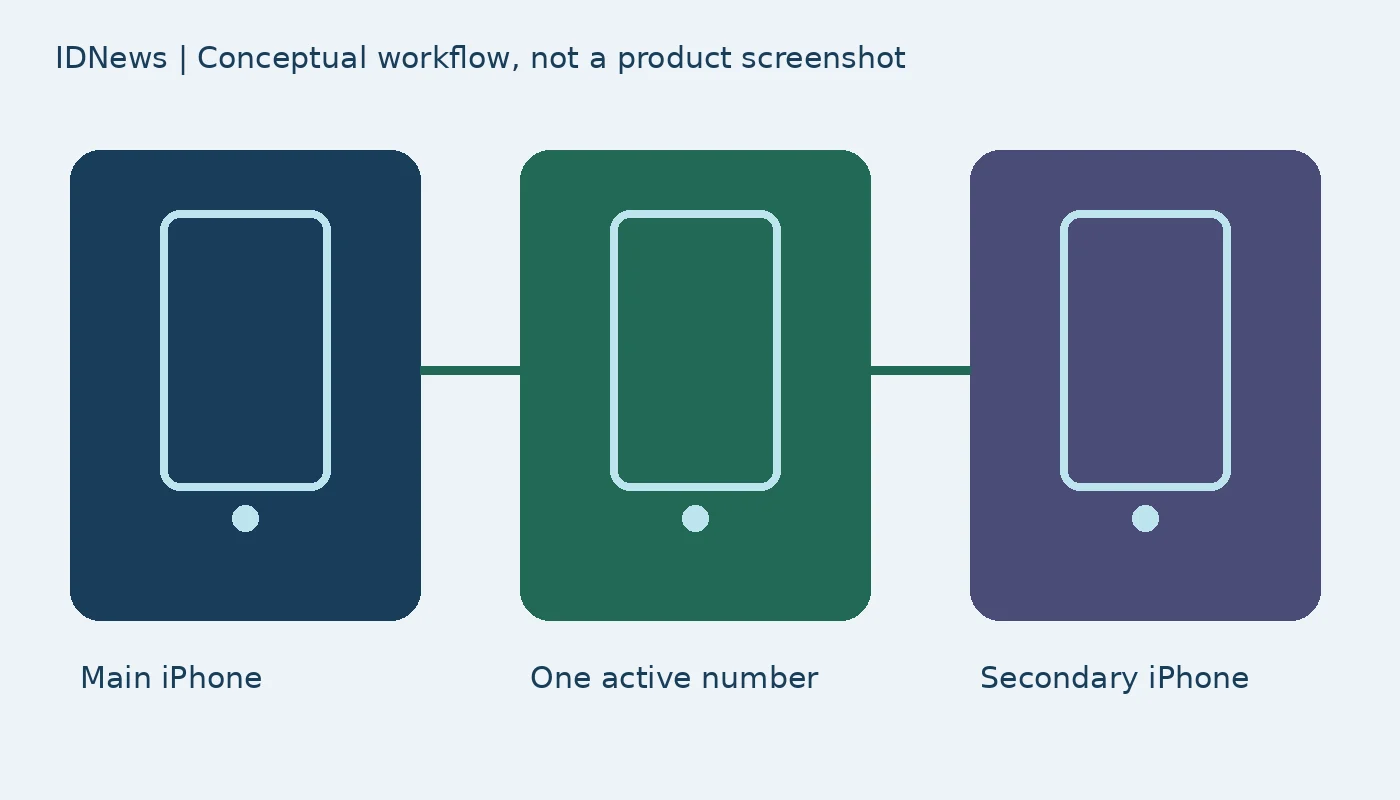
Apple says calls, voicemail, messages and Find My location move to the iPhone being used. The newly active phone displays “Switched to this iPhone”; the other shows an arrow. Only one iPhone has the active number at a time. Consider a hypothetical user who carries a smaller device outside and a larger phone at home. Handoff can support switching between them, but it is not evidence that both receive independent cellular service simultaneously. Keep passcodes enabled and private, as Apple recommends, because unlocking controls the switch. Information synced through iCloud updates separately, while third-party applications retain their own syncing behavior. A banking app may still require approval, and signing into an app on one phone may sign out the other.
How to set up iPhone Handoff after initial setup
Place the phones beside each other so both sets of prompts are visible. On the new iPhone, open Settings, then Cellular, and choose Set Up Cellular or Add eSIM. Select “Use Number on This iPhone and Another,” continue, and begin Handoff setup. Apple then lets you choose the main device: select Other iPhone to keep the main eSIM on the current device, or This iPhone to transfer it to the new one. Continue on the current phone and follow the remaining prompts. These are documentation-based instructions, not a hands-on activation test. If the sharing option is absent, verify carrier and plan eligibility before assuming an iOS fault or deleting an existing eSIM.
Apple Watch and Wallet do not follow every switch
Choose the main iPhone carefully. Apple says carrier account management and services such as Caller ID and Call Forwarding are managed there. Your Apple Watch does not automatically switch its pairing to the other phone. Apple recommends pairing it with the iPhone used most often; away from that paired phone, availability depends on Wi-Fi or activated cellular connectivity. Wallet also has exceptions: payment cards can work on both, but certain transit passes, IDs and corporate badges may work on only one device at a time. These limitations make a two-phone arrangement different from simply having a perfect spare. Our iOS 27 Messages guide covers a separate app-level change, rather than cellular-number sharing.
Dual SIM, replacement phones and cancellation
Apple supports Dual SIM Handoff only when both eSIMs use supporting carriers. Each number must be enrolled separately, and both switch together when a phone is unlocked. Replacing a device involves transferring its eSIM, which deactivates that eSIM on the device it came from; carrier support may require enrollment again. Most importantly, deleting an eSIM does not necessarily cancel billing. Apple says you must contact the carrier to turn off Handoff. Before enrolling, ask three practical questions: which phone will remain the main device, whether your important apps tolerate two sign-ins, and how the carrier handles fees and cancellation. 9to5Mac’s November 20 report draws attention to the feature, but Apple’s carrier and setup conditions determine whether it is useful for you.