Documents Voice Notes: Recording and Privacy Explained

Summary
Documents Voice Notes brings recording, transcription and AI-generated follow-ups into Readdle’s file-management app for iPhone and iPad. As of November 27, 2026, Readdle says the feature is included with Documents Plus, without an additional fee or recording-minute limits. The important distinction is that keeping a recording in your file manager does not mean its AI processing is entirely local.
Featured image: Readdle. Official product image.
How Documents Voice Notes works
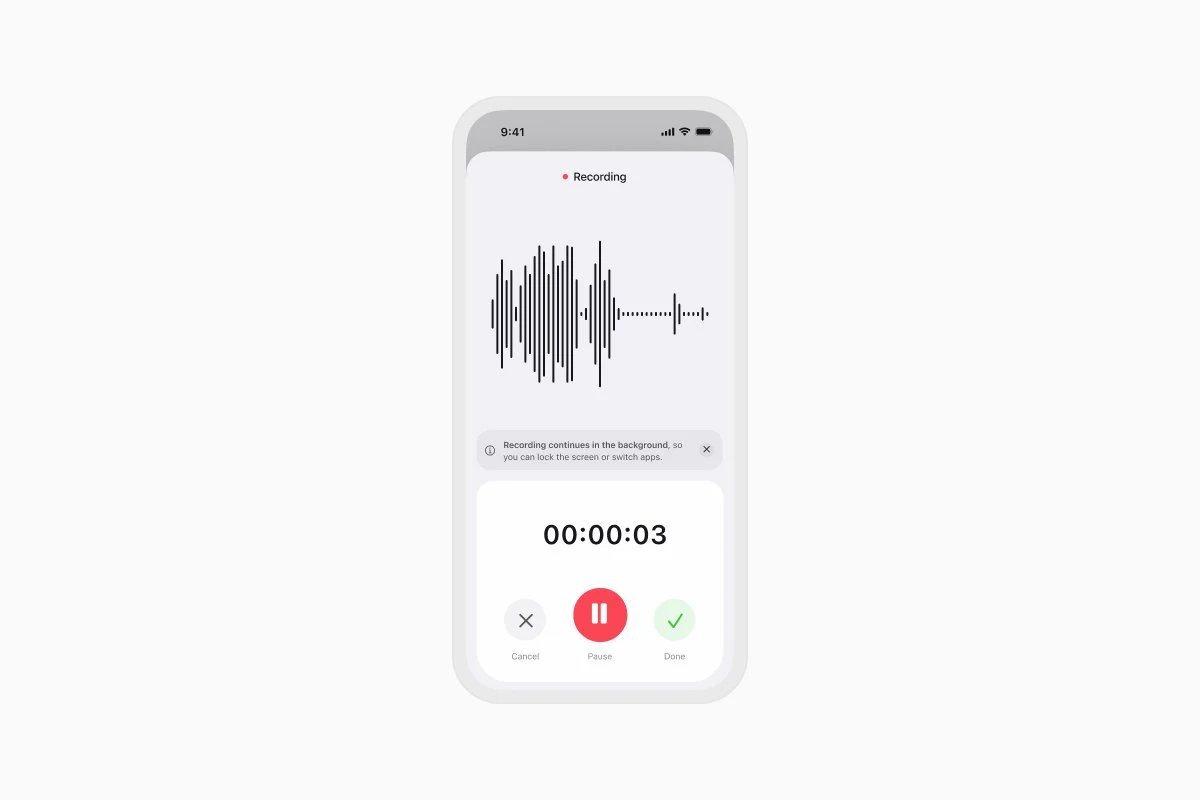
According to Readdle’s announcement, open Documents, tap the plus button and select Voice Notes. Allow microphone access and obtain agreement from everyone being recorded. Readdle also advertises starting a recording from the iPhone Action button; the announcement does not provide a complete configuration guide for that shortcut.
After recording, the app produces three views: a summary, follow-ups and a full transcript. You can switch between them, replay the audio, or copy and share the information. This is useful for revisiting a conversation, but the three outputs serve different purposes. A summary compresses; a transcript preserves more of the conversation; follow-ups suggest what might require attention. None should automatically become an approved meeting record.
A multilingual transcript is not a translated summary
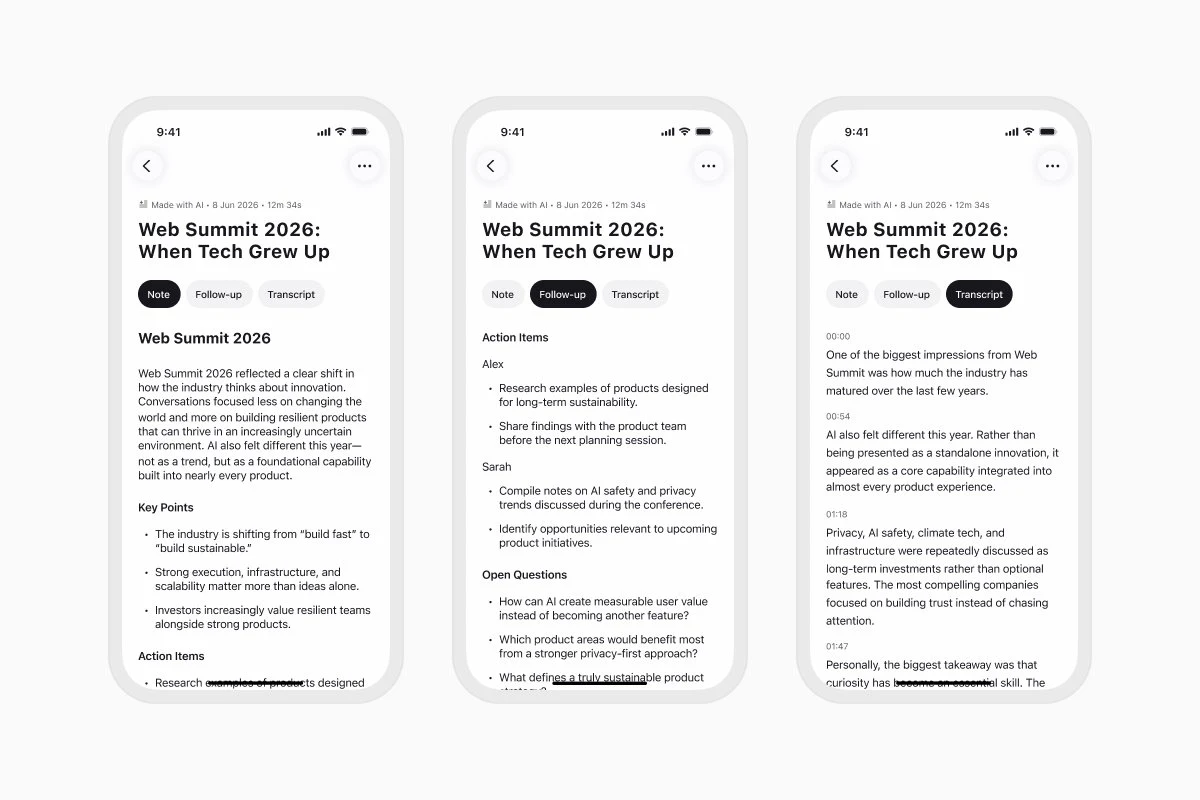
Readdle says the transcript preserves the languages spoken in a mixed-language conversation. The summary and follow-ups use the most frequently spoken language instead. That distinction matters in a meeting where a short but important contribution is made in another language.
For example, in a hypothetical bilingual project discussion, a participant might give a deadline in the less-used language. The sensible review process is to check the transcript and original audio for that commitment before relying on the condensed summary. This is a proposed checking workflow, not a test of Readdle’s recognition accuracy. The announcement does not establish accuracy for particular accents, noisy rooms or specialist terminology.
What stays in the file and what processing retains
Each voice note is stored as one file containing the audio, transcript, summary and follow-ups. Readdle says you can organize these files into folders, share them and sync them with cloud storage. A transcript can also be saved separately as a .txt file. Syncing or sharing adds another destination for the information; it should be a deliberate choice, especially for client work.
The Documents privacy notice distinguishes ordinary processing from feedback. Its Voice Notes provisions say Readdle does not store the audio for ordinary service processing, while transcription text and its summary are stored for up to an hour. Those statements concern the service’s processing, not automatic deletion of the recording saved in your app or a cloud folder.
The notice also describes longer retention when feedback is submitted. In the thumbs-down case, transcription and summary information can be kept for six months or until you object, whichever occurs first. Audio supplied with a support request or feedback has its own consent-based retention entry. Check the applicable policy before sending sensitive examples to support.
A practical review before sharing meeting notes
Use the transcript as a route back to the audio, rather than as a substitute for verification. First check names, amounts and dates. Next compare each proposed action with what the speaker actually agreed to do. Finally confirm who should receive the recording, as opposed to a short corrected note.
A hypothetical follow-up reading ‘send the contract on Friday’ can conceal important ambiguity: did the speaker promise delivery, suggest a target, or ask someone else to confirm availability? Listening to the relevant passage resolves a different question from checking spelling. AI-generated action items should remain provisional until that review is complete.
This is also why a no-training statement is not the same as a no-retention guarantee. 9to5Mac’s coverage highlights that third-party AI providers may retain inputs for abuse monitoring. Anyone with workplace confidentiality obligations should check the full processing terms, not infer privacy from the app’s file-manager design.
For a different voice workflow, our report on Raycast Dictate to AI and active-app context explains why the information sent with a voice command also matters. It is a separate product, not an integration with Documents.
Who should try it, and what remains untested
Existing Documents Plus subscribers can evaluate the feature without purchasing a separate recording-minute allowance, according to Readdle. The company advertises a seven-day trial for new users. Check the current subscription offer and renewal terms in the app; this report does not establish a universal price across regions.
The strongest reason to try it is organizational convenience: audio and derived notes stay together in a file you can find again. The reason to pause is a recording policy or confidentiality requirement that has not been reconciled with AI processing and cloud sharing. This is documentation-based reporting, not a hands-on assessment of latency, transcription quality or offline operation. For ordinary meetings, begin with non-sensitive material and judge the corrected output before making it part of a production workflow.