Google Home November Update: Check Camera Eligibility
Summary
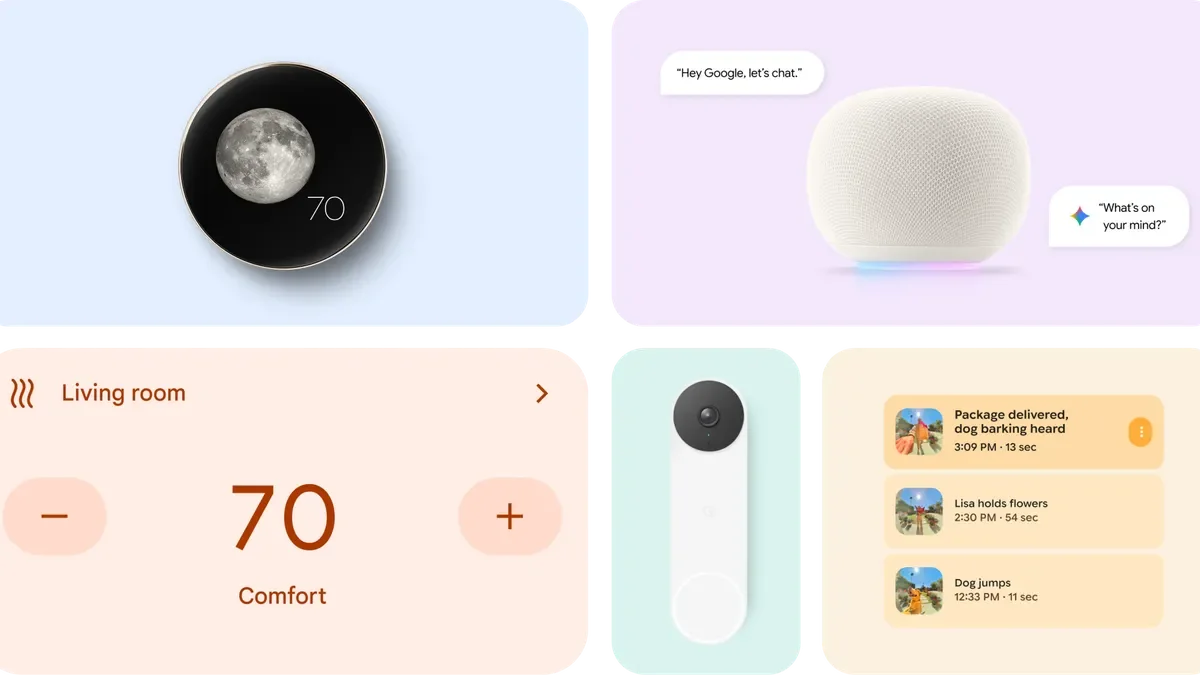
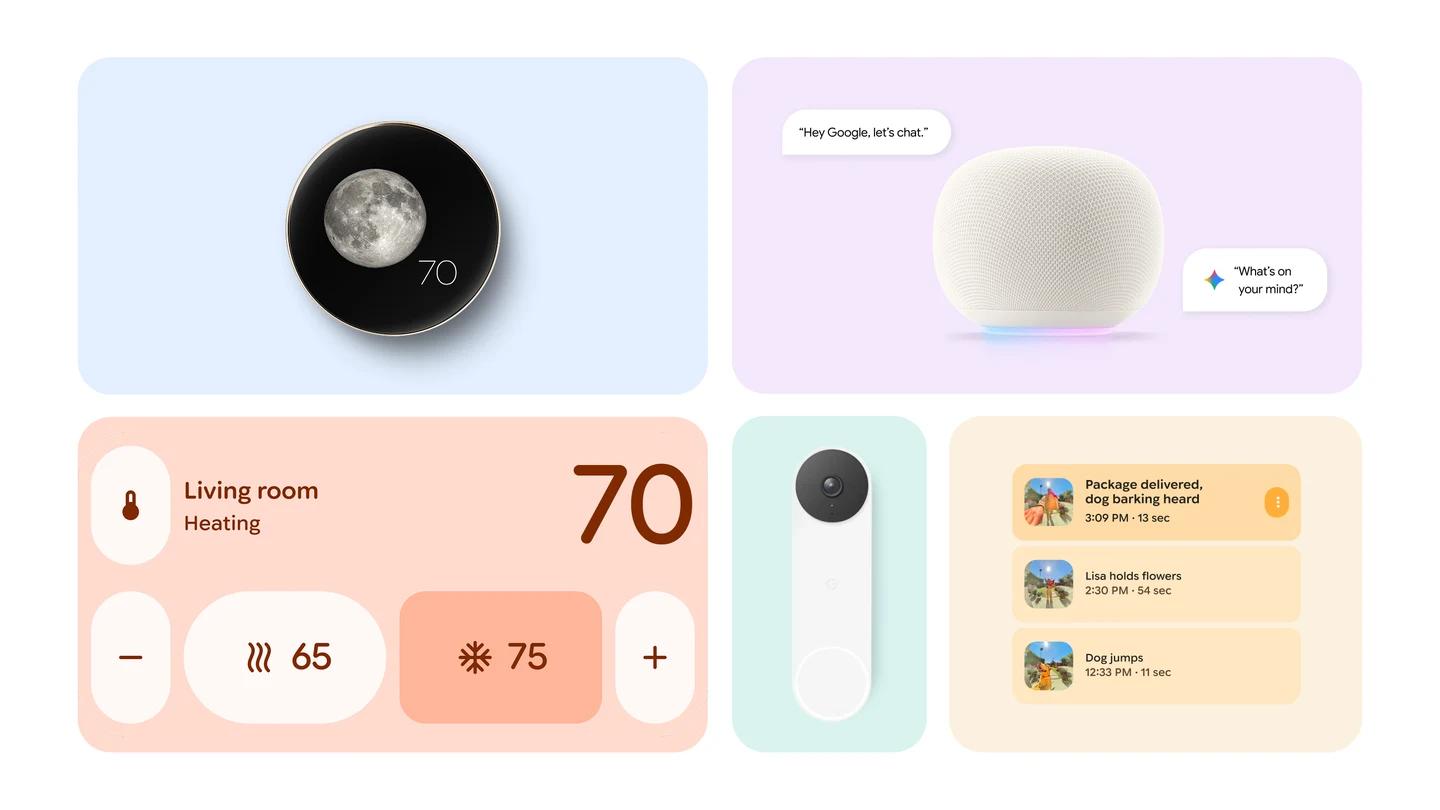
Google promotional composite, not a screenshot of the November 25 siren control. Image: Google.
The Google Home November update adds remote camera sirens, easier thermostat scheduling and fixes for camera playback. But the November 25, 2026 release is not one feature bundle available to every household. Camera model, subscription, phone platform and early-access eligibility determine which changes you can use.
The most useful way to approach this update is to check your hardware first, then your plan, and only then the app version. Google’s release notes explicitly warn that some features take time to reach everyone, even with the latest app installed.
Google Home November update: which cameras get the new siren?
According to Google’s official November 25 release notes, remote siren controls support three models: Nest Cam Outdoor (wired, 2nd gen), onn Outdoor Camera Plug-In and onn Floodlight Camera Hardwired. The control starts or stops a 30-second security siren while you are watching live video in the Home app.
That list matters more than the general Nest Cam label. Google does not describe this as a siren upgrade for every older Nest camera or doorbell. Check the complete model name before looking for the control. A missing button on an unlisted camera is not, by itself, evidence of a failed update.
A practical household check is to identify who can access the camera’s live view and explain the siren to other household members before using it. This is an editorial precaution, not a new Google requirement. Avoid treating a remotely triggered sound as a replacement for an alarm system or an emergency response service.
Familiar Faces is a separate eligibility question
The two listed onn cameras also gain Familiar Face alerts in Google Home with a Google Home Premium subscription. Do not assume that owning a siren-capable camera automatically includes face recognition. The release notes attach a subscription requirement specifically to Familiar Faces.
Camera feedback also expands to homes with multiple admins in supported regions. Google distinguishes sharing feedback from choosing to share the actual clips; sharing clips can help improve Gemini for Home’s video understanding. Review that choice before sending footage of visitors or family members. A feature being available is not an instruction to upload private video.
For a simple decision path, ask three questions: Is my exact camera listed? Is the feature tied to a paid plan? Is my region supported? This prevents confusing a subscription restriction with a camera fault or repeatedly reinstalling the app for a feature the hardware cannot provide.
Android fixes and thermostat schedule copying
Android users get fixes aimed at everyday camera use. Google says the update restores camera notification previews on Android 17, reduces event-history playback errors and prevents landscape controls from overlapping the front-camera cutout on Pixel phones. These are reliability changes, not promises that every network-related playback failure is eliminated.
The thermostat improvement has its own hardware list. Nest Learning Thermostat (4th gen) and Nest Thermostat can copy one day’s temperature schedule to several other days in the Home app. This should reduce repetitive editing when weekdays share a routine. After copying, review days with different occupancy rather than assuming a weekday schedule suits the whole week.
Google also lists an updated iOS light-color wheel, speaker setup fixes and more consistent Android music transfer between speakers and displays. Phone-specific fixes should not be interpreted as platform-independent additions. Our separate coverage of November Google Play system changes concerns a different update channel; installing those updates does not establish Home feature eligibility.
Gemini improvements do not mean universal access
The assistant changes sit under Gemini for Home Early Access. Google says common smart-home commands have received performance improvements and that follow-up requests should retain context more reliably. It gives the example of asking to turn lights back on after turning them off. Those are Google’s release claims, not performance measurements from our testing.
Expressive, steerable storytelling begins rolling out with the update. An improved Gemini Live experience is rolling out over the coming weeks, rather than necessarily arriving on every device on November 25. Supported smart displays can also show sources behind web-based answers.
For households, the sensible order is to update the app, confirm device and plan eligibility, then check the relevant feature on the actual device. If an eligible feature is missing, retain its rollout status as a possible explanation rather than resetting hardware immediately. As of November 26, the release notes support a set of targeted improvements—not a claim that all Home devices have acquired every Gemini capability.