


Gemini screen automation limits: Android task control explained
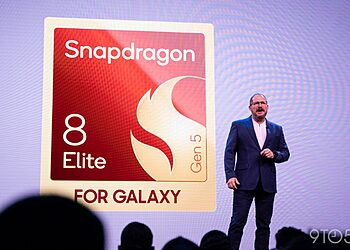
Google is expanding the capabilities of its AI integration on Android, bringing Gemini screen automation to the Samsung Galaxy S26 series. This new feature aims to streamline how users interact with their installed applications, though users should be mindful of usage caps tied to account tiers.
As we explore in our latest technology insights, this automation represents a shift in how we handle routine tasks.
How Gemini Screen Automation Works
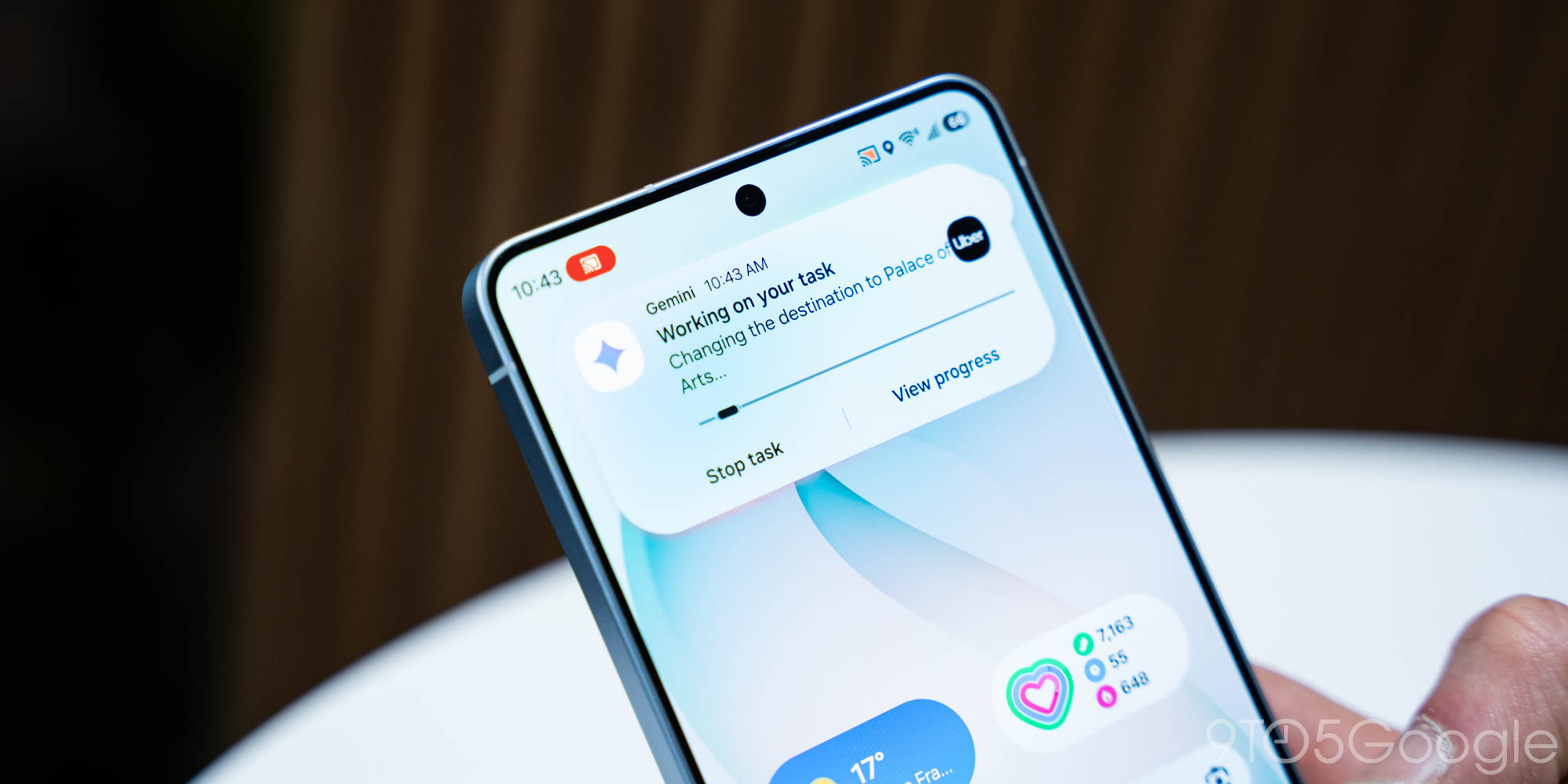
The screen automation feature allows Gemini to interact directly with the UI of Android apps on your behalf. Rather than simply providing information about an image or text on your screen, the agent can perform actions within supported applications, creating a more cohesive, hands-free experience for common tasks. This rollout represents a significant step forward in Google’s vision of an “agentic” operating system, enabling users to order food, book rides, or manage settings without manual input.
For more detailed information, check the official rollout details at 9to5Google.
Understanding Usage Limits
While the feature offers compelling utility, Google has implemented structured usage limits similar to other advanced Gemini features. Users on the free tier of the Gemini app have a daily allowance for automated tasks. Those requiring higher volume or more complex agentic workflows may need a subscription to the AI Pro tier to bypass these restrictive caps.
The company has not yet provided specific numbers for the daily request count, but the implementation follows a pattern of gating intensive compute-heavy AI features behind premium subscriptions to manage server-side resources while maintaining access for general users. It effectively balances innovation with resource management.
Availability and Broader Rollout
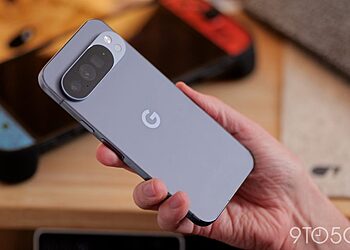
The feature is currently exclusive to the Galaxy S26 series as part of a phased rollout. We anticipate that as the software matures, Google will extend these automated capabilities to the wider Pixel ecosystem, including the Pixel 10 series.
As Google continues to refine the stability of these automated agents, we expect broader support to arrive for other flagship Android devices in the coming months. This development is certainly one to watch for anyone hoping for a more intuitive mobile workflow.