


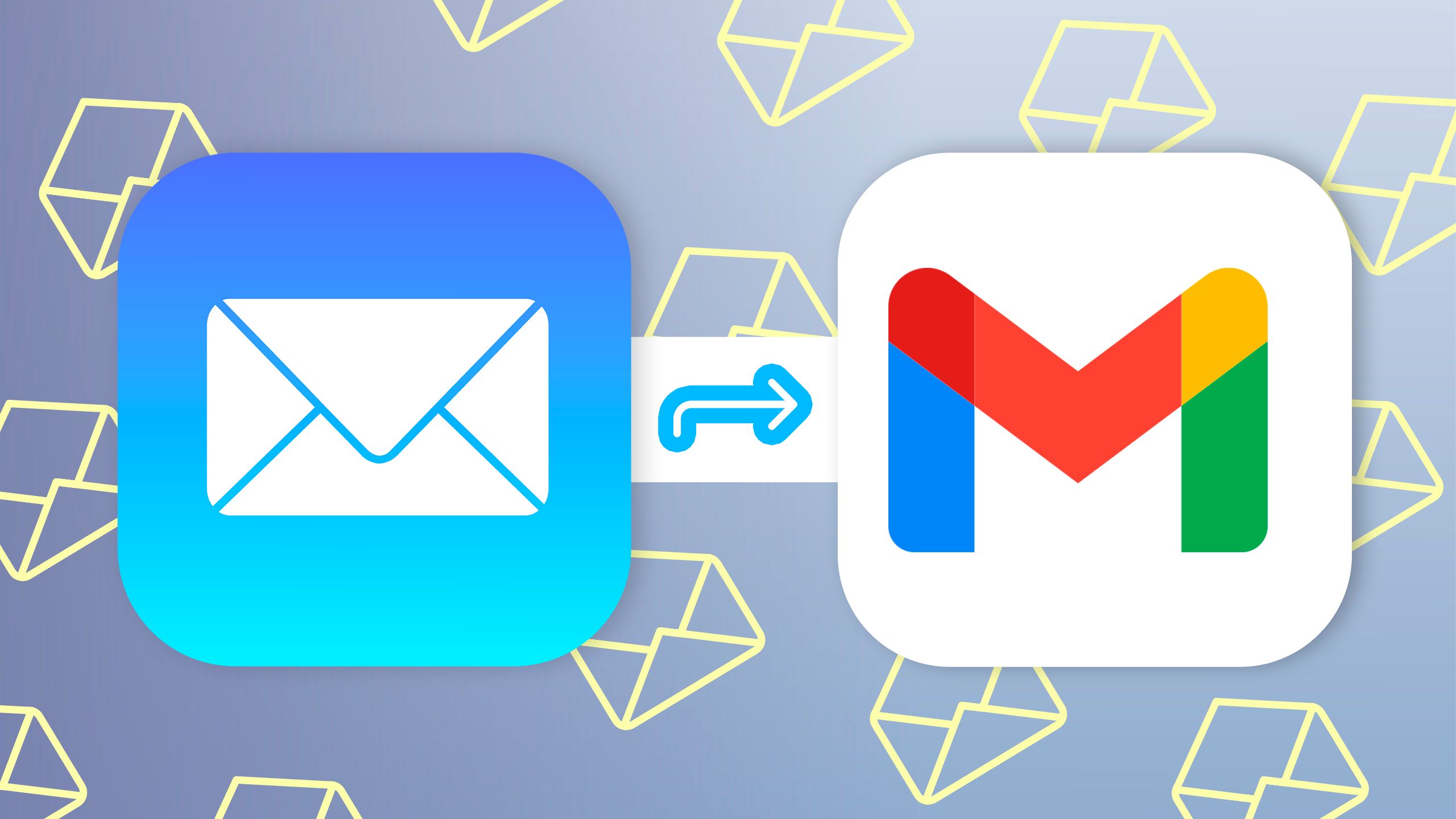
Gmail Send As removal is now on the calendar for personal Google accounts. Google is ending the ability for personal Gmail users to send messages from third-party email addresses through Gmail, according to Android Police and Google’s own support notice. The feature will stop working for existing users in January 2027.
The change affects people who use Gmail as a central inbox for accounts from services such as Yahoo, Outlook, Hotmail, or a custom domain. For years, the Send as feature let users send email from those external addresses without leaving the Gmail interface. That convenience is now being phased out for personal accounts.
What Gmail Send As removal changes
Send as is useful because it turns Gmail into a control center for multiple identities. A user could receive mail from an old address, reply from that same address, and keep the conversation organized in Gmail. After the Gmail Send As removal, that workflow will no longer work for third-party accounts inside personal Gmail.
Google says Workspace accounts are not affected. The change also does not affect users who rely on the feature as an alias for other Gmail addresses. The most affected group is personal Gmail users who have connected non-Google addresses and send from them through Gmail’s web interface.
Google is also discontinuing Gmailify and POP-based fetching for new users. Gmailify allowed some third-party accounts to benefit from Gmail features such as spam protection and inbox organization. Existing users can continue using these features until January 2027, but new users can no longer start using them.
The timeline for personal Gmail users
The shutdown is gradual. Google is already notifying users who rely on Send as. People who are not currently using the feature cannot newly enable it for third-party accounts. Existing Send as users can continue for now, but the feature will officially stop working in January 2027.
Messages that have already been imported into Gmail will remain available. Users will also still be able to receive and view new email in the Gmail app for Android, iPhone, and iPad. The key limitation is sending and syncing from third-party accounts through Gmail after the deadline.
That means users have time to prepare. Anyone relying on Gmail for a custom domain, old Outlook identity, or long-running Yahoo address should review their setup now. Waiting until January 2027 could create missed replies, broken business workflows, or confusing account handoffs.
Why Google is discouraging replacements
Google is not recommending third-party alternatives that imitate Send as. The company warns that other services may require access to email credentials or OAuth tokens, which can create privacy and security risk. That warning matters because email accounts are often the recovery path for banking, cloud storage, social media, and business services.
For security, the safest replacement is usually to use each email provider’s official website or app. That is less convenient than managing everything from Gmail, but it reduces the need to hand sensitive access tokens to another service. Users with custom domains may want to move to a proper hosted email provider or Google Workspace if they need professional sending from a domain.
The Gmail Send As removal also shows how consumer email tools are becoming more restrictive around account linking. Features that once made sense for convenience can become harder to support when privacy, OAuth security, anti-abuse systems, and authentication standards change.
What users should do now
First, check Gmail settings and identify any third-party addresses listed under Send mail as. If an address is important, decide where future replies should come from. Second, update contact pages, invoices, signatures, and account recovery settings before the deadline. Third, test the official app or webmail service for each external provider.
Small businesses should be especially careful. A founder using personal Gmail to send from a custom domain may discover that the setup no longer fits professional needs. Moving to a dedicated email host before January 2027 will be cleaner than rushing during the shutdown window.
The change is inconvenient, but not sudden. Google has given users several months to adjust. The practical takeaway is simple: if Gmail currently sends mail on behalf of a non-Google address, build a replacement workflow before the January 2027 cutoff.
Sources: Android Police, Google Support