Android 3D Emoji Requirements: Check More Than RAM

Summary
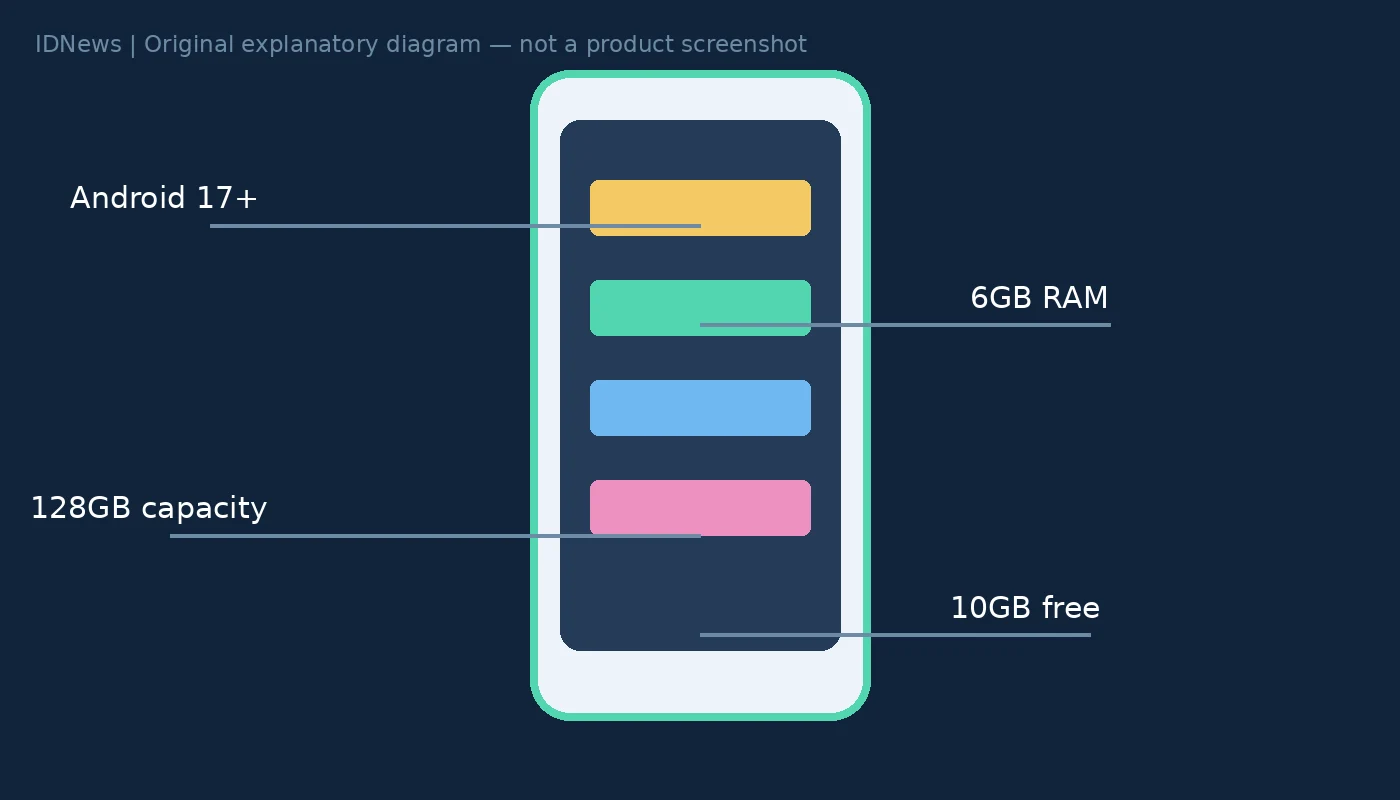
Android 3D emoji requirements go beyond an Android version number. Google lists Android 17 or later, at least 6GB of RAM, 128GB of total storage and 10GB of available space. A compatible phone must also come from a supported manufacturer receiving system or Google Play services updates. As of November 20, 2026, passing the hardware checks does not mean every app will display the new designs.
Android 3D emoji requirements are separate checks
Google’s Noto 3D emoji support guide distinguishes memory, total storage and available storage. These are not interchangeable measurements. RAM is working memory; total storage is the device’s capacity; available space is what remains after apps, files and system data. A phone can pass one storage check and fail the other. For example, a hypothetical 128GB phone with 8GB of free space meets the capacity threshold but falls short of the free-space requirement. A 256GB phone with only 4GB of RAM still fails the memory requirement. These are illustrations of the published criteria, not devices we tested.
10GB free does not mean a 10GB emoji download
The support page specifies a free-space threshold. It does not establish that the emoji download itself occupies 10GB. Treating those numbers as identical would overstate what Google documents. Check Settings for Storage and About phone for the Android version. Menu names vary by manufacturer. For RAM, Google suggests searching Settings for RAM or Memory; some devices expose the information in Developer options or a device-care menu. Do not delete important files solely to chase a cosmetic change. First check whether the manufacturer and apps you use are eligible.
Why Samsung and WhatsApp may remain unchanged
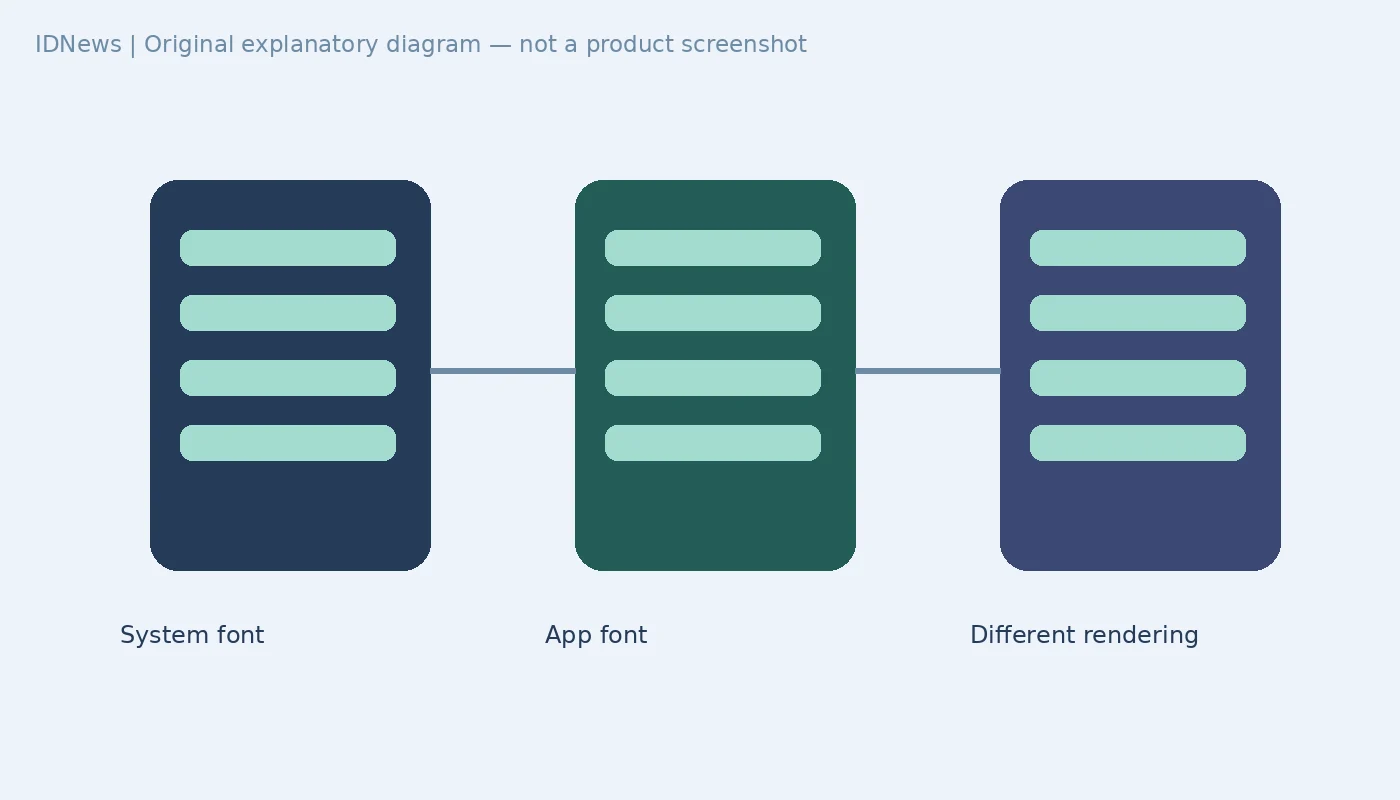
Google explicitly says Samsung devices use a proprietary emoji font and do not receive this 3D font update. It also identifies WhatsApp as an app with its own emoji font. That means a qualifying phone and an updated system font do not guarantee a different appearance inside WhatsApp. The useful diagnostic is to separate the system from the application: an unchanged app is not, by itself, evidence that the device lacks storage or that an Android update failed. Our earlier Pixel Family Hub guide similarly distinguishes device-level settings from what individual services share.
Download timing and softer-looking emoji
For an eligible phone, Google says the font downloads automatically while the device is on Wi-Fi and charging. The company says there is no way to force the download at present. Unofficial font installers therefore are not a documented troubleshooting step. Google also explains that the new designs use high-resolution bitmap graphics rather than the older vector approach. Enlarging a bitmap can stretch its pixels and make it appear softer. The original design announcement describes the expressive intent; the support guide is the more useful source for eligibility. Check the OS, manufacturer, RAM and both storage figures before waiting for the automatic delivery. No hands-on installation test was performed for this documentation-based guide.