Pixel Family Hub: Shared Storage Is Not Shared Files

Summary
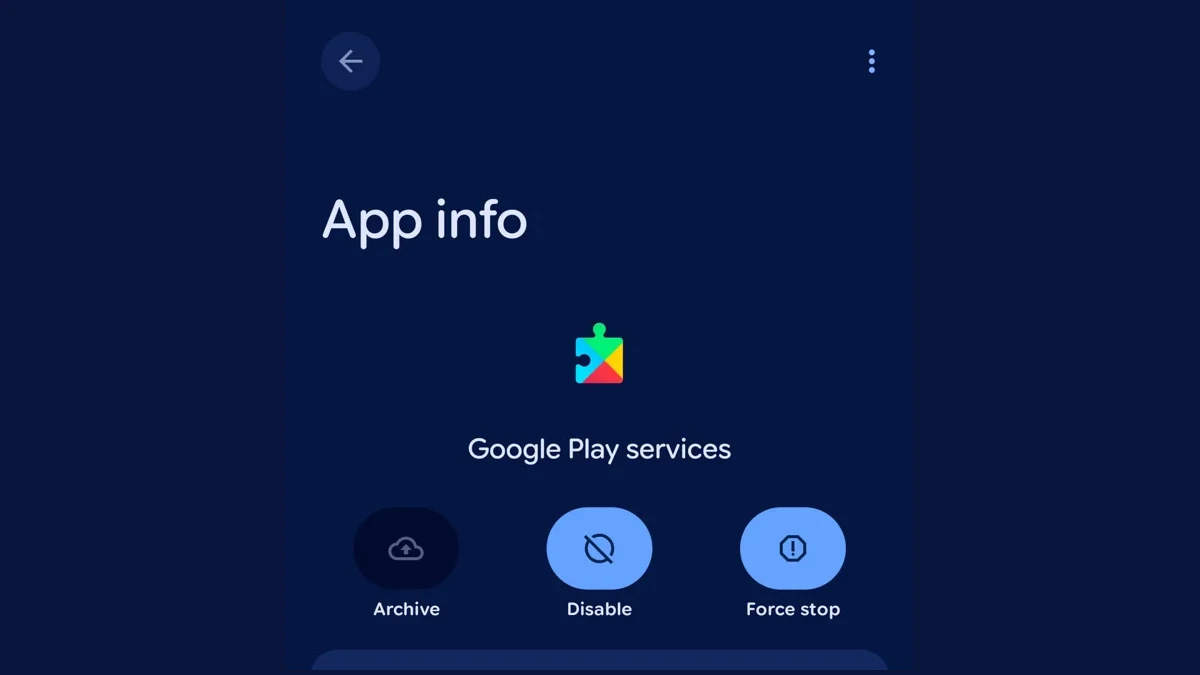
Featured image: Interface screenshot: Google; captured by 9to5Google. Reproduced for reporting on the specific Settings change.
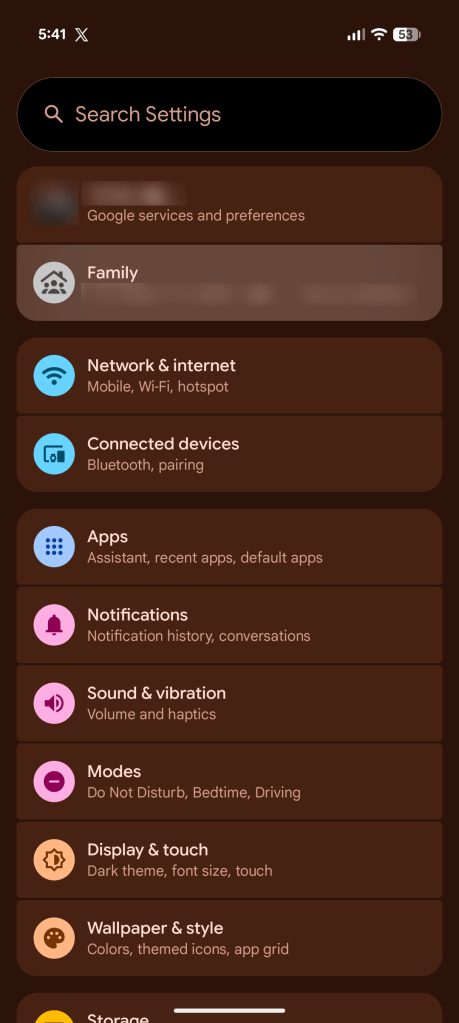
Pixel Family Hub is appearing as a new Family entry in Settings, bringing Google family-management shortcuts into one place. Its most important distinction is easy to miss: a shared subscription, a shared storage allowance and a shared live location are different permissions. A central dashboard does not make them equivalent.
In its November 14 rollout report, 9to5Google describes the interface appearing on a Pixel 11 Pro XL running the October update and on a Pixel 10 Pro. That is reporting from those devices, not confirmation that every Pixel, account or region has received it.
What Pixel Family Hub puts in Settings
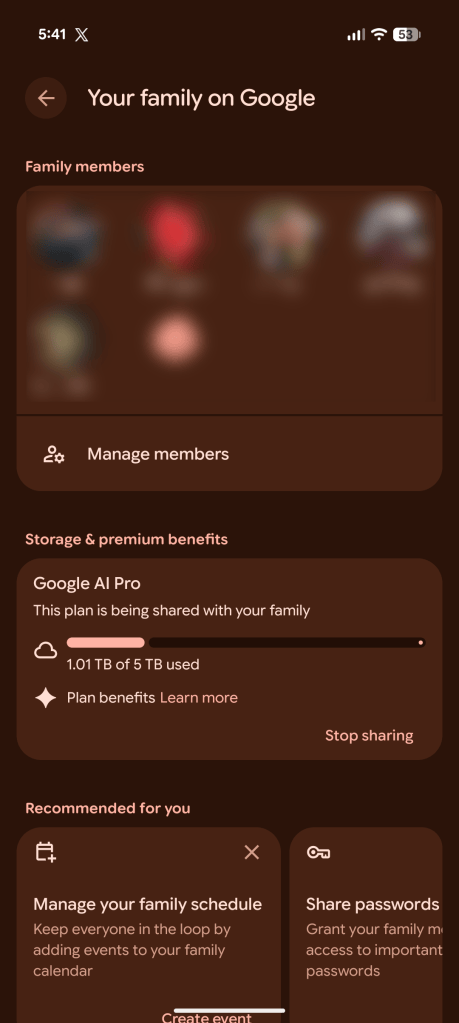
The reported Family section lists family members and provides access to shared benefits and controls. These include Google One storage, Google Play Family Library, payment methods and family events in Google Calendar. Individual member pages can show shared benefits and family roles, while the main view provides membership management.
The screenshots illustrate the distinction between an entry point and a benefit. The Settings shortcut opens the family overview; the overview then exposes details such as plan storage. These images document the reported interface. They are not screenshots from an IDNews test account.
For someone who manages household subscriptions, that reduces the need to remember which service contains each setting. It does not mean a family plan has gained new storage, a new subscription tier or unrestricted permissions. Check the service shown next to a control before assuming that changing it will affect everything in the group.
Shared Google One storage does not expose your files
Google’s family-group documentation says members sharing Google One can see how much shared storage each person has used. It also explicitly says that the person’s files are not shared with the family group. A visible usage meter is therefore not a route into another member’s private documents.
Other information has different rules. Group members may see one another’s name, photo and email address. Content deliberately added to Family Library is visible there. A family manager receives receipts for purchases made with the family payment method. Those disclosures follow the relevant service, rather than a single universal “family privacy” switch.
This distinction is useful when discussing access with children, partners or relatives. Explain what the storage number reveals, what the payment receipt reveals and which items have actually been shared. Avoid promising that a family group is either completely private or completely open; neither description matches Google’s documented behavior.
Location is a separate decision
9to5Google reports that the new section can show the live location of people already sharing it with you and offer a way to begin sharing with another family member. The report should not be read as saying membership automatically turns on unrestricted location tracking.
Before using a location control, check the named person, the account signed in and the audience shown in the actual sharing flow. Treat location separately from subscription administration. A person agreeing to share storage costs has not necessarily agreed to share where they are.
The broader lesson resembles the distinction in our Gemini and Google Wallet privacy guide: a convenient integration tells you where a feature lives, not the full boundary of what information it exposes. Review the underlying permission, rather than relying on a dashboard label.
Do not remove members as a troubleshooting shortcut
Google documents consequences for leaving a family group, including losing access to shared subscriptions, the family payment method and Family Library content. Losing shared storage can prevent someone who is over their personal allowance from storing new items, although Google says existing files remain safe.
There are also eligibility restrictions. The documented group limit is six people including the manager, and members must live in the same country as the manager. Switching to a different group can be restricted for 12 months where paid Google subscriptions apply. Do not remove someone merely to see whether a missing Settings shortcut returns.
If the Family entry has not appeared
The rollout report suggests a server-side change associated with Google Play services, rather than a feature that requires the newest quarterly Android update. That is an observed explanation, not a published universal deployment schedule. We have not independently reproduced the rollout.
Keep normal system and service updates current, confirm which Google account is active and use Google’s existing family-management pages while waiting. Avoid factory-resetting a phone or reorganizing the family group for a convenience shortcut. The useful outcome is easier access to the right controls, with the existing sharing boundaries understood.