Google Play Updates: What Changes on November 23

Summary
Google Play updates dated November 23, 2026 add saved card security-code autofill in Wallet, app-level age-sharing controls in the Play Store and a YouTube-link preview in Quick Share. These are separate component updates, not a promise that every Android phone receives every feature together. The useful first step is to identify which component supplies the change you want.
Google Play updates: check the component, not just the patch date
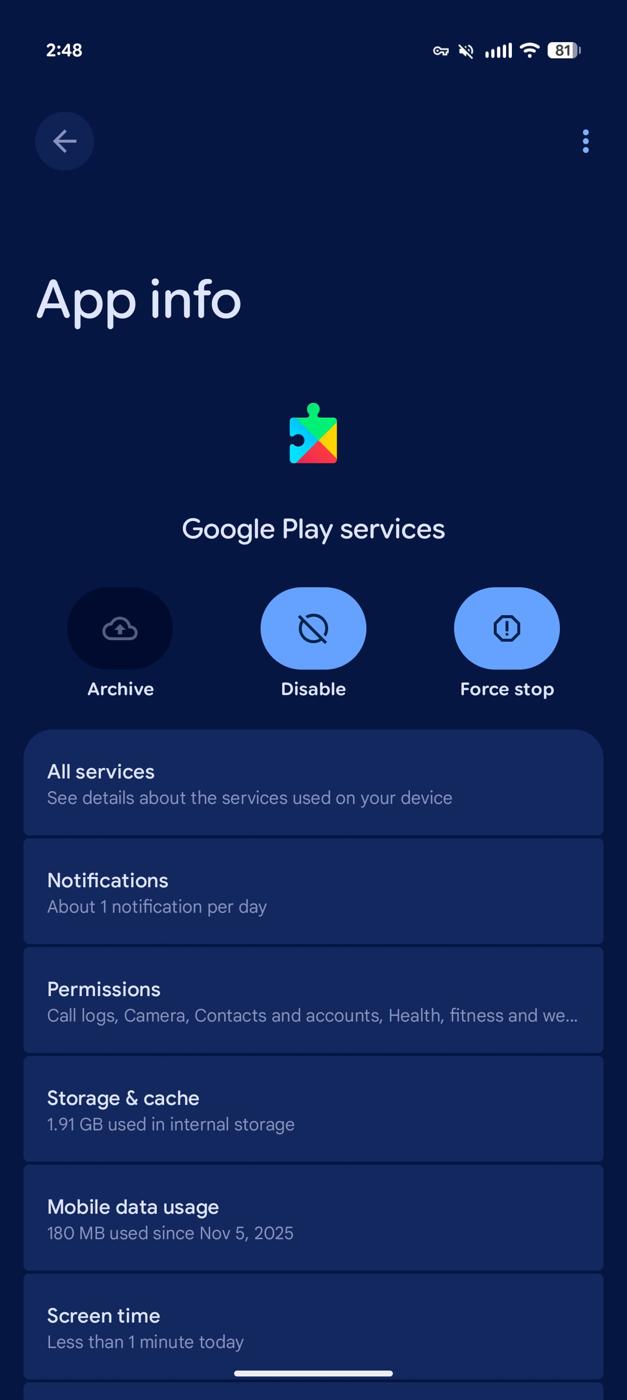
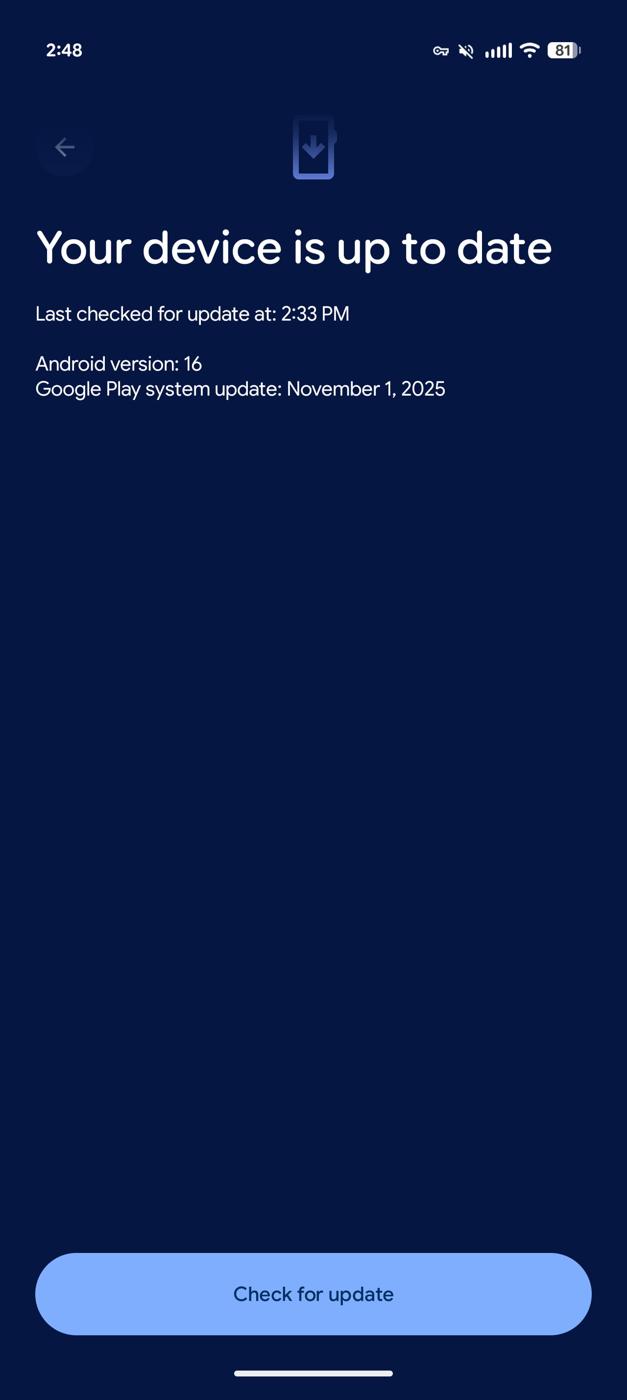
Google’s official system services release notes put the new Wallet and Quick Share functions under Google Play services v26.46. Age-range sharing preferences and Play Achievements sit under Play Store v54.2. Private Compute Services B.32 / C.10 receives maintenance changes. The different names matter: a recent Google Play system update date does not, by itself, establish the installed version of Play services or the Store. These are related parts of Android’s Google software stack, but they should not be treated as one interchangeable version number.
Wallet autofill still requires authentication
The Play services notes say saved CVV/CVC card security codes can be autofilled on card-verification screens in Google Wallet after authentication with the device’s screen lock. That is narrower than a claim that all online shops can automatically retrieve a card’s security code. It also does not remove authentication from the process. For a reader deciding whether to try it, the relevant test is a supported verification screen inside Wallet, not an arbitrary checkout form in a browser. Google’s entry does not specify a bank-by-bank eligibility list, so a missing autofill option should not be diagnosed as a faulty phone on the basis of these notes alone.
Age controls and a more informative sharing prompt
Play Store v54.2 adds app-level controls for age-range sharing preferences directly in Play Settings. The changelog describes a place to manage preferences; it does not say every app will request the information, or that this setting replaces a family’s other parental controls. Separately, Play services v26.46 shows the receiving device a preview of a shared YouTube URI before a Quick Share transfer is accepted. A preview gives the recipient more context before accepting. It is not a guarantee that the destination is safe or that a video is appropriate for a particular viewer. Keep the sender and the context in mind rather than treating an improved prompt as a security verdict.
India and car features have explicit boundaries
The Wallet section also says wallet passes and ID cards can be accessed in the You tab in Google Pay India. The country qualifier is part of the announcement, not an incidental detail to omit. It would be misleading to describe that placement as a universal Google Pay redesign. Play Store v54.2 lists streamlined navigation and new app and game homepages for Auto, while the phone entry adds Play Achievements for tracking gaming milestones and skills. These device labels help separate changes that may matter to a phone owner from changes intended for an in-car experience.
A practical checklist before troubleshooting
Start with the exact feature and its supplying component. For Wallet autofill, note the Play services version and check that a device screen lock is configured. For age-range controls, inspect Play Settings and the Store version. On a Pixel, 9to5Google’s update guide points to Settings, Google services, All services, Privacy & security, then System services; other manufacturers can arrange settings differently. Do not clear payment data or disable system services simply to force a menu to appear. Record what is installed and allow for staged availability instead.
Do not confuse this with every November feature
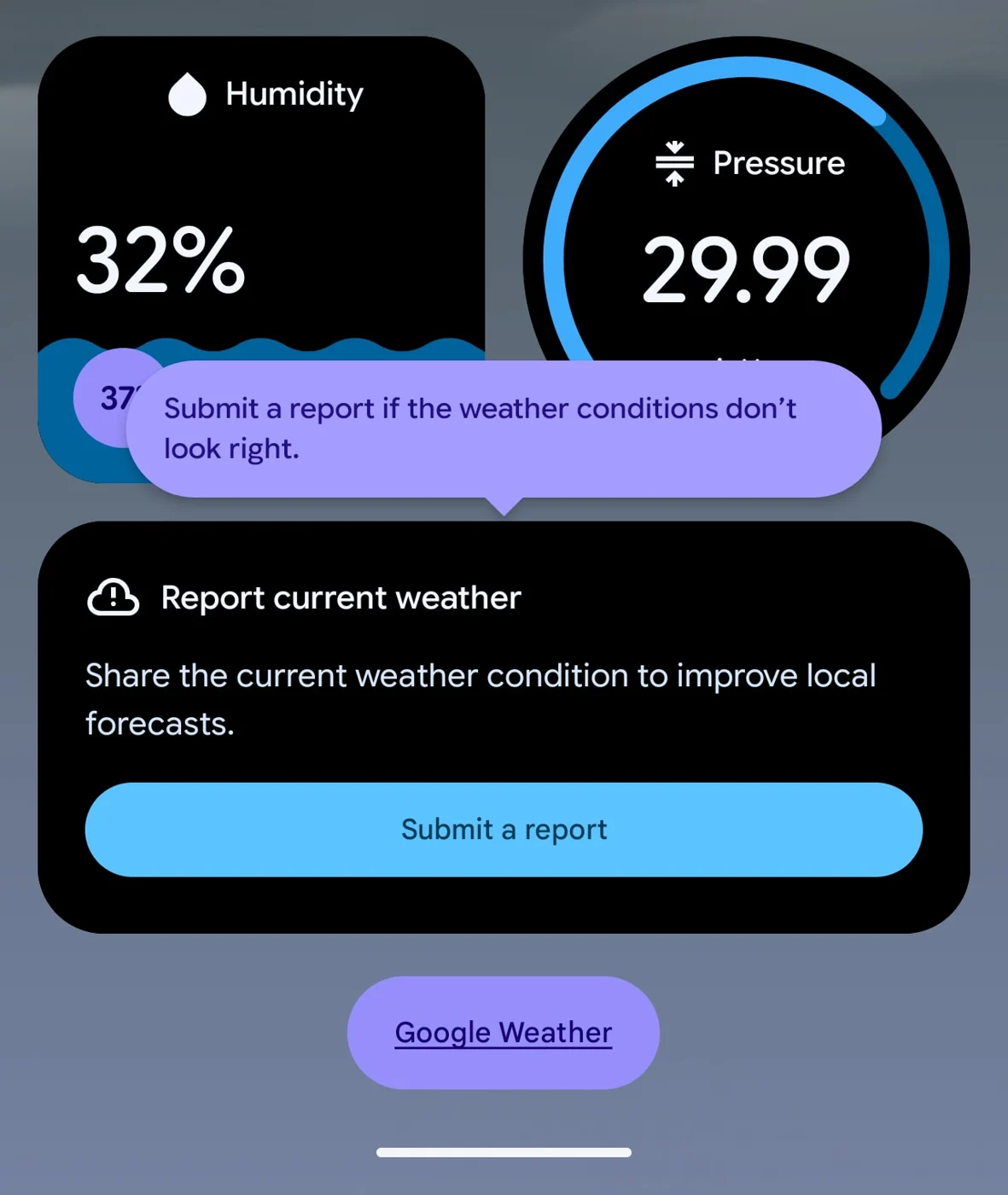
This article focuses on the November 23 entries, not every item accumulated during the month. The official notes checked on November 24 do not list every feature mentioned in secondary summaries of earlier updates. We therefore do not use those summaries to promise unrelated capabilities. The same distinction between an update and an individual rollout applies to the Pixel Weather reporting feature: the visible interface and its eligibility need their own check. The decision rule is simple: match the feature to its component, device label and region before concluding that your phone should already have it.