Google Health 5.13: What the Workout Card Actually Does

Summary
Google Health 5.13 adds an exercise-in-progress card to the mobile app’s Today screen for automatically tracked workouts. The useful change is visibility: owners of a Pixel Watch, Fitbit Air or Fitbit Edge can see that tracking is underway and end it to obtain a summary. That does not establish that the card is a live dashboard for every fitness metric. As of November 21, 2026, the release is being reported as rolling out on Android and iOS.
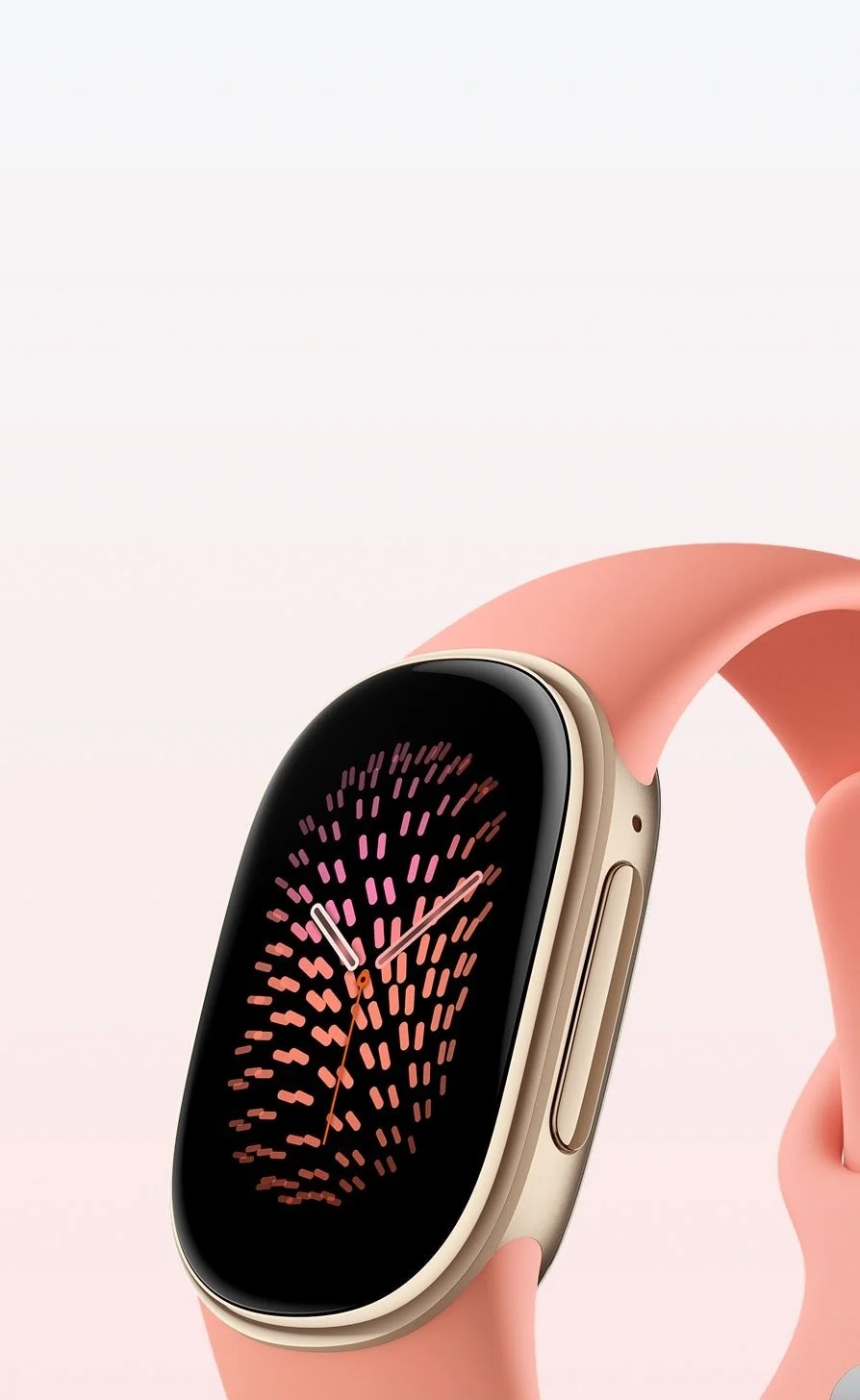
Product image: Google; official product source. Hardware shown for identification, not a screenshot of the feature.
What Google Health 5.13 confirms about workouts
9to5Google’s release-note coverage quotes Google describing automatic activity detection and the ability to end tracking from the Today card. Its separate Fitbit Air report makes an important qualification: the author had not yet seen the card’s exact appearance. Consequently, this guide does not promise live heart-rate, step-count or distance fields in that card. Those would need confirmation from a visible interface or more detailed documentation. Google’s official update thread was identified, but the text-only extraction available for this review did not expose its full announcement. Feature details here are attributed to the reporting, not presented as an independent device test.
A tracking indicator is not the same as a sports display

The distinction is especially useful for a screenless tracker such as Fitbit Air. A phone card can answer whether an exercise is being detected without proving that it replaces an on-wrist workout display. A hypothetical walker may want to confirm tracking has started; a runner managing interval pace needs a different level of live feedback. The published description supports the first use case, not a guarantee of the second. Before buying hardware for a particular training routine, check the actual metrics and controls on the devices you intend to use. The official product image illustrates the hardware only; it is not a screenshot of the new card.
Swimming preferences deserve a separate check
The same release adds default pool length and unit preferences, with meters or yards available. The reported navigation is profile, Google Health settings, then Activity preferences. A practical check is to compare the saved pool length with the pool you actually use, rather than assume an old preference remains suitable. Unit settings and physical pool length are different inputs. The release notes describe improved distance tracking, not laboratory validation of accuracy or support for every swimming scenario. No swim was performed for this article, and no measured improvement is claimed. Step-by-step watch workouts are also mentioned for Pixel Watch 3, 4 and 5, but that reminder should not be confused with universal support across every Fitbit device.
Apple Health gaps: confirm the specific symptom
The release-note coverage describes a fix for some users whose Google Health data stopped reaching Apple Health after the daylight-saving change. It says syncing resumes after the fix, and suggests signing out of Google Health and back in if gaps remain. That advice concerns the reported sync issue; it does not mean every missing workout has the same cause. Compare the record in Google Health with the corresponding date in Apple Health before taking action, and ensure you can sign back in. The release also improves food search, but the reviewed material provides no quantified search benchmark. Treat that as a product change rather than a measured performance claim.
Keep the November 28 Fitbit deadline separate
A separate notice in the release coverage says third-party app and clock installations and updates on affected Fitbit smartwatches end November 28, 2026. Installed items continue working, but deleting them or factory-resetting the watch prevents reinstallation. The listed families include Sense, Sense 2 and multiple Versa generations. This is not a statement that all Fitbit hardware stops working. Keep that deadline separate from the new workout card and verify device-specific guidance before resetting a watch. Our Nest Thermostat update guide similarly separates a software announcement from hardware eligibility. For Health 5.13, the sensible sequence is to check the installed app version, confirm your device and tracking mode, and judge the card by what it actually displays on your account.