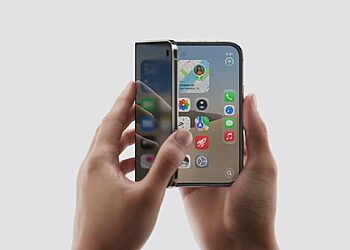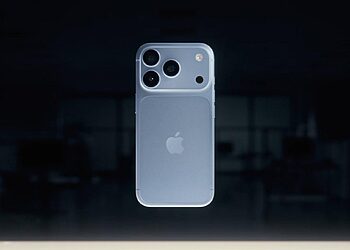





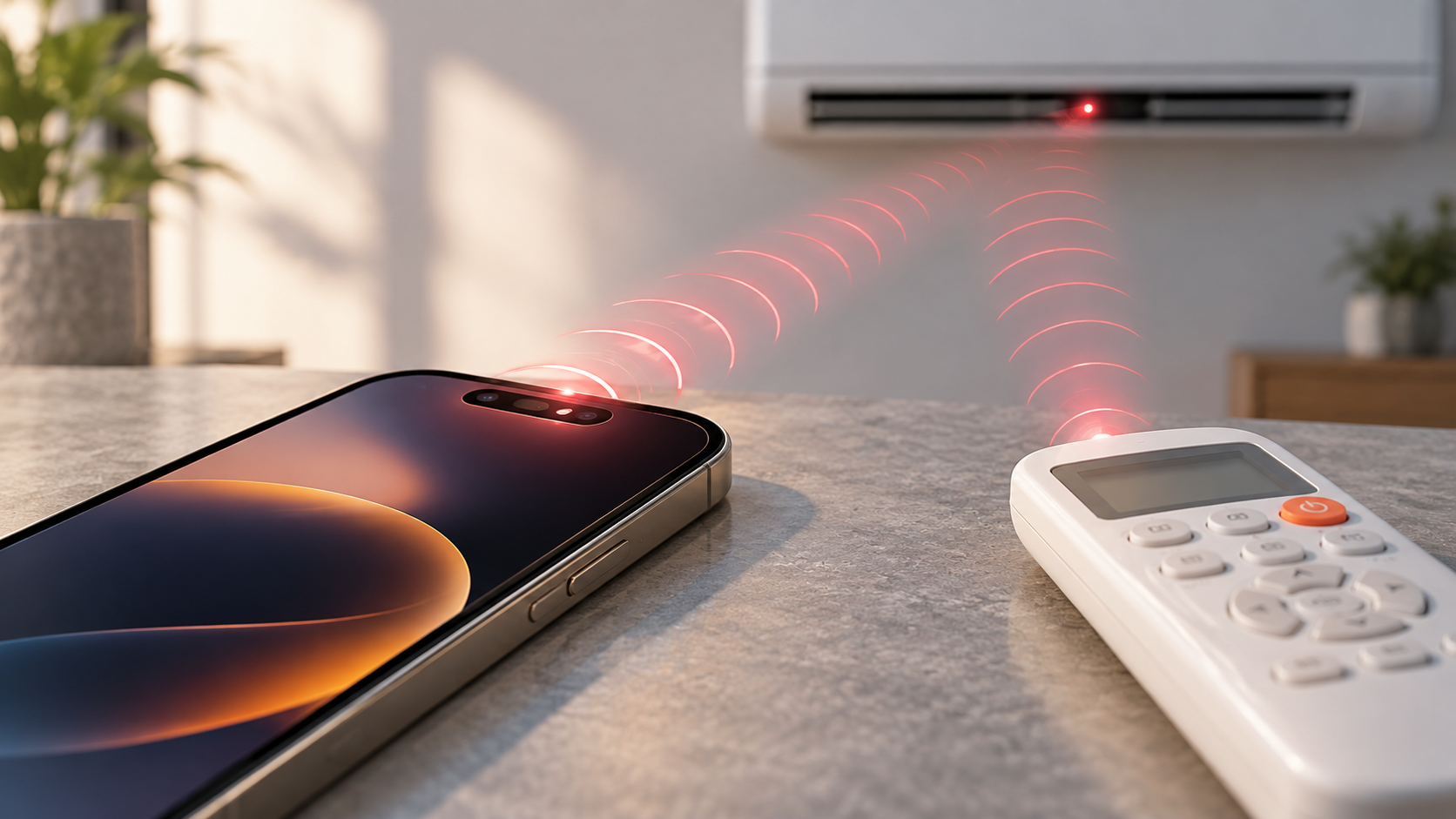
Some iPhone 18 Pro air conditioner remote reports are pointing to an unusual real-world problem: the air-conditioner remote may stop responding when the phone’s front camera area is facing the AC receiver.
The issue does not appear to be caused by the selfie camera lens itself. Based on user reports and Apple’s own explanation of Face ID hardware, the more likely cause is infrared interference from the front TrueDepth sensor system used around Face ID.
The practical fix is also simpler than it first sounds. Users may not need to end a FaceTime call. In many cases, switching from the front camera to the back camera, or turning the phone away from the air-conditioner receiver, should be enough to make the remote work again.
What users are seeing
The reports describe a consistent pattern. When an iPhone 18 Pro or iPhone 18 Pro Max is placed with its front sensor area pointed toward an air conditioner, the AC remote may fail to register commands. When the phone is moved, turned away, or switched to the rear camera, the remote begins responding again.
A Reddit user discussion describes similar behavior during front-camera use, while Spacebar explains the same issue through the lens of infrared interference. The important detail is that users notice the front camera, but the component involved may be the invisible sensor hardware around it.

Why infrared interference is possible
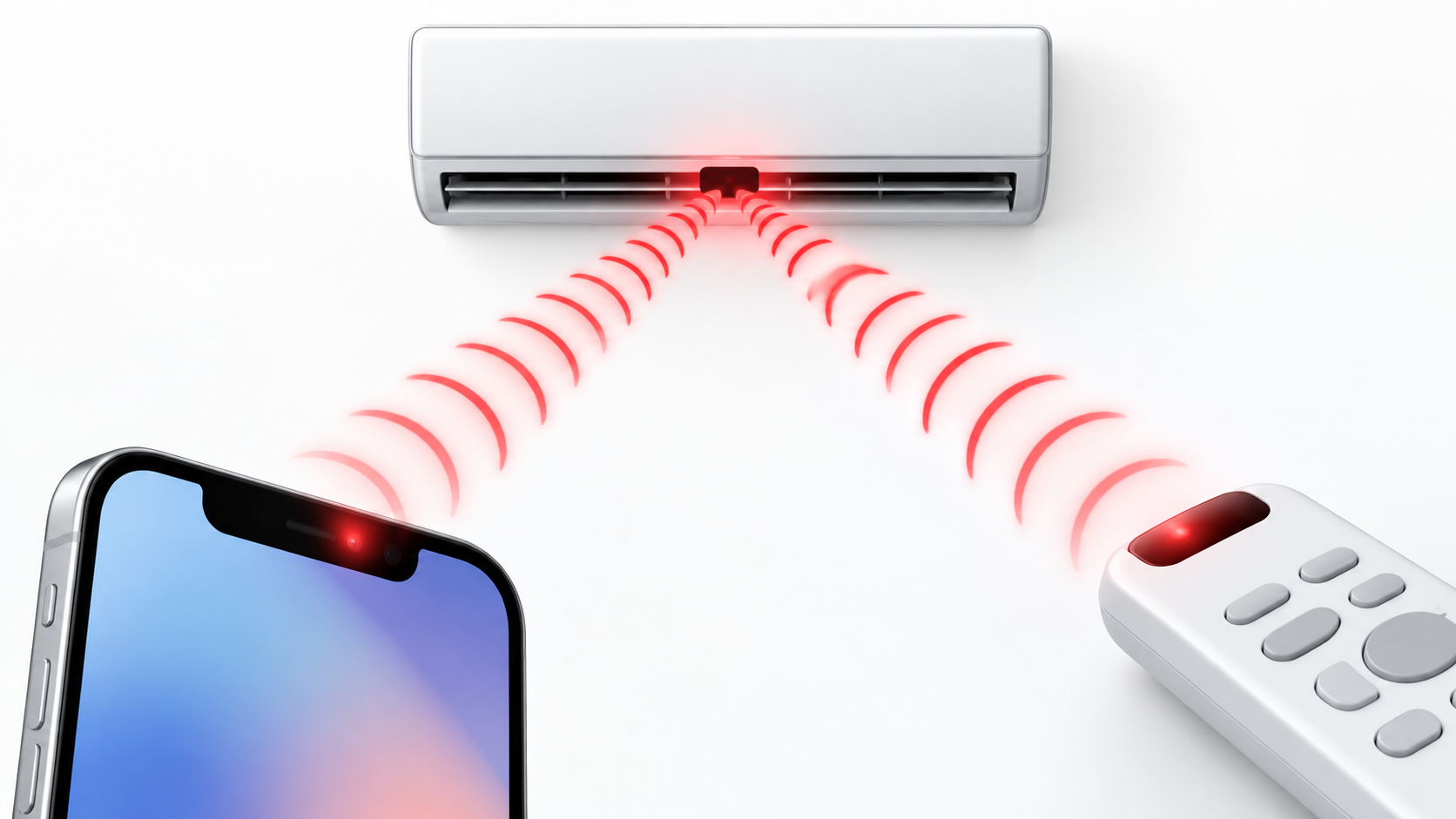
Apple says the TrueDepth camera system works by projecting and analyzing thousands of invisible dots to create a depth map of a user’s face, and it also captures an infrared image for authentication. Apple’s Face ID technology page also notes that some cameras may detect light output from the TrueDepth camera.
That means the iPhone’s front sensor area can emit infrared light that human eyes cannot see. Traditional air-conditioner remotes also use infrared to send commands such as power, temperature, fan speed, and mode changes to the AC unit’s receiver.
If another infrared source is pointed at or near that receiver, the AC unit may have trouble reading the remote’s command cleanly. That does not mean every remote will fail. Distance, angle, receiver sensitivity, lighting conditions, and the exact AC model may all affect whether the problem appears.
Switching to the back camera is the quickest workaround
The first workaround is not to end the call. During FaceTime or any app using the front camera, switch to the back camera before pressing the AC remote. That moves the active camera view away from the front sensor area and can stop the interference without interrupting the conversation.
Users can also turn the iPhone’s screen away from the air conditioner, move the device away from the AC receiver, or place the phone face down while using the remote. If the remote immediately starts working again, the problem is more likely to be infrared interference than a broken remote or faulty air conditioner.
A simple test is enough: point the phone’s front camera area toward the AC receiver, open the front camera or a FaceTime call, and try the remote. Then switch to the back camera and try again. If the remote works after switching cameras, the phone’s front sensor area is probably involved.
Is this an Apple hardware defect?
At this stage, there is no official Apple statement confirming the behavior as a hardware defect or iOS bug. It is safer to describe it as a reported compatibility issue between the iPhone 18 Pro front sensor system and some infrared-based air-conditioner receivers.
GSMArena has also flagged the broader issue, but the available evidence remains based on user reports and technical plausibility rather than a formal Apple diagnosis. That distinction matters because the issue may not affect all homes, all AC units, or all iPhone 18 Pro devices in the same way.
For now, users should try the camera-switch workaround before replacing a remote or calling an AC technician. If the remote only fails when the phone’s front camera area is aimed toward the receiver, the cause may be invisible infrared light rather than a fault in the air conditioner itself.
Bottom line
The iPhone 18 Pro and iPhone 18 Pro Max front-camera remote issue appears to be less about the camera lens and more about the TrueDepth infrared hardware used for Face ID.
If an air-conditioner remote stops working during FaceTime or while the front camera is active, switch to the back camera first. That may restore the remote immediately, without ending the call.
Sources: Apple’s Face ID technology page, Spacebar, Reddit user discussion, GSMArena.