WhatsApp 1,500 Group Limit: What Admins Should Check
Summary
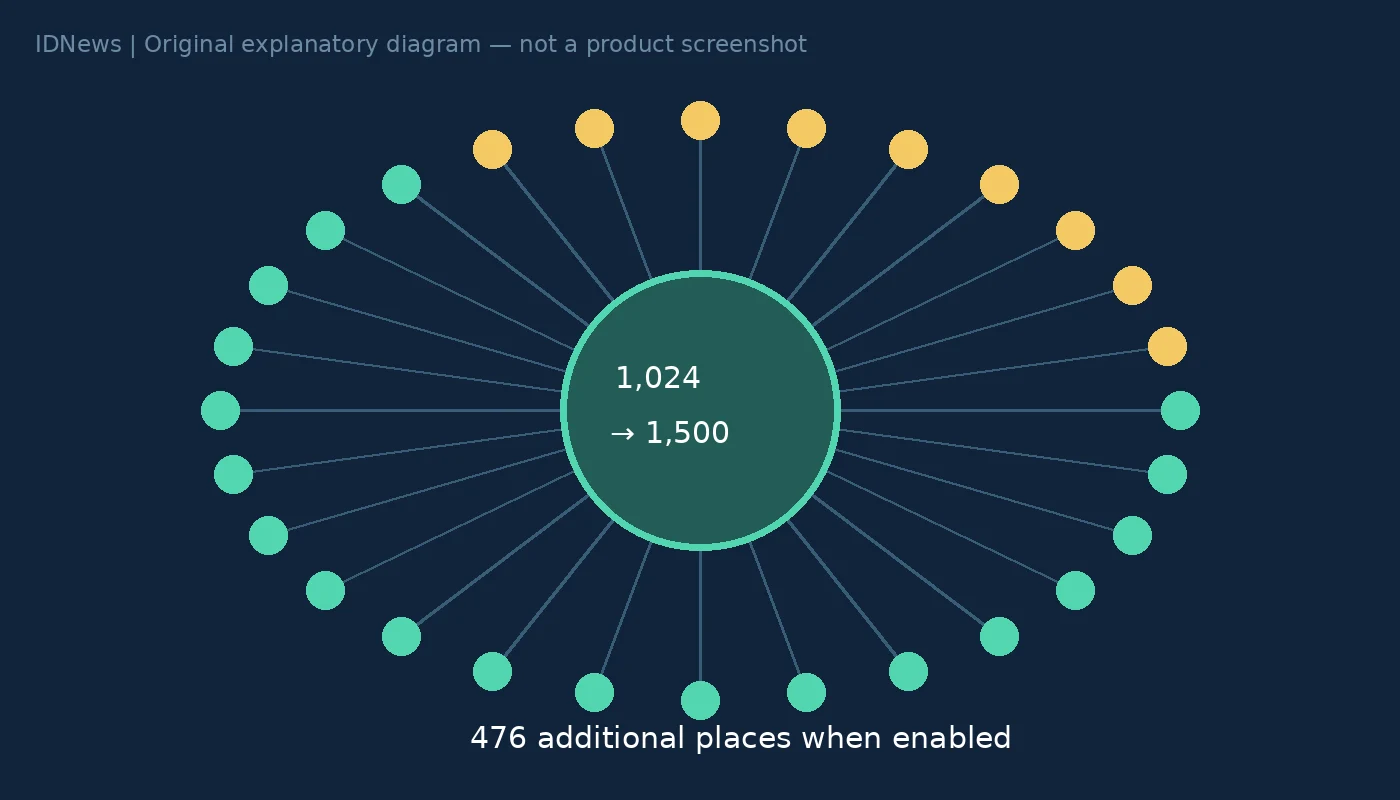
The WhatsApp 1,500 group limit is rolling out gradually on Android and iOS, according to WABetaInfo. It raises the reported cap from 1,024 members, giving an eligible group room for 476 additional people. As of November 20, 2026, admins should not assume that every account has received the change or that they need to recreate existing groups.
What the WhatsApp 1,500 group limit changes
WABetaInfo’s original report says both ordinary groups and group chats inside Communities are receiving the higher capacity. It says existing groups are expanded automatically as the rollout reaches the relevant accounts. 9to5Mac also reports the change, citing WABetaInfo. These are not two independent tests: the second report relies on the first. We did not test a 1,500-member group, and the availability statements here remain attributed reporting rather than an account-specific guarantee.
The extra capacity is 476 places, not 1,500 new places
The arithmetic matters when planning a migration. The difference between 1,500 and 1,024 is 476. A full group at the old limit would therefore gain 476 places if the new limit is enabled, rather than another 1,500. For a hypothetical school association with 1,200 participants, the reported cap could remove the need to divide that one discussion solely because of the old capacity limit. It would not automatically make a single conversation the best structure. Distinct year groups or topics may still be easier to follow separately. That is an organisational choice, not a technical requirement of the update.
Community groups are not announcement groups
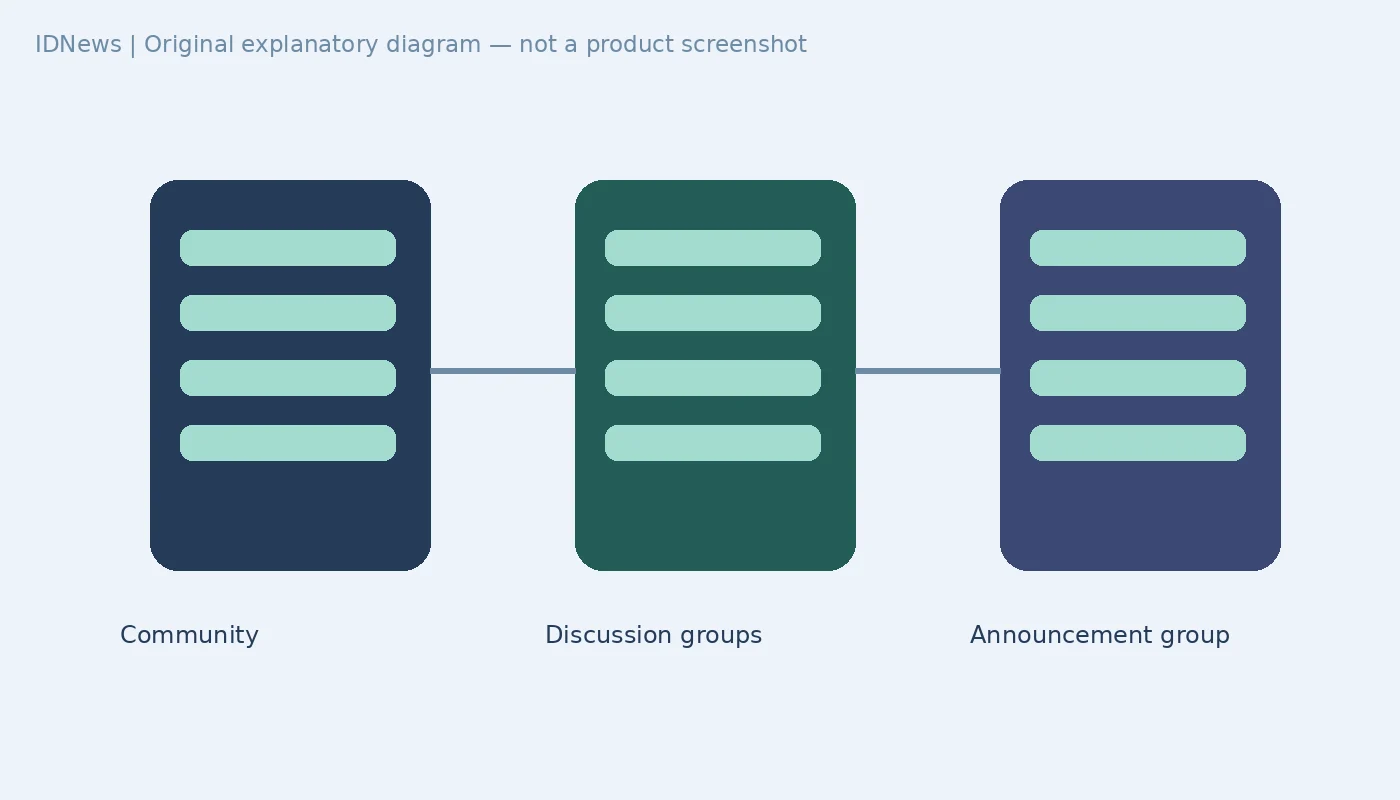
WABetaInfo distinguishes a discussion group within a Community from the Community announcement group. Its report says the latter is unaffected by this change and already supports up to 2,000 members. Do not apply the 1,500 figure to every container labelled Community or assume it represents the total membership of an entire Community. Before inviting people, identify whether you are changing an ordinary group, a linked discussion group or an announcement group. The reported feature changes the capacity of particular group chats; it does not establish that all other membership limits have been removed.
Plan the conversation before expanding it
More participants mean more possible messages, not necessarily better participation. Admins can first agree on the group’s purpose, which notices belong there and who will handle questions. For a hypothetical 1,200-person association, splitting general announcements from topic-specific discussions may be more useful than placing all activity in one thread. Avoid treating the higher cap as an instruction to add everyone immediately. Our Apple Invites polls guide covers a different coordination problem: gathering a group’s preferences rather than simply increasing its size.
What to do if the old limit remains
The original report describes availability for some users on recent Android and iOS app versions, with expansion over the coming weeks and no announced date for universal access. Updating through the official app store is sensible maintenance, but the evidence does not establish that reinstalling the app, creating another group or using an unofficial client will force access. Keep the existing group intact while checking what your own account permits. The meaningful success check is whether the eligible group actually accepts members beyond the previous cap, not whether a news headline says the rollout has begun. No private groups or member details were accessed for this article.