Apple Invites Polls: What Hosts and Guests Need to Know
Apple Invites polls give event hosts a way to collect guest preferences inside an invitation instead of separating the discussion across messages. Apple’s version 1.13.0 release notes list polls and floating emoji effects as the November update’s two additions. Hosting still requires iCloud+; answering an invitation does not.
What Apple Invites polls actually change
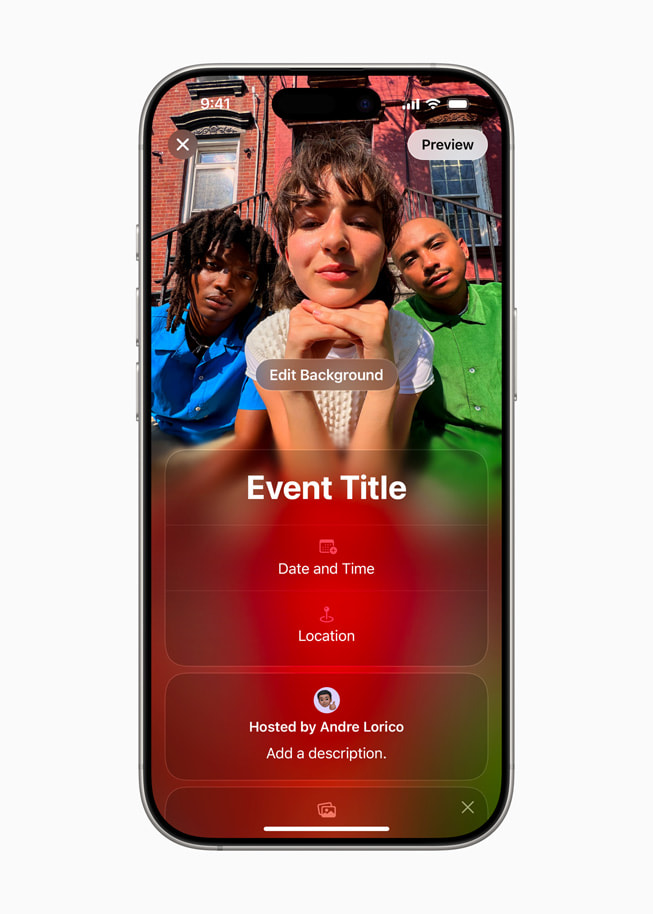
Apple Invites archival 2025 promotional interface image; not the new polls interface. Credit: Apple. Source.
Apple’s App Store release notes say hosts can add a poll so guests can vote on a theme, menu or another decision. That is a planning tool, not a replacement for the invitation’s RSVP. Knowing whether someone is attending and knowing which dinner option they prefer are different questions.
For a small gathering, the practical benefit is keeping one decision beside the event details. Consider a hypothetical host choosing between two dinner themes: a poll can collect preferences, while the invitation continues to carry the location and other arrangements. This example illustrates a use case, not a hands-on test or a guarantee about the number of available poll options.
The release notes do not explain voting deadlines, anonymous responses, repeat voting or whether every poll field can be edited after votes arrive. Hosts who need those controls should inspect the current app before treating it as a substitute for a dedicated survey service.
Check the version and hosting requirements
The US App Store listing checked on November 12, 2026 shows version 1.13.0 and identifies Apple as the seller. Update the app through the App Store and check that the new version is installed before looking for polls. This article does not claim a verified sequence of taps for creating one, because Apple’s public release notes do not provide that sequence.
Apple says creating invitations requires an iCloud+ subscription. The app itself is listed as free, which should not be confused with free hosting. Guests can RSVP through the iPhone app or a web browser from another device, so an event does not need an all-iPhone guest list.
There is an important compatibility inconsistency in the listing. Its descriptive requirements still mention iOS 18 or later, while the current Compatibility section says iOS 26.0 or later. For installation, check the live Compatibility section and the result shown on your own device rather than relying on older introductory copy. The update does not justify promising support for every phone that ran the original app.
Use a poll for a decision, not for every conversation
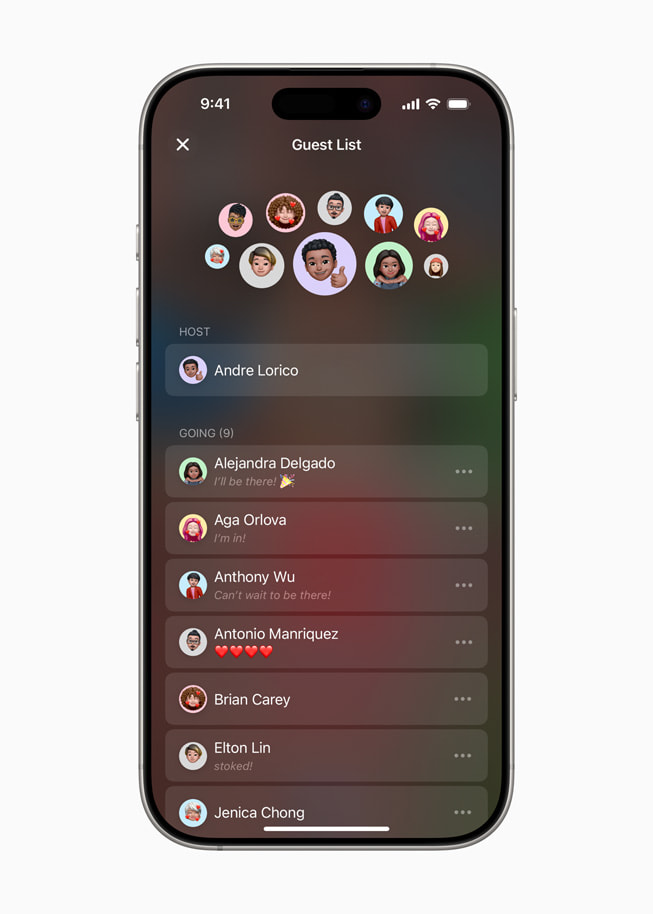
Apple Invites archival 2025 promotional interface image; not the new polls interface. Credit: Apple. Source.
A useful planning approach is to ask one concrete question whose answer will change the event. A menu preference or theme is easier to act on than a broad invitation to suggest anything. Keep essential arrangements in the invitation itself and communicate a final decision clearly once you have considered the responses.
Do not assume a vote communicates allergies, accessibility requirements or other sensitive needs adequately. Those may need a direct conversation with the host. The release notes establish the presence of guest voting, but they do not establish specialist consent, accessibility or data-handling controls for survey responses.
Existing Invites tools include cohosts, event messages and links to relevant material. Apple’s listing also describes Shared Albums and collaborative playlists. Playlist collaboration requires Apple Music, another condition that should not be confused with the separate iCloud+ requirement for invitation creation.
Floating emoji effects are a separate visual update
The second addition lets hosts add an emoji effect that floats across an invitation. It changes presentation rather than the underlying event plan. Choose an effect that complements readable text; the actual date, location and instructions should remain easy for guests to identify.
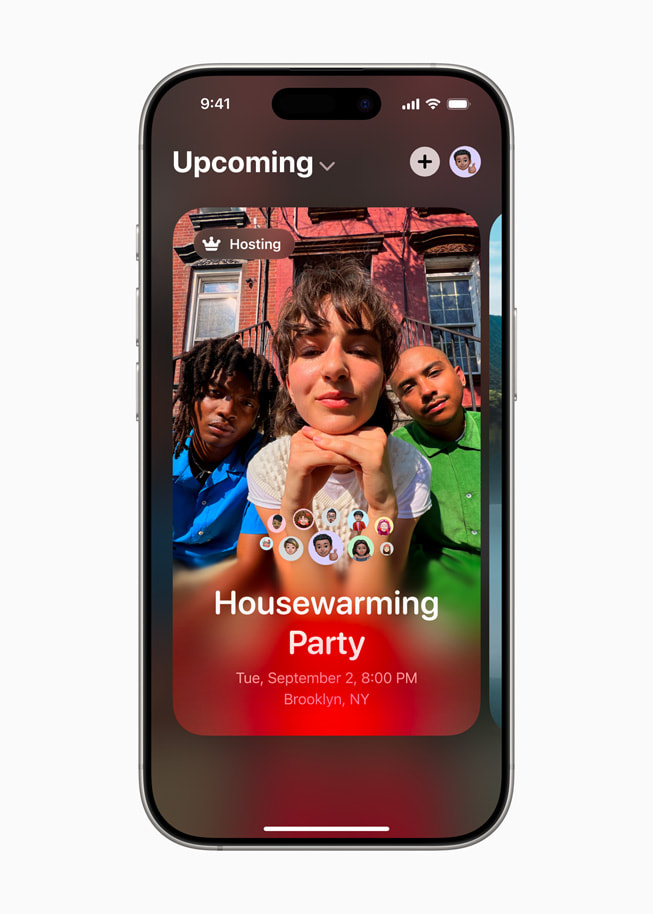
The images accompanying this article are Apple’s original 2025 promotional interface images. They show the established event-creation and guest-list experience, not a verified screenshot of the new poll controls. That distinction matters when comparing the illustrations with the version on your phone.
What to check before sending the invitation
Confirm that your app version includes the update, that the hosting account has iCloud+, and that the essential event information is correct. Then check the invitation from a guest’s perspective before depending on a new feature for an important decision.
For most casual gatherings, the value of this update is modest but practical: fewer disconnected planning messages. It does not establish that Apple Invites has become a full survey platform. Hosts should choose it for integrated event planning, with specialist tools reserved for decisions that require controls Apple has not documented.
Related reading: CueFlip Turns Sheet-Music Pages by Listening: Setup, Price and Limits.
Sources: Apple App Store listing and release notes · Apple original announcement and press images · 9to5Mac update report
Apple Invites archival 2025 promotional interface image; not the new polls interface. Credit: Apple.