


Summary
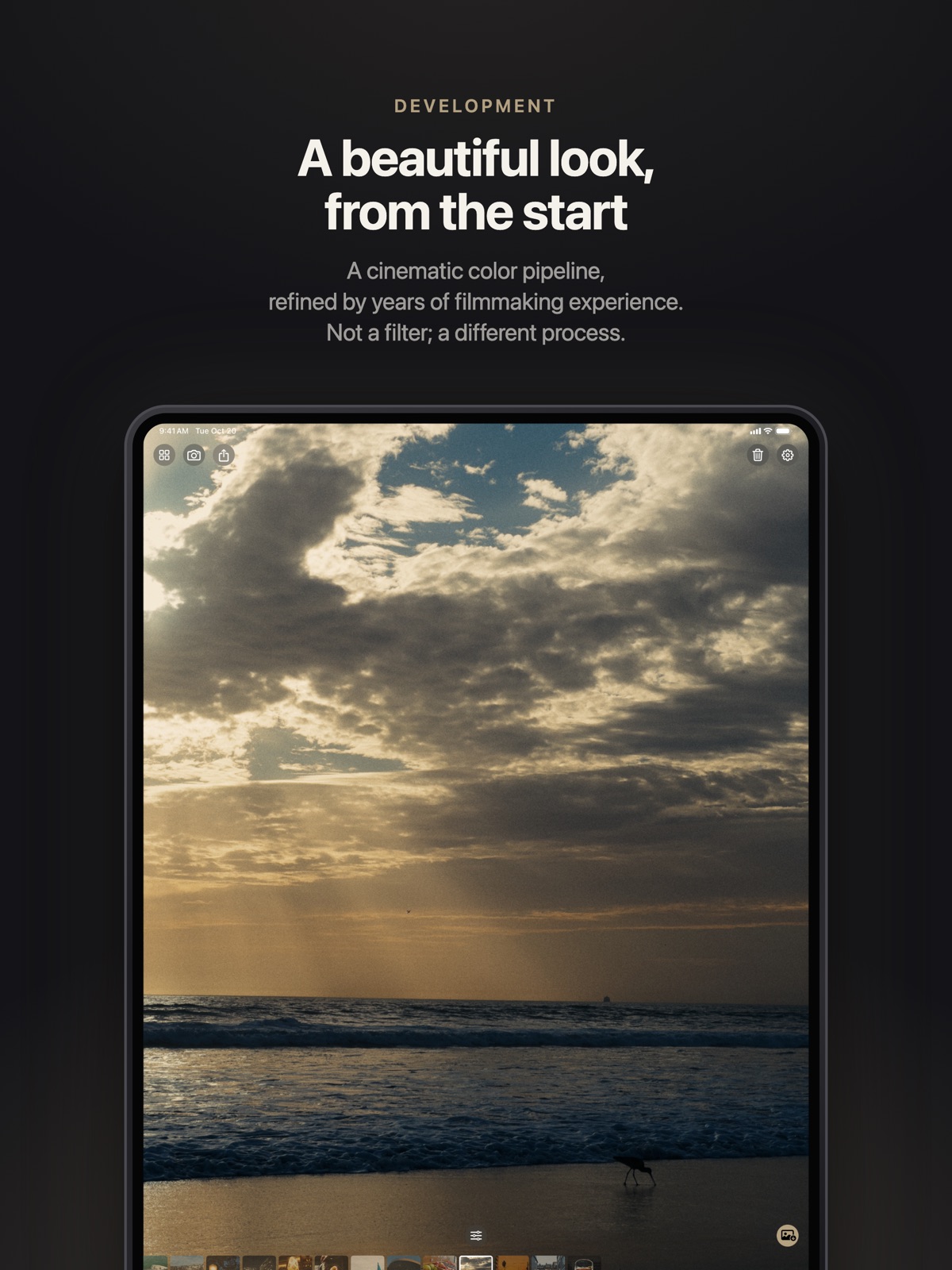
Chromagraph Camera offers a different answer to complaints about heavily processed smartphone photos: change the image-processing pipeline, rather than add another filter to the finished picture. The $12.99 app starts from raw image data and applies a curated rendering approach associated with cinematographer Steve Yedlin and director Rian Johnson.
That distinction matters more than the film-inspired presentation. According to its App Store description, the app keeps full-quality raw originals while letting users adjust color, tone and texture. It is designed for still photography, not video. Here is what the developer promises, what independent coverage adds, and which limitations buyers should check before paying.
How Chromagraph Camera differs from a filter
A conventional photo filter works on an image that has already been rendered. Chromagraph instead describes its approach as beginning with raw capture data and building the image through its own processing. The developer says its color and texture rendering draws on methods used on the Knives Out films. That is a description of the intended aesthetic, not a claim that a phone gains cinema-camera hardware.
The practical difference is where creative choices enter the process. Rather than trying to undo an existing look afterward, the app supplies its own starting point. This does not make every image objectively better. Skin tones, contrast, grain and highlight handling remain matters of preference. Anyone happy with Apple's default output may have little reason to replace it.
The viewfinder is not the finished photograph
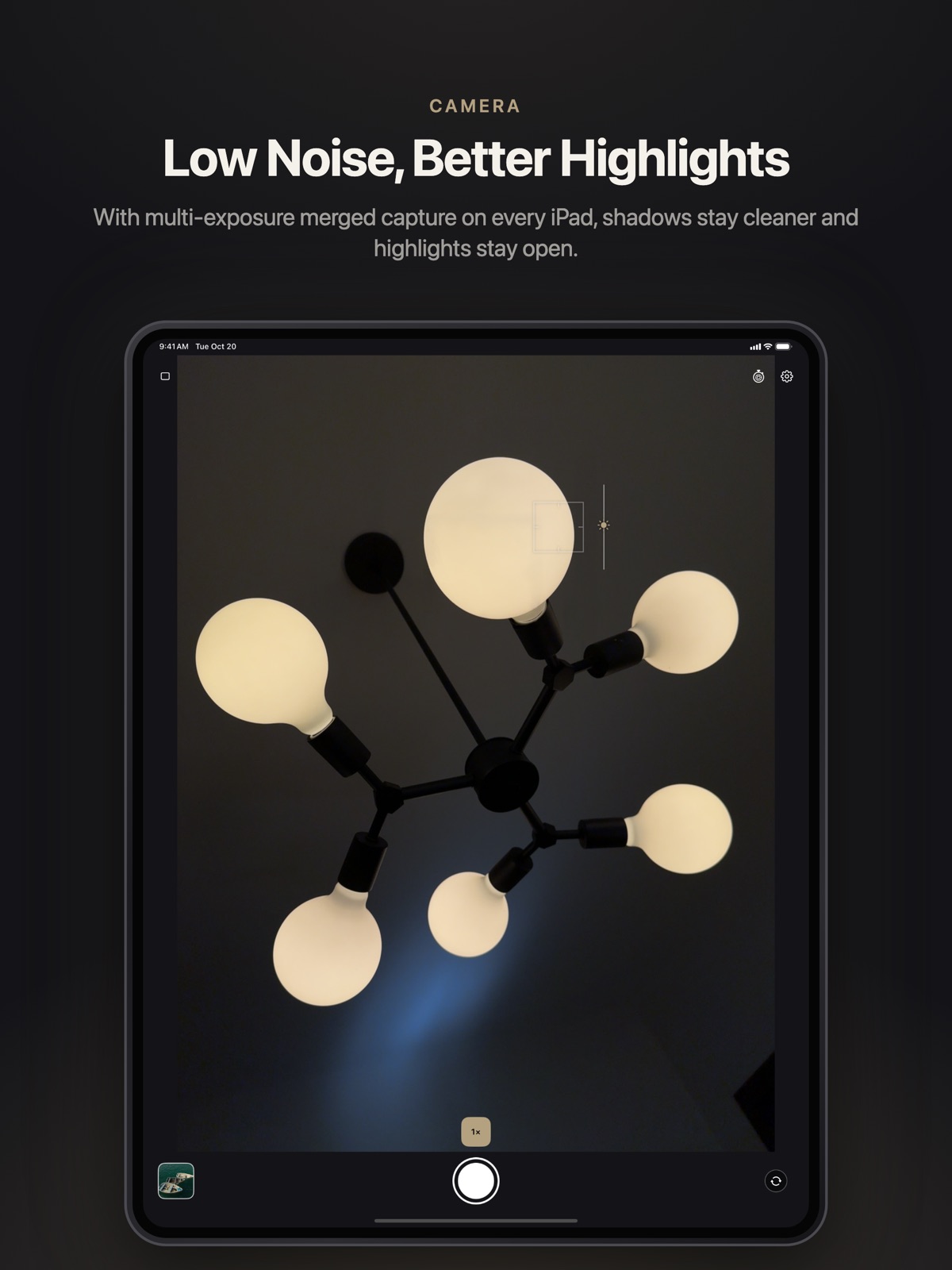
Chromagraph's listing makes an important qualification: users frame the scene through a viewfinder, but see the finished look after processing, when opening the gallery. It describes this as a shoot-first workflow comparable to a film camera. Buyers should not assume that the live preview shows the exact final rendering.
For casual photography, that can be an acceptable trade-off if the resulting pictures consistently match the user's taste. For time-sensitive work, it is worth testing how quickly capture, processing and review fit together on the actual device. We have not benchmarked those steps, and the listing does not justify a universal claim about speed or reliability across all supported phones.
Editing and exporting without discarding originals
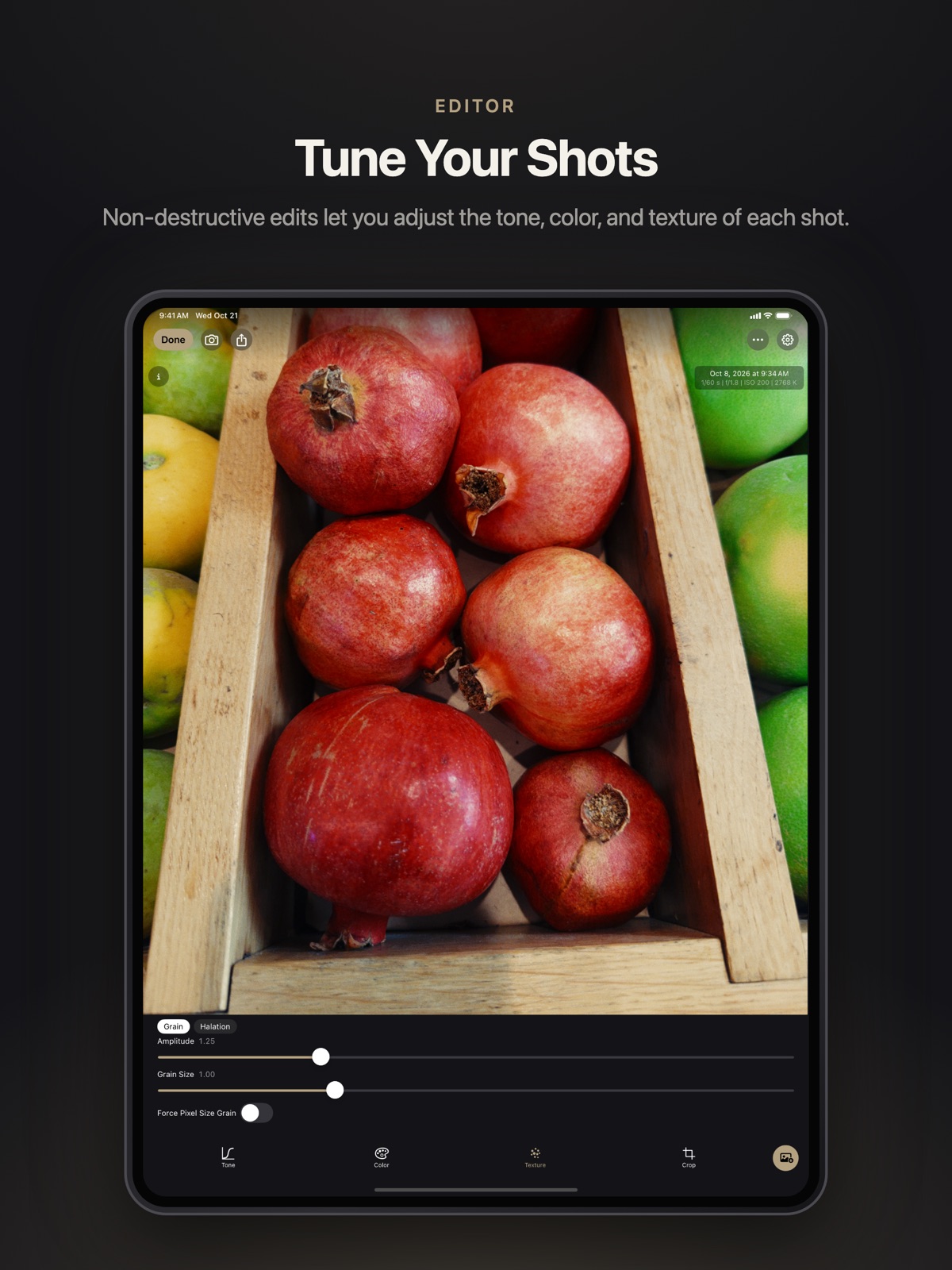
The app stores raw files and displays them with its rendering and any adjustments applied. Its editing tools cover color, tone and texture while retaining the app's core look. Keeping an original gives photographers a route back to the capture data rather than committing every decision into a single small export.
Sharing is a separate step. Users can export smaller files or enable automatic export to the photo library as JPEG or HEIC, with the look applied. That distinction is useful when planning backups: an exported photo and the raw original are not interchangeable. Check where each is stored and whether your normal backup routine covers both before relying on the app for important images.
Price, compatibility and privacy details
The US App Store listed Chromagraph Camera at $12.99 when checked for this article. Regional pricing and later updates may differ. The listing requires iOS 17.0 or later for iPhone and also lists iPad compatibility. However, operating-system support alone does not guarantee access to every physical camera on every device.
The developer specifically warns that some cameras on devices such as iPhone 11 do not support raw capture and cannot be used in the app. It also explicitly says Chromagraph does not shoot video. Its App Store privacy label says data is not collected; that is the developer's disclosure, not an independent privacy audit. These limitations should be checked against your intended shooting workflow rather than inferred from the app's name.
Who should consider it?
In November 7 coverage, 9to5Mac writer Michael Burkhardt said he had paid for the app and liked its point-and-shoot results. His comments are useful evidence of one user's experience, not a controlled image-quality comparison. His criticisms of Apple's processing and other camera apps should likewise be understood as his assessment rather than universal technical findings.
Chromagraph makes most sense for someone who wants a consistent alternate rendering without turning every shot into a lengthy manual edit. Photographers seeking video capture, an exact live look preview, or guaranteed access to every lens should examine alternatives. The sensible test is simple: compare similar scenes, inspect the exported files on your usual display, and decide whether the processing saves work or merely changes your preferences. A distinctive look is valuable only if you want to keep using it.
Sources: App Store developer listing, 9to5Mac coverage.
Related: WhatsApp AI Photo Expansion Reaches iOS: What to Expect.