



Summary
WhatsApp AI photo expansion is beginning to reach iPhone users, bringing a generative image-editing tool directly into the app's photo editor. WABetaInfo reports that the feature is available to some testers using WhatsApp beta for iOS 26.44.10.16, with some App Store users also receiving access. The key qualification is that this is a gradual rollout, not a feature everyone can expect to see immediately after updating. The tool creates additional image content around an existing photograph rather than simply stretching the original pixels.
What WhatsApp AI photo expansion actually changes
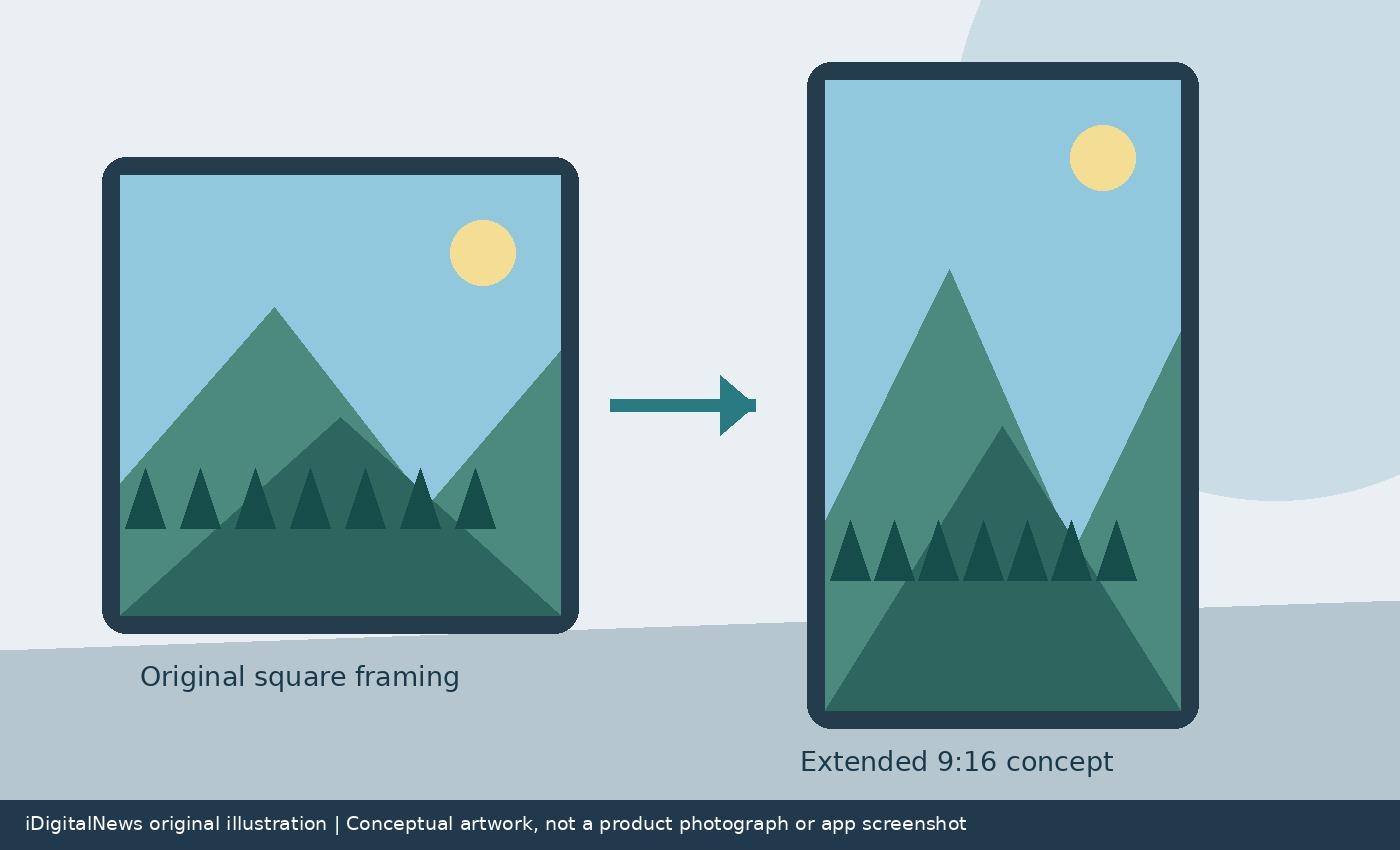
The reported feature uses Meta AI to extend an image into a 9:16 composition. That tall format is particularly useful for status updates, where a square or landscape photograph may otherwise leave unused space above and below it. Generating a continuation of the scene can produce a fuller composition without asking the sender to switch to another editing application. However, the added material is synthetic. It is an interpretation of what might belong outside the original photograph, not recovered information from the camera. That distinction matters whenever the photograph is intended to document a real place, product or event accurately.
Where to look in the editor
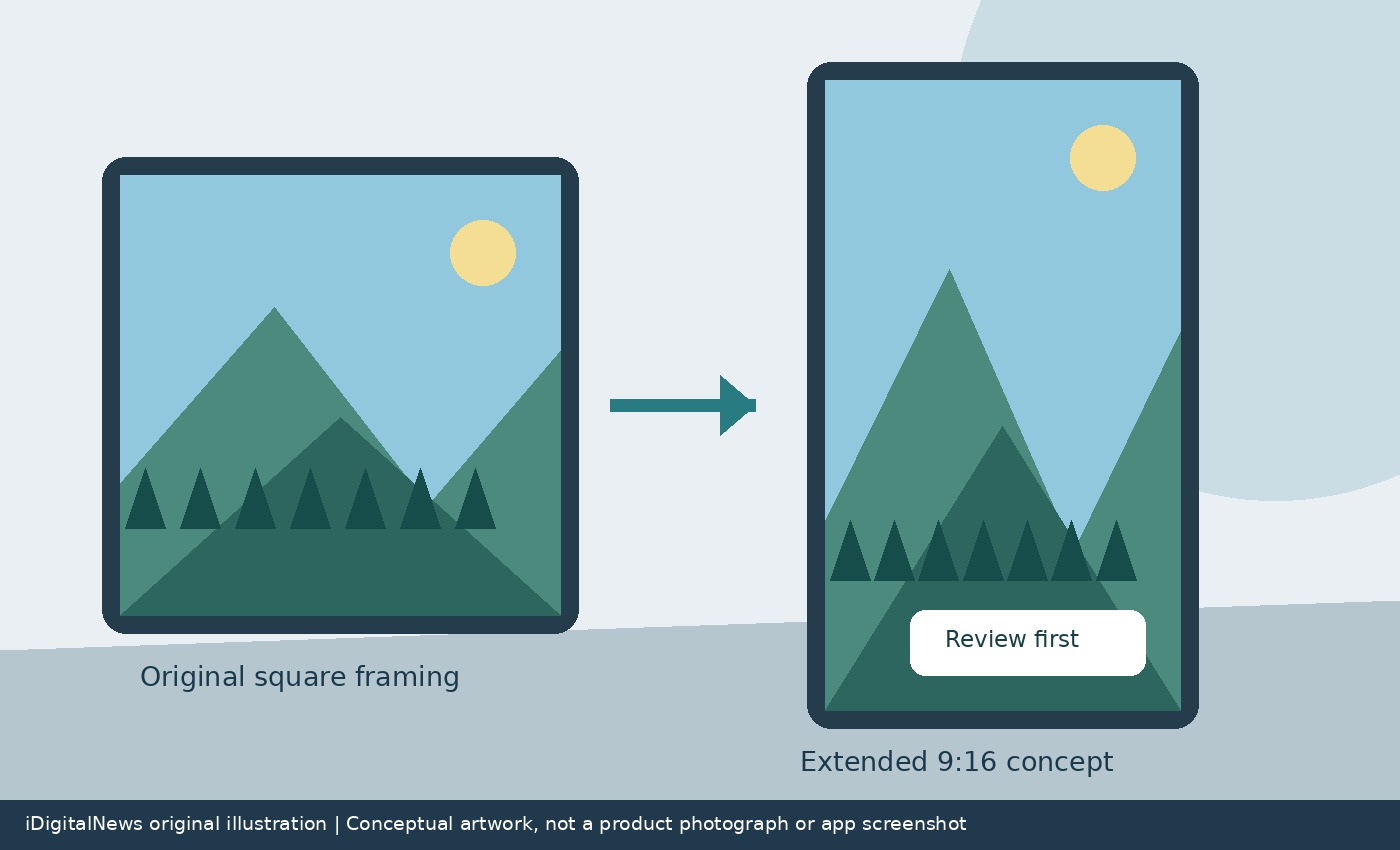
WABetaInfo says users can select a photo in a chat and find the expansion option in the drawing editor before sharing. The feature also works with status updates. After the user chooses expansion, Meta AI analyzes the photograph and produces an extended version for review. The report describes the processing as taking a few seconds, rather than establishing a guaranteed completion time for every device or connection. Availability of the editing control is more useful evidence than the app version alone: an updated installation does not guarantee that the server-side rollout has reached a particular account.
Review, undo and try again before sending
The result appears in the editor before it is sent. Users can undo the edit to return to the original photograph, or run expansion again to obtain a different result. WABetaInfo specifically says the photograph is not sent automatically. That gives the sender an opportunity to check whether newly generated details fit the scene. Look closely at the boundary between the original and added areas, especially where buildings, repeated patterns or objects continue across it. This is practical advice for reviewing generative edits, not a claim that the rollout has a particular documented defect. Keep the original image when factual accuracy matters more than filling the frame.
Why the option may still be missing
The reporting identifies a limited rollout across TestFlight and some public iOS installations, following related Android testing. It does not establish a universal launch date. If the option is absent, avoid assuming that your phone is faulty or that reinstalling WhatsApp will force activation. Using the current official release and waiting for account availability is a more proportionate response. This report also does not establish new privacy terms for AI processing; read the notices shown by the app before submitting sensitive imagery. For everyday status posts, the practical change is simpler: a composition tool that previously required a separate editing workflow is moving into the sharing screen itself.
Sources: WABetaInfo, 9to5Mac. Related: Safari Technology Preview 256.