


Summary
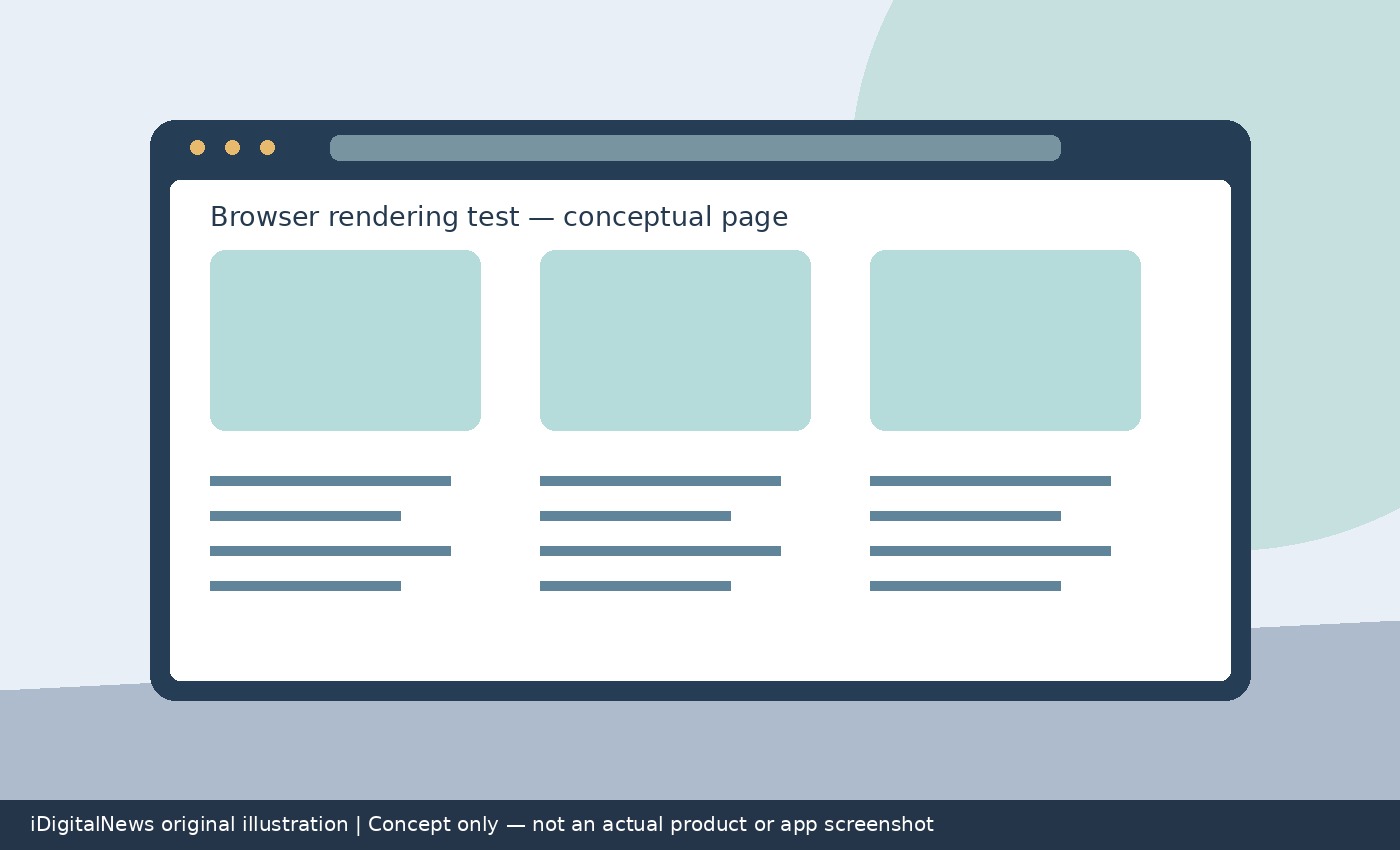
Safari Technology Preview 256 is available for macOS Golden Gate and macOS Tahoe, bringing another round of browser-engine changes for developers and testers. WebKit’s release notes identify fixes affecting accessibility, CSS and animations, among many other areas. The practical value is not a single headline feature: it is an opportunity to check whether real websites behave correctly as Safari’s engine evolves. Apple’s experimental browser is a testing channel rather than an announcement that every listed change has reached the standard Safari release.
Installing Safari Technology Preview 256
WebKit says existing users can update through System Settings, under General and then Software Update. The release is available to download for macOS Golden Gate and macOS Tahoe. MacRumors also reports that Technology Preview can run alongside the regular Safari browser and does not require a developer account. That makes it useful for comparing the same website across the current browser and a newer experimental engine. It does not eliminate the need to test the browser versions that customers actually use. Before investigating a difference, record the browser build and macOS version so a report identifies the environment accurately. A result in Technology Preview should not be described as a confirmed production Safari fix without checking the production browser separately.
Accessibility fixes deserve real interaction tests
Two accessibility changes stand out in the inspected release notes. WebKit fixed list-marker text generated through the content property not being exposed in the accessibility tree. It also fixed a case where VoiceOver could not reach content inside an iframe nested within another iframe using role none or presentation. These are specific problems, not evidence that every accessibility issue is resolved. Developers with relevant patterns should test the actual content using assistive technology, rather than relying only on visual inspection or an automated checklist. In particular, content that looks present on screen may still be represented incorrectly to a screen reader. The release notes offer useful regression targets for teams maintaining complex embedded content or custom list styling.
CSS changes affect more than visual polish
The CSS section adds support for text-combine-upright on marker pseudo-elements and font-palette-mix on Cocoa platforms. It also describes support for continue collapse with line-clamp, along with multiple fixes around clamping, layout and writing modes. Another correction addresses text zoom being applied twice to font sizes specified with font-relative units. That matters because zoom and text sizing affect usability, not just appearance. Sites using unusual writing directions, tightly constrained cards or custom font loading should prioritize those patterns during regression checks. The notes also describe a correction to CSSStyleSheet.replaceSync on a detached constructed stylesheet, where rules were appended rather than replaced and shared stylesheet contents could be affected. Teams using constructed stylesheets should compare the resulting styles, not merely check that a page loads.
Animation performance claims need careful interpretation
WebKit reports improved performance for scroll-driven animations by avoiding style invalidation when animation timing is unchanged. It also fixes how a translate keyframe of none is drawn in scroll-driven animations. These changes give developers specific behavior to investigate, but they do not establish a universal speed increase for every website. No percentage improvement is supplied in the inspected notes. A useful test therefore compares the same page, device and interaction sequence across builds, while looking for both visual correctness and changes in responsiveness. If the website does not use the affected animation patterns, these particular fixes may have little visible impact. A broad claim that all pages are faster would go beyond the release notes.
A focused regression plan beats a feature checklist
Start with a small group of pages that exercise your site’s most important flows. Include a representative form, a page with embedded content, a complex responsive layout and any scroll-driven animation you actually ship. Check keyboard and screen-reader behavior as well as rendering. Then compare Technology Preview with the regular Safari version used by your audience. When a difference appears, reduce it to the smallest reproducible example before deciding whether it is an improvement, a regression or an unsupported feature difference. These are testing recommendations, not guarantees from Apple. The release’s value is that its detailed change list makes targeted testing possible. Technology Preview 256 provides an early view of ongoing WebKit work; reliable compatibility decisions still require evidence from the browsers and environments your users depend on.
Sources: 9to5Google, MacRumors. Related: technology companies coverage.