


Summary
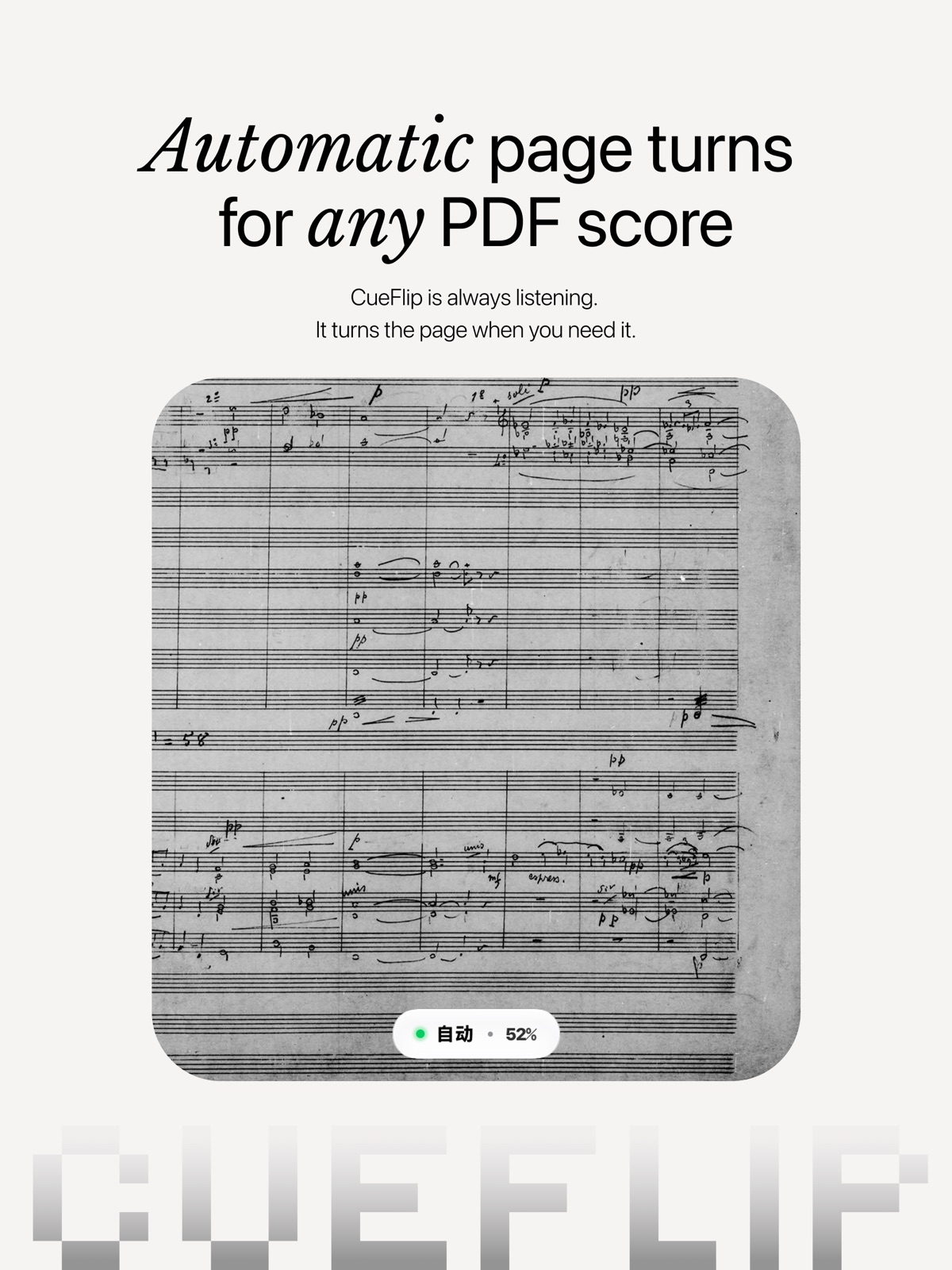
CueFlip is an iPhone and iPad sheet-music reader built around a familiar performance problem: both hands are busy when the page needs turning. Instead of relying only on a pedal or a fixed timer, the app learns a piece and listens as the musician plays, using that reference to decide when to advance.
The useful detail is that this is not described as a zero-setup magic trick. A performer teaches the app the page-turn locations during rehearsal or marks them against an imported recording. Its current App Store listing also spells out manual fallback options, an offline workflow and a free plan that can perform one score at a time.
How CueFlip learns when to turn
Start by importing a PDF score from sources such as Files, iCloud Drive, AirDrop or another app. CueFlip does not supply a music library; users bring the scores they already have. Reading and teaching are separate steps, so a musician can open a PDF before preparing automatic turns.
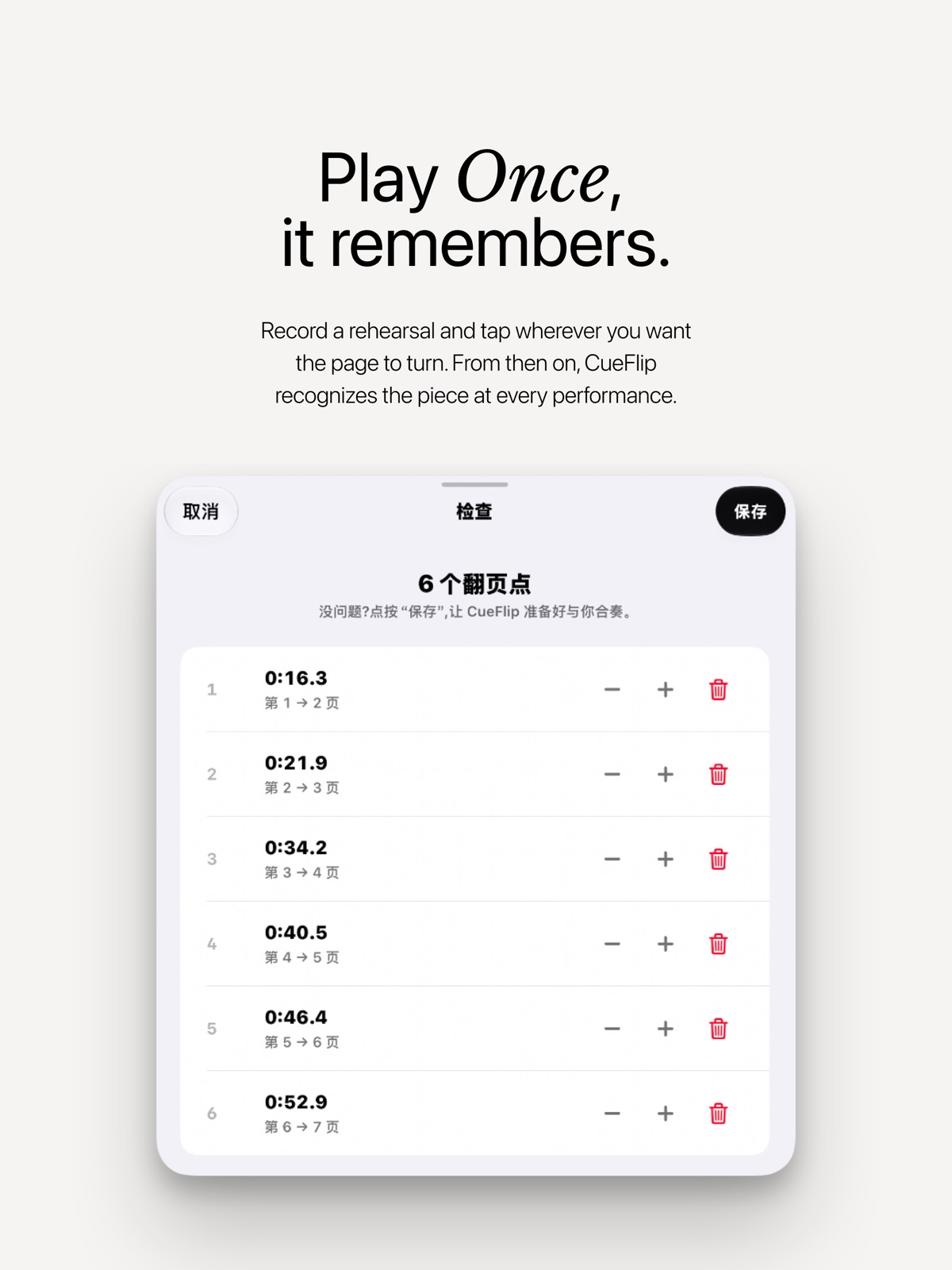
During teaching, play through the piece and tap the page edge whenever a turn is needed. Alternatively, import a recording and mark the same positions as it plays. The developer says backward turns can teach jumps, including repeats and different endings. Its aim is to follow the performance rather than advance after a fixed number of seconds, which would be a poor match for pauses or expressive tempo changes.
Manual controls remain important
The App Store description explicitly acknowledges that the follower can be wrong. Tapping the page edge remains available, and the developer says a manual correction can help the app resume following or relocate the current position. Bluetooth page-turner pedals are supported on every plan.
That matters on stage. Automation is useful only if the performer has a recovery path that is easy to reach while playing. Before a concert, rehearse the exact score with the intended microphone position, device placement and accompaniment. This is practical advice rather than a claim that we have tested CueFlip under those conditions. No source checked here establishes a universal accuracy rate or guarantees flawless following in every ensemble.
Practice tools beyond page turning
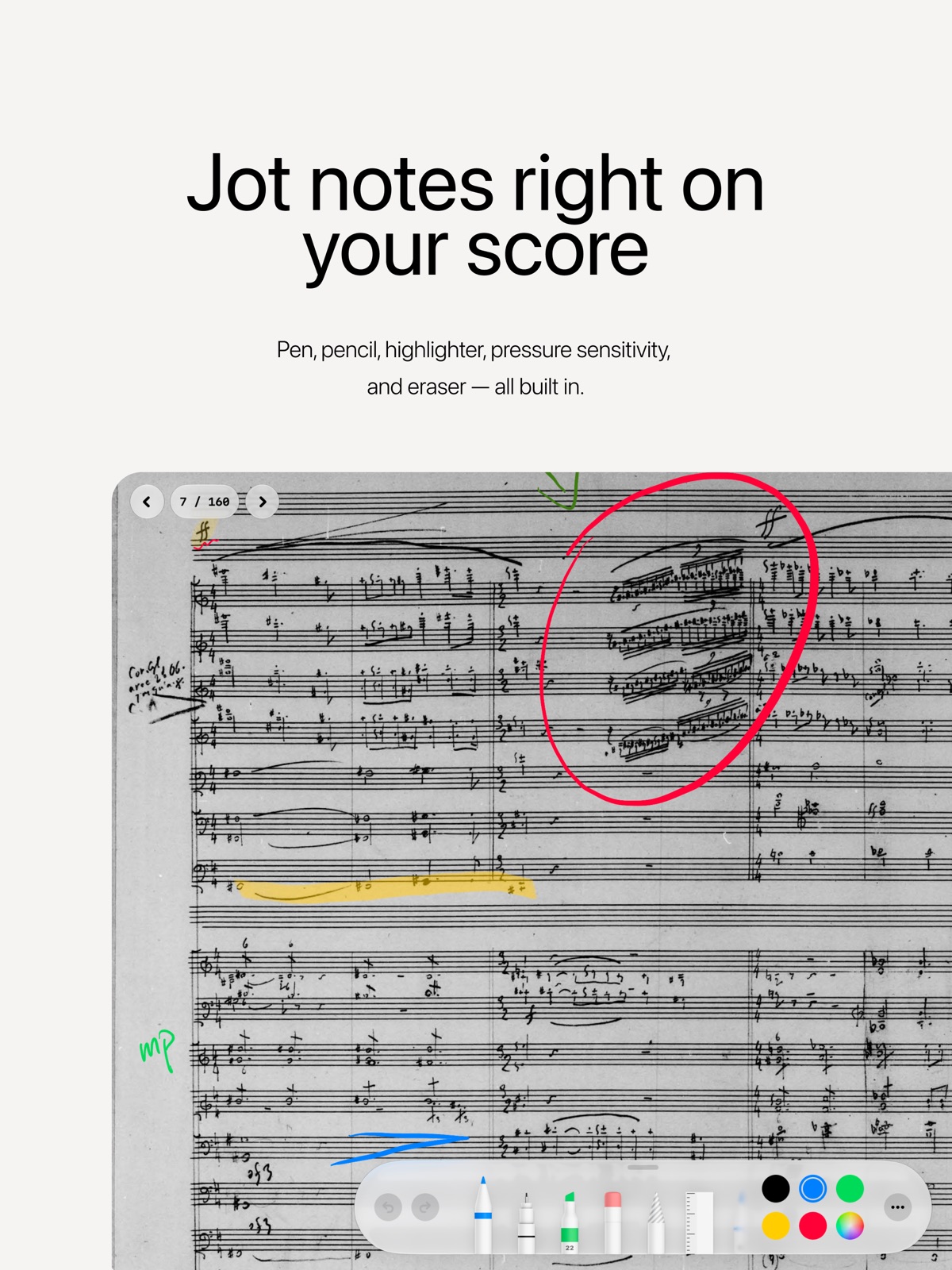
CueFlip's current listing includes PDF annotations, a metronome, a tuner and reading themes. Apple Pencil markings use the system tool palette, while paid annotation layers can separate material such as fingerings and teaching notes. A score overview rail on iPad helps users navigate through the document.
The latest release notes also describe a Music Dictionary with 20,695 terms across 13 languages, including terms found in scanned scores. Its definition view can include meaning, pronunciation and usage. These are developer-described capabilities, not a substitute for a teacher's interpretation of a particular musical passage. The distinction between reading support and artistic judgment remains important even when a reference tool is built into the score.
Free plan and paid options
The free plan includes automatic turning for one performable score at a time, PDF import, annotations, folders, manual and pedal turns, and several practice tools. The developer says a score beyond a plan limit is not deleted or locked; automatic turning stops for that score. This is more specific than saying the whole app is simply free.
The US listing shows CueFlip Pro at $4.99 monthly or $29.99 annually, plus a $69.99 lifetime purchase. Pro lifts the score limit and adds features including iCloud sync, annotation layers, ensemble metronome sync and export. Regional prices can differ. Subscription renewal terms should be checked in Apple's purchase screen, particularly if the app is being adopted for a short course or one performance.
Offline operation and privacy qualifications
The developer says following works offline and that no account is required. Scores, recordings and markings remain on the device unless users send them or enable their own iCloud sync. It also says microphone content is not uploaded unless the user chooses to submit a page-turn report.
These statements should be read alongside the App Store privacy label, which lists categories of data that may be collected, including contact information, user content, identifiers and diagnostics. An offline core feature does not mean every optional support or syncing workflow has identical data handling. Review the privacy policy and any report submission before sharing rehearsal recordings or copyrighted scores.
Who should try it first?
CueFlip requires iOS or iPadOS 16.4 or later according to the listing. Its strongest initial audience is a musician who already reads PDF scores and wants fewer interruptions during practice. 9to5Mac's November 7 spotlight provides independent coverage of the app's approach, while the current store description is the better reference for detailed plan entitlements.
The free single-score allowance provides a useful evaluation route. Teach one piece, include its repeats and pauses, and practice recovering with manual controls before trusting automatic turns in public. The value is not the removal of every possible interaction; it is reducing avoidable interruptions without leaving the performer dependent on software that cannot be overridden.
Sources: App Store developer listing, 9to5Mac coverage.
Related: WhatsApp AI Photo Expansion Reaches iOS: What to Expect.