tvOS 27.3 Beta 2 Adds Siri AI: Check Your Apple TV Setup

Summary
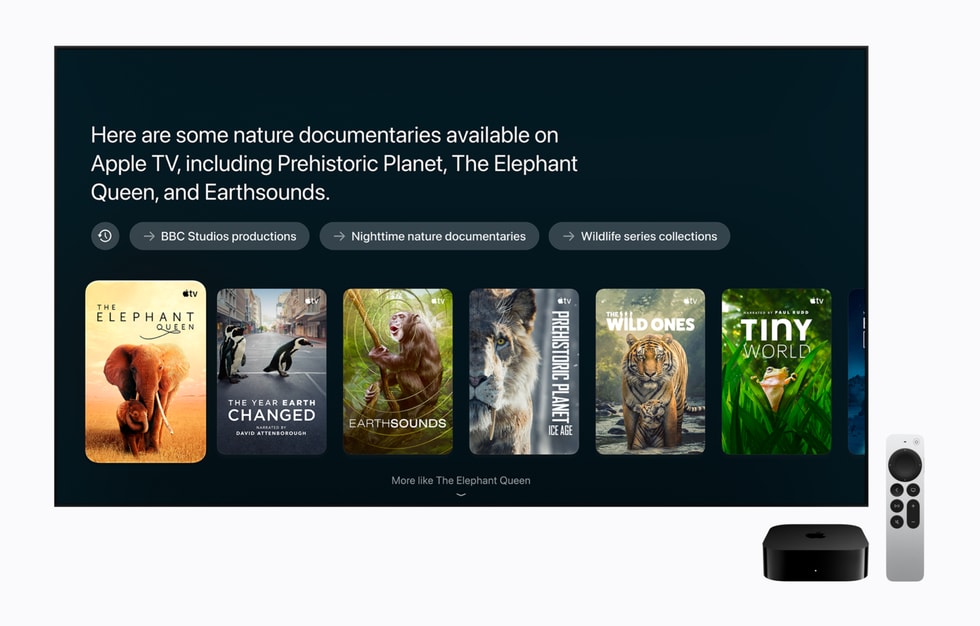
Featured image: Apple / Apple Newsroom. Official Siri AI demonstration, not an IDNews beta screenshot.
tvOS 27.3 beta 2 Siri AI support closes an awkward gap for Apple TV testers: the newer beta branch had been missing an assistant feature already available in the public software release. That does not mean everyone needs to install a developer beta to get the new Siri.
As of November 17, 2026, the practical question is which software branch your Apple TV uses, whether its hardware is eligible and whether the required paired device is ready. Treat these as separate checks rather than assuming that a higher tvOS version guarantees every feature.
What changed in tvOS 27.3 beta 2 Siri AI support
9to5Mac reports that beta 2 introduces a setup screen offering Siri AI or the option to continue with Siri Classic. The publication says it confirmed the screen itself. That is attributed reporting, not a beta installation tested by IDNews.
The report says tvOS 27.2.1 had already brought Siri AI to second- and third-generation Apple TV 4K models, while tvOS 27.3 beta 1 lacked access. The important distinction is between software branches: a beta with a larger version number is not automatically a superset of every feature in a smaller public release.
Check the Apple TV and paired device separately

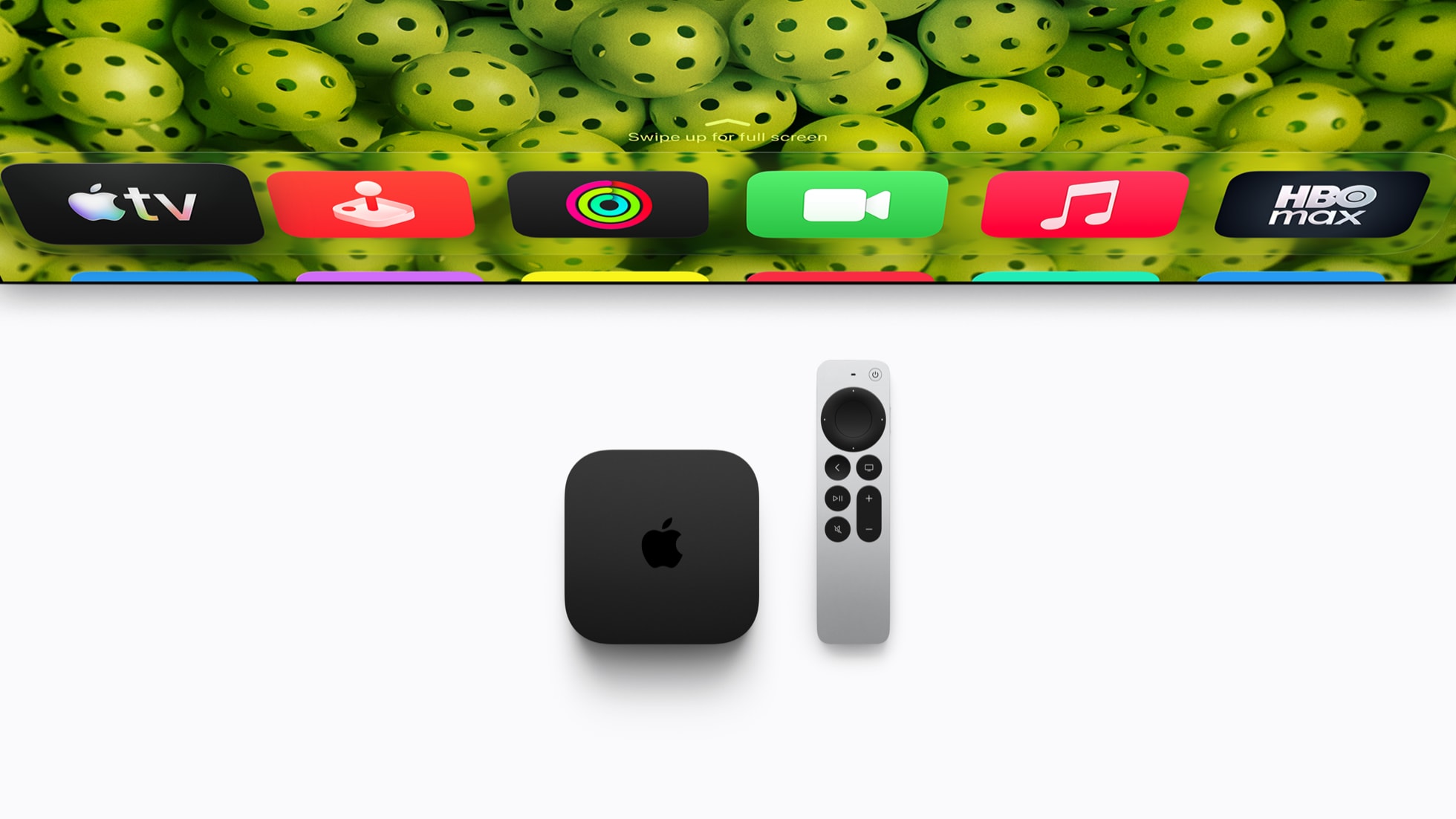
Apple’s Siri AI requirements list Apple TV 4K second generation and later with tvOS 27.2.1 and a nearby, paired Siri AI-enabled device. Its Apple TV user guide also identifies second-generation and newer Apple TV 4K models as eligible for the conversational assistant.
These conditions matter when troubleshooting. Updating a compatible television box cannot, by itself, make an unsupported phone eligible for Siri AI. Nor does enabling the assistant on a phone prove that the television has completed its own setup. Review both devices before treating a missing invitation as a failed rollout.
There is also a hardware distinction within the supported range. Apple says the fourth-generation Apple TV has far-field microphones for hands-free requests. Software eligibility for an older model does not add those microphones. If hands-free operation is your buying criterion, check that hardware feature rather than using “supports Siri AI” as shorthand.
Language and region still determine access
Apple’s current requirements say device language and Siri language must match a supported language. The document lists English, French, Japanese, Korean, Portuguese and Spanish, but that should not be read as a promise of every language on every device in every market.
The Apple TV announcement describes launch availability in English in the US, Australia, Canada, India, New Zealand, Singapore, South Africa and the UK. It also explains that the home owner needs a compatible Apple Intelligence-enabled iPhone or iPad with Siri AI enabled. Check the device-specific documentation when a general language list and a launch list cover different scopes.
For a Singapore household, the useful starting point is an eligible model, English setup and the required paired device. An overseas Apple Account, a different device language or another household member’s configuration can make your setup different from an announcement’s example. Do not change account regions merely to chase an assistant prompt.
A practical check before changing software branches
Consider a household with a third-generation Apple TV 4K and a compatible iPhone. This is an illustrative decision path, not a reproduced test. First identify whether the Apple TV is running public tvOS or the developer beta. If it uses the public branch, the beta 2 report is not a reason by itself to switch branches: public-release eligibility already exists.
If the device is on the beta branch, distinguish beta 1 from beta 2 before investigating account or language problems. Then check the paired device, its Siri AI setting and the applicable language requirements. Record the exact model and build when seeking support; “the latest update” is ambiguous when public and beta versions coexist.
Do not confuse assistant access with a hardware upgrade
This update answers a software-access question, not whether a new Apple TV is worth buying. Our explanation of the Apple TV RAM limit addresses a separate purchase question: more system memory does not necessarily mean a game can use all of it.
Similarly, do not infer HomePod availability from Apple TV availability. The beta report says HomePod mini 2 is still awaiting Siri AI and gives no confirmed rollout date. Evaluate each product on its documented state, and keep the option to use Siri Classic separate from the decision to install beta software.