


Raycast Dictate to AI is a new command that combines a spoken request with context from the app currently in focus. Instead of first copying text, attaching a screenshot, or describing a window, users can talk to the assistant with relevant app context included. Raycast documents the change in its macOS v2.11 release notes, and 9to5Mac reported on the update on November 6. The important detail is control: Raycast says users can turn context on or off in the command settings.
How Raycast Dictate to AI changes the workflow
Ordinary dictation converts speech into text. This command takes the next step by using a spoken request to ask AI for a response, alongside information from the focused app. That makes the active window part of the interaction rather than something the user must describe from scratch. It is a workflow change, not evidence that the model automatically understands every application or every item visible on a display. The release notes do not promise universal app compatibility or perfect contextual accuracy.
The practical opportunity is fewer handoffs between an application and an assistant. For example, a user might ask for help interpreting material in the current window instead of assembling a separate prompt manually. That is an illustrative use case, not an independently tested performance claim. Readers should distinguish the convenience of passing context from the correctness of the answer that comes back.
Context settings deserve an early check
Raycast explicitly says the command settings allow context to be switched on or off. That setting is worth reviewing before using the feature with work documents, personal information, or confidential material. The announcement establishes a control, but it is not a complete description of every model provider's data handling. We have not verified a universal retention policy or an assurance that all processing stays on the device.
A sensible first test is a non-sensitive window with a request whose answer is easy to check. Then compare the output with what is actually on screen. If the response seems to rely on the wrong material, check the focused app and the context setting before assuming the assistant has followed the intended task. For workplace use, existing rules about sending company information to AI services still apply.
A hotkey and a separate dictation extension
Raycast suggests assigning a hotkey to Dictate to AI, giving Control plus A as an example. That is a suggestion rather than a mandatory shortcut. Users should pick a combination that does not conflict with their normal editing habits or another application's commands. A shortcut helps only if it reliably invokes the intended action.
The same release introduces a Dictation AI extension. According to Raycast, it lets people use their transcriptions in AI chats, manage styles, and receive feedback on them. This is related to Dictate to AI but is listed separately in the release notes. The distinction matters when looking for a setting or command: a new extension and a new voice-to-response command are not necessarily the same interface.
Usage visibility and other v2.11 additions
The update also adds a menu-bar command for tracking AI usage. Raycast gives the path as Settings, then AI, then Show AI Usage in Menu Bar. This can make usage easier to monitor without interrupting a task. The release notes do not establish a new price for Dictate to AI, so readers should check their account's current plan rather than infer that the command includes unlimited model access.
Another addition is the Contacts AI extension, which can search, create, update, and delete contacts from AI Chat. Those are write-capable actions, unlike simply answering a question. Users testing the extension should review the target contact and requested change carefully. Raycast also lists better dictation post-processing, proxy-setting improvements, and fixes for AI timeouts and screenshot indexing. These are documented changes, not benchmarks measured by iDigitalNews.
What to verify before making it a daily habit
For Mac users already relying on Raycast, the clearest reason to try this update is reducing the friction between seeing something and asking about it. Start with the official v2.11 notes, locate the command, check the context option, and use a harmless example. Evaluate whether speech recognition, app context, and the answer itself are all working as expected; those are three separate checks.
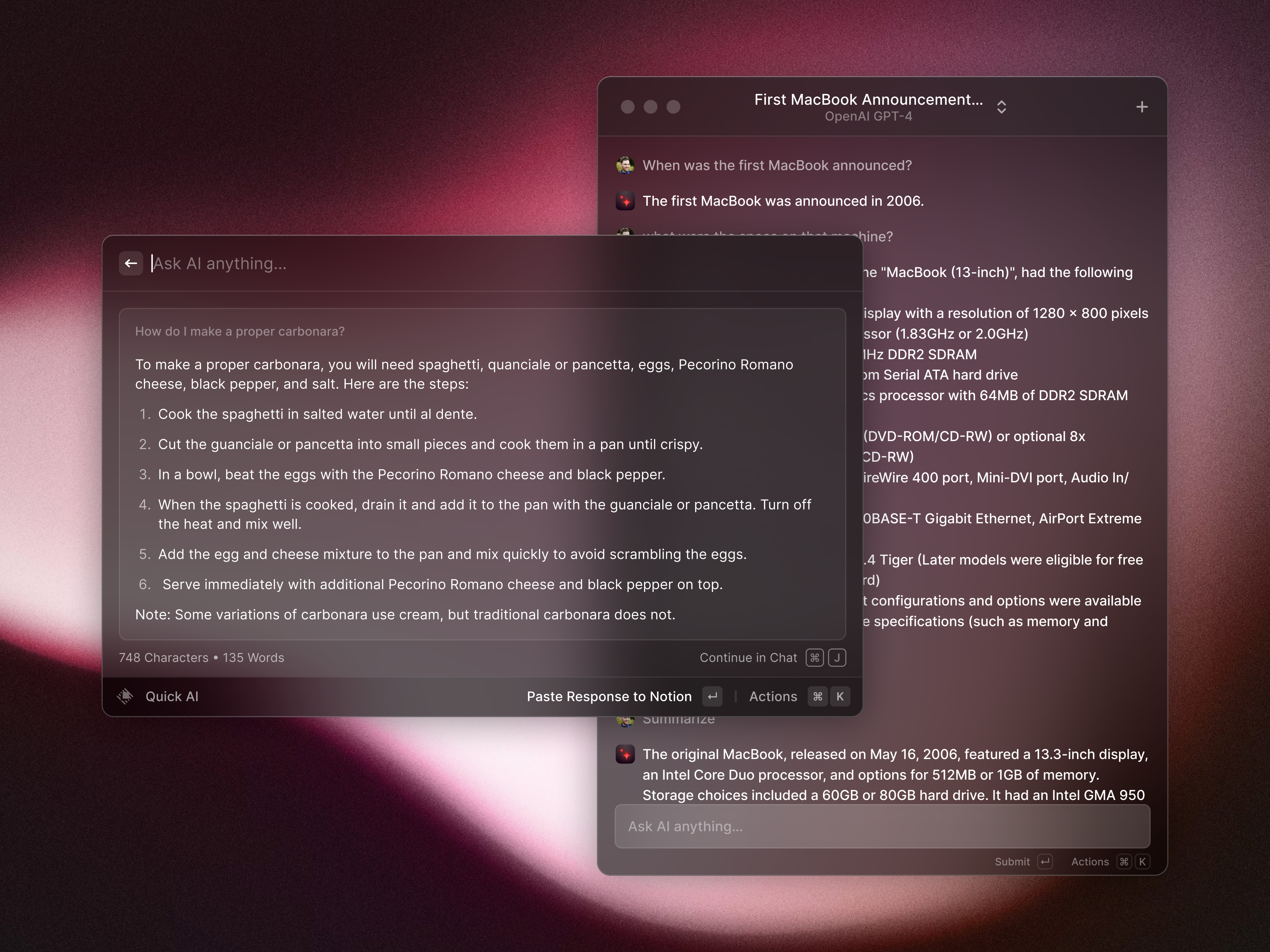
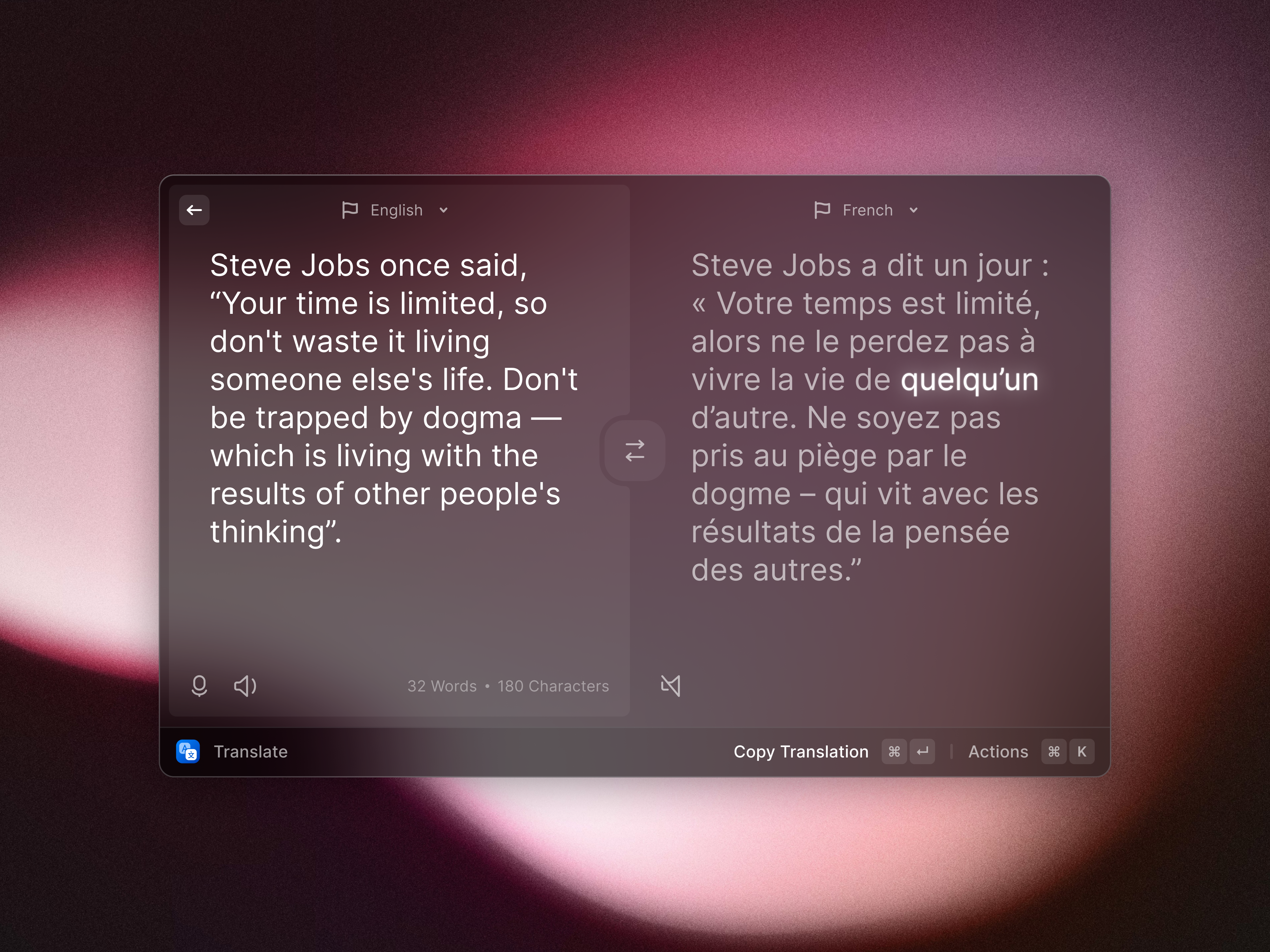
The broader significance is an assistant interface that moves closer to the active task. That can be useful without making every output trustworthy or every context source appropriate. This coverage is based on Raycast's documented release and corroborating reporting, not a hands-on review. Screenshots here come from Raycast's official press kit and illustrate the product generally; they should not be read as proof of the new command's exact appearance.
Sources: Raycast release notes, 9to5Mac reporting, Raycast press kit.
Related: WhatsApp AI photo expansion on iOS.